Enterprise
Plan the hard parts before the rollout.
Use an architecture session to review how programmable communications and the finished workspace fit your systems, access model, migration plan, support process, and commercial requirements.
Direct answer
What does a Callfora enterprise evaluation cover?
An enterprise evaluation covers architecture fit, identity and workspace boundaries, integration scopes, migration and number movement, operational evidence, support contacts, export, offboarding, and commercial limits. It is a working session, not a feature checklist, and it does not invent certifications or service levels.
Start with fit
A decision brief for the teams who have to live with the result.
Bring workflow, architecture, and rollout into the same room. Each lane produces evidence the next lane can use.
01 · Business workflow
Which conversations must stay owned
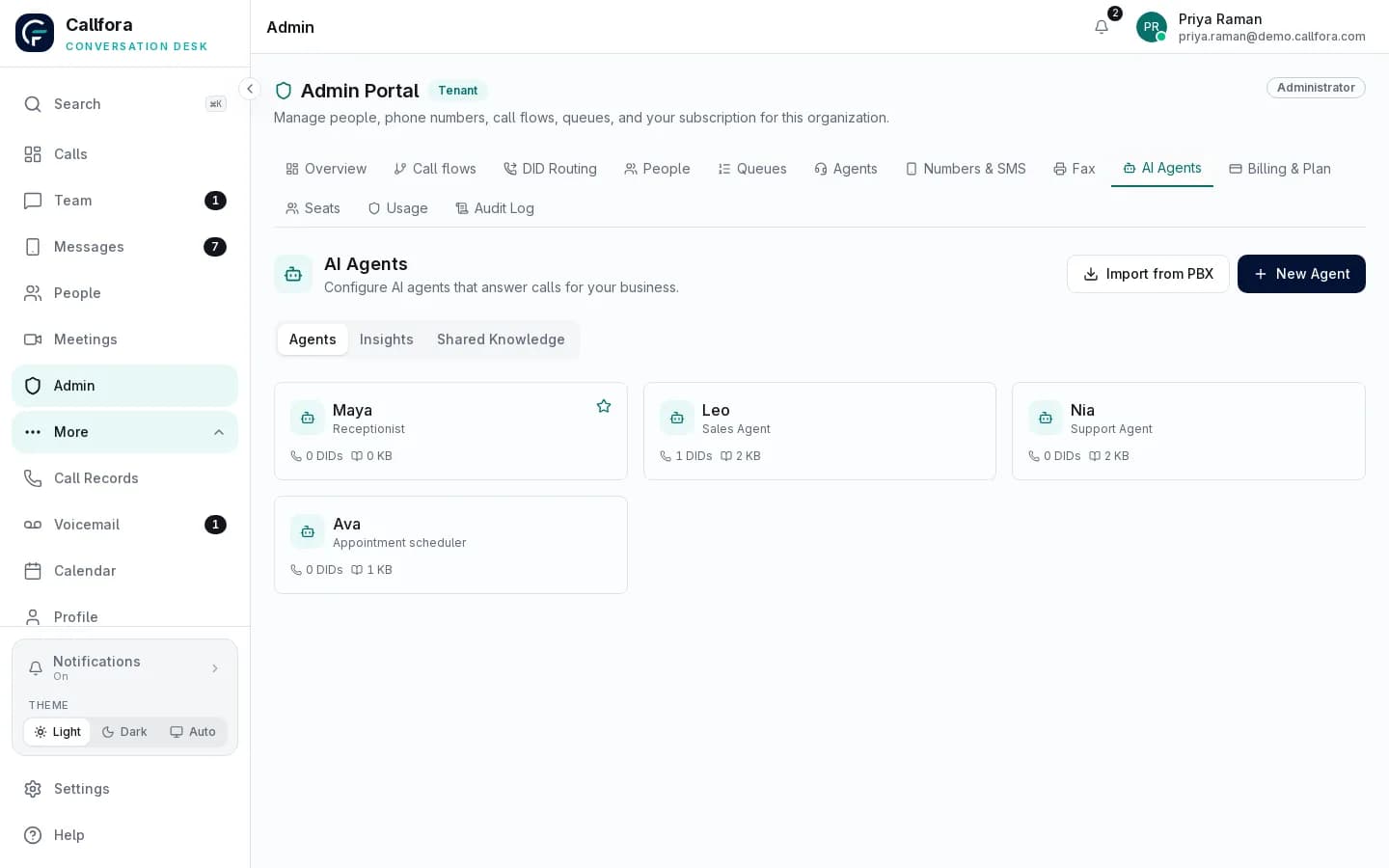
Map the numbers, teams, queues, and handoff destinations that already run the business. Decide where a person stays on the line and where a bounded AI role may take the first hello.
- ✓Inbound, overflow, and after-hours paths
- ✓Queue owners and quality reviewers
- ✓Booking, CRM, or help-desk systems of work
02 · Architecture and data
Where records live and who can see them
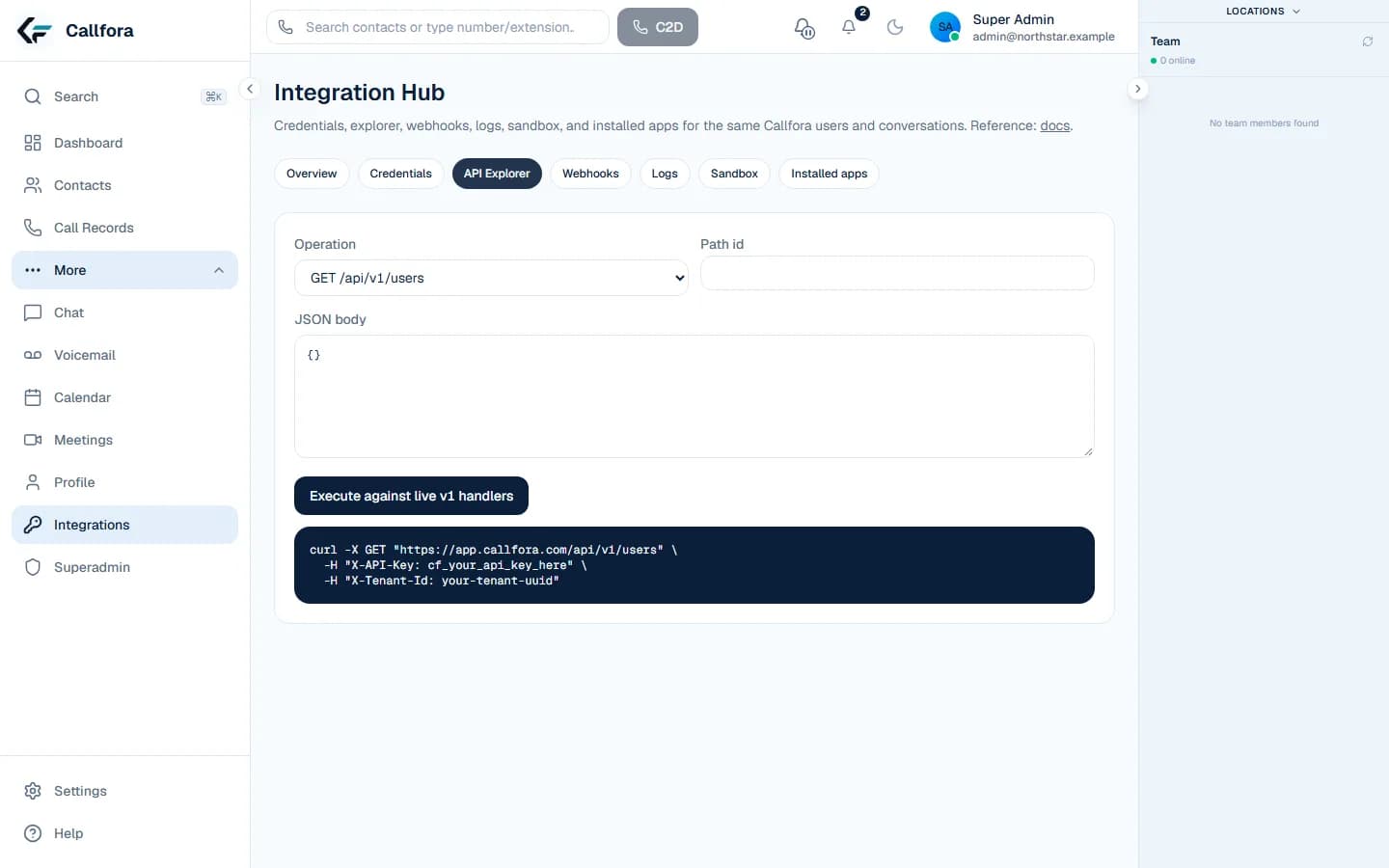
Review workspace boundaries, identity, credential ownership, and which events another system is allowed to receive. Sandbox proof comes before live data.
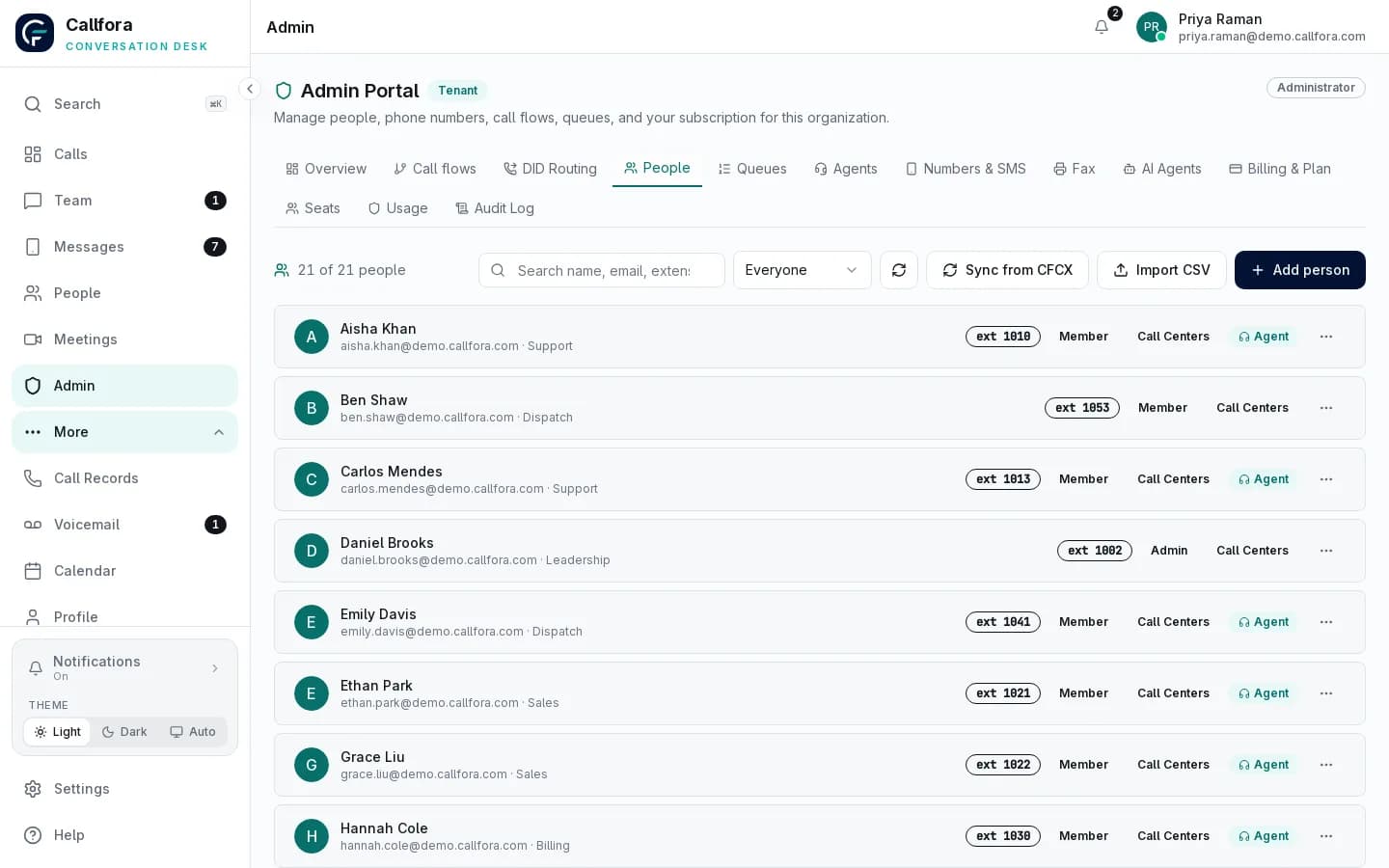
- ✓Organizations, roles, and admin ownership
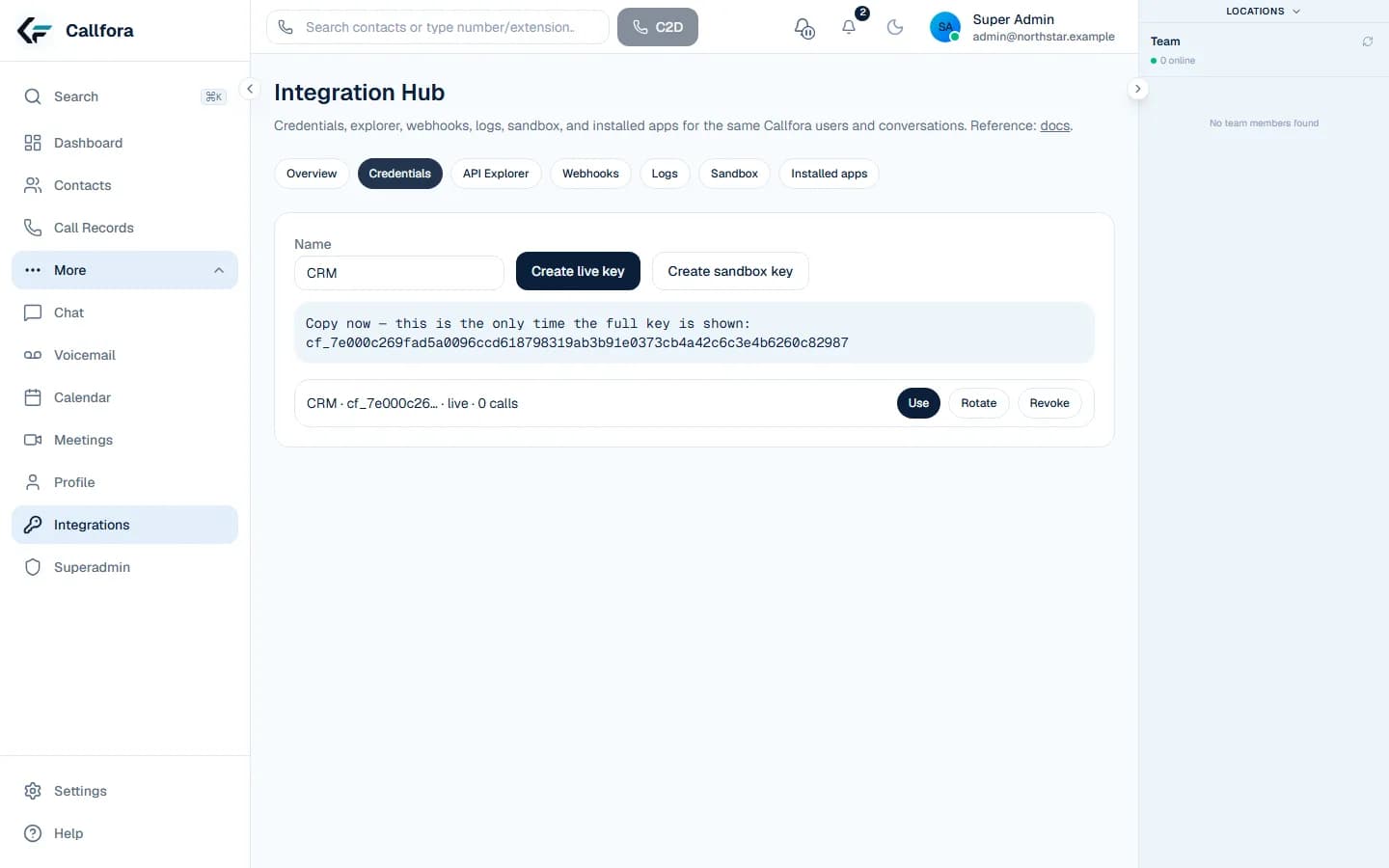
- ✓Scoped credentials and sandbox isolation
- ✓Signed events, request IDs, and retention questions
03 · Rollout and operations
How the first phase produces evidence for the next
Agree the pilot team, number movement, training, support contacts, export needs, and the offboarding path before anyone calls the deployment ready.
- ✓Pilot, cutover, and rollback owners
- ✓Support contacts and escalation
- ✓Export, offboarding, and commercial limits
One operating model
People, optional AI roles, and business systems share one accountable path.
Calls enter through governed numbers and routes. A person or role-based AI agent handles the configured work. Outcomes remain visible to the administrators and operators responsible for the service.
Entry and routing
Known destinations, schedules, and owners
Map numbers, call flows, queues, and fallback destinations before migration.
Work and handoff
Defined roles with human judgment in reach
Place AI only on bounded inbound work and keep the receiving person or queue explicit.
Evidence and ownership
Requests, events, conversations, and outcomes
Give platform, security, and operations teams the records they need to investigate.
The operating model above is the product narrative. The technical path below is how a system action becomes a human conversation.
One shared operating model
A system action becomes a human conversation without changing platforms.
Business system
CRM, help desk, ERP, or internal workflow
→
Callfora platform
Scoped request, shared records, signed event
→
Human workspace
Desktop or mobile takeover with context
Identity and workspace boundaries
Give administrators a clear view of who belongs where.
Plan organizations, users, extensions, permissions, and administrative ownership together. Access is scoped to the workspace, and product surfaces still depend on plan, enabled modules, and user permissions.
Learn more →Integration control
Keep credentials scoped and operational behavior inspectable.
Use customer-owned credentials, scoped API access, signed events, request identifiers, and delivery records. Prove the workflow in a sandbox before connecting live organization data.
Learn more →Operational evidence
Move from live service to the reason behind the result.
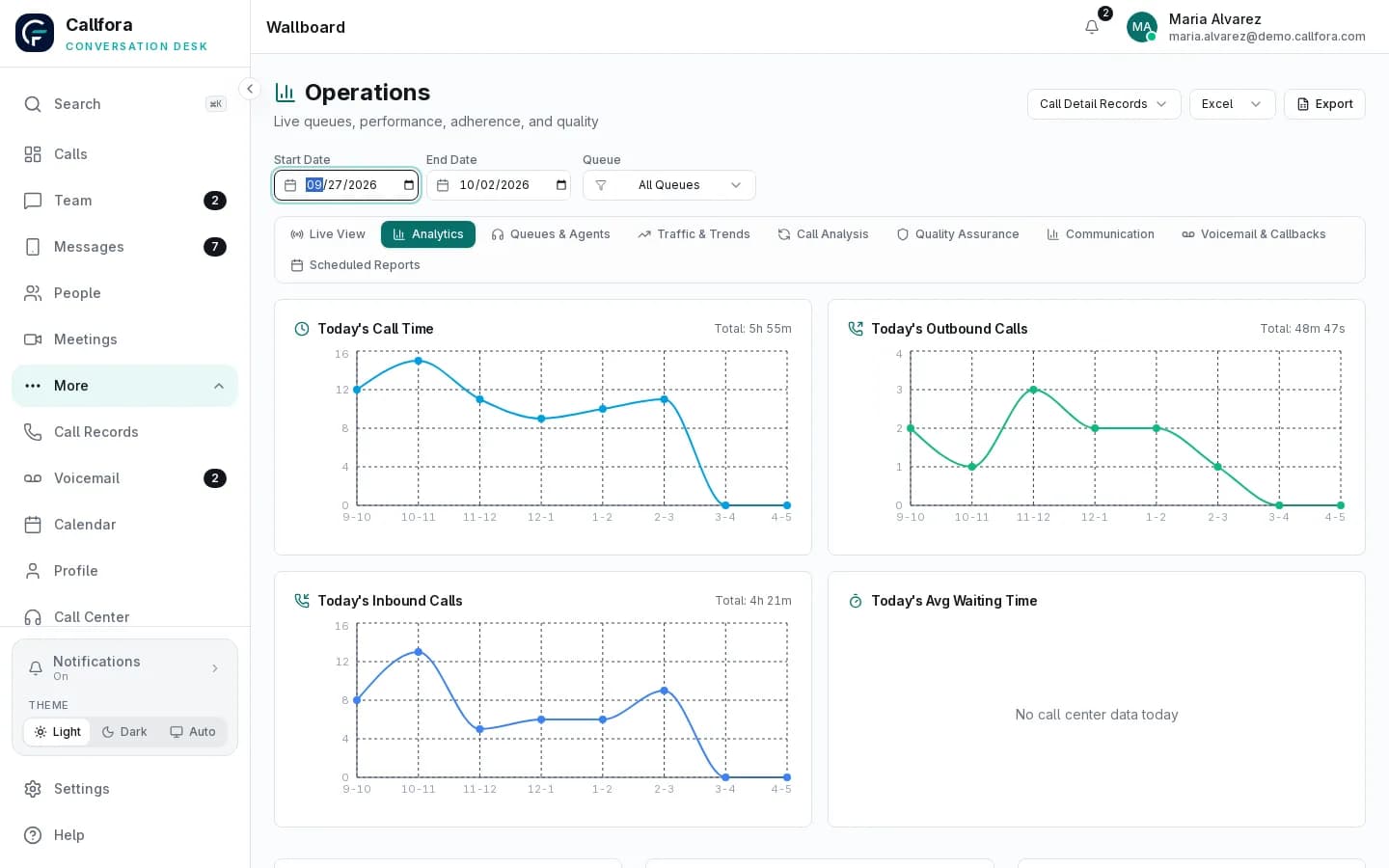
Review queue and agent trends, conversation outcomes, quality work, usage, and export needs with the teams that will own day-two operations.
Learn more →A controlled path to production
Make every phase produce evidence for the next.
Scope the smallest useful workflow, test its boundaries, move a bounded group, then expand with the operational owners in the loop.
01 · Evaluate
Prove the workflow in sandbox
Validate scopes, request behavior, supported events, and human takeover before touching live organization data.
02 · Pilot
Start with a bounded team and system
Choose owners, success criteria, credentials, integration boundaries, and a rollback path.
03 · Roll out
Move in controlled phases
Coordinate users, numbers, integrations, training, and operational support.
04 · Operate
Keep evidence close
Use audit events, request IDs, logs, health signals, and clear escalation contacts.
Qualification without guesswork
Know what must be agreed before anyone calls it ready.
- ✓Required regions, numbers, messaging, and emergency-calling needs
- ✓Identity model, administrator roles, and workspace boundaries
- ✓Call-flow, queue, AI-agent, and human handoff owners
- ✓Integration scopes, event delivery, and credential rotation
- ✓Migration sequence, acceptance checks, training, and rollback
- ✓Support contacts, export needs, offboarding, and commercial limits
Enterprise availability and terms are scoped to the agreed deployment. We do not publish invented service levels, certifications, or regional coverage; those details belong in the written proposal and contract.
Questions
Enterprise questions we answer in the room
What does an enterprise evaluation cover?+
Architecture fit, identity and workspace boundaries, integration scopes, migration and number movement, operational evidence, support contacts, export, offboarding, and commercial limits.
Do you publish certifications or uptime SLAs here?+
No. We do not publish invented service levels, certifications, or regional coverage on this page. Those details belong in the written proposal and contract.
Can we export data and leave?+
Export needs, retention questions, and the offboarding process are part of the enterprise working session. Agree them before rollout, not after.
Enterprise planning
Put the rollout on solid ground.
Bring your architecture, security, migration, support, and commercial questions to one working session.