
Capability 1
Softphone and click-to-call on every licensed seat
Voice
Originate and answer from desktop or mobile. Presence is live when the seat is available. History stays with the organization.
Direct answer
Callfora voice is a cloud softphone on every licensed seat. Place, answer, hold, transfer, and click-to-dial from desktop or mobile on organization-owned numbers. Call history and voicemail stay with the workspace, not a personal phone log.
Inside the workspace
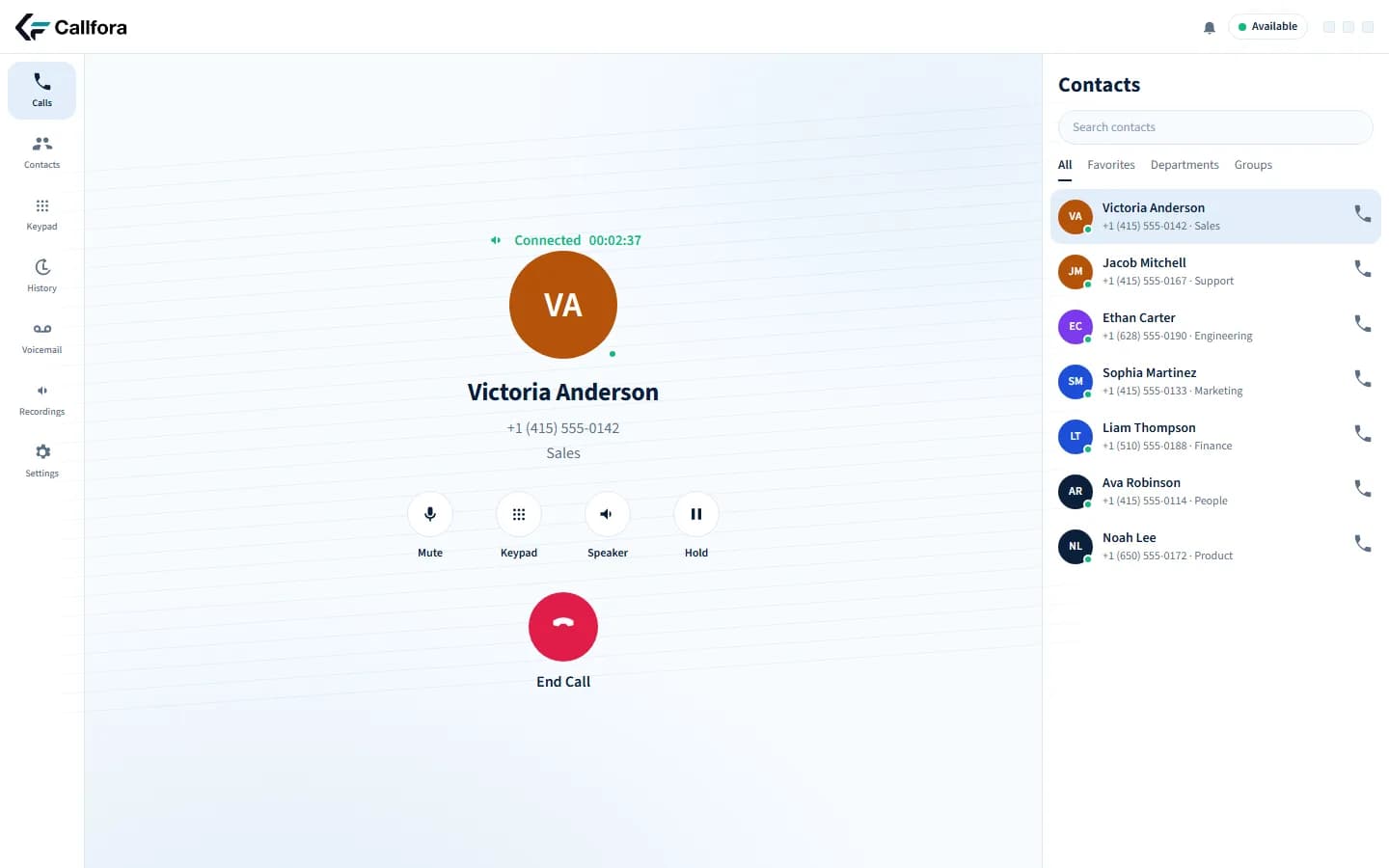
The product capture below comes from Callfora. The capabilities beside it describe the implemented workflow, with availability qualified where plan or deployment requirements apply.
Softphone and click-to-call on every licensed seat
Hold, transfer, and mute on the same call record
Organization-owned extensions and call history
The challenge
Each state shows a common operations problem and the Callfora surface that addresses it.
The desk phone stays in the office while the team works from home or on the road.
Originate and answer from desktop or mobile. Presence is live when the seat is available.
Mobile capture
Mobile · in-call controls
Desktop and mobile on the same extension
Hold, transfer, and mute live in a separate dialer that never writes the record back.
In-call controls stay with the organization-owned history, not a personal phone log.
Active call with in-call controls
Customers see a personal mobile and cannot reach the business again.
Licensed seats place and receive calls on organization numbers and extensions.
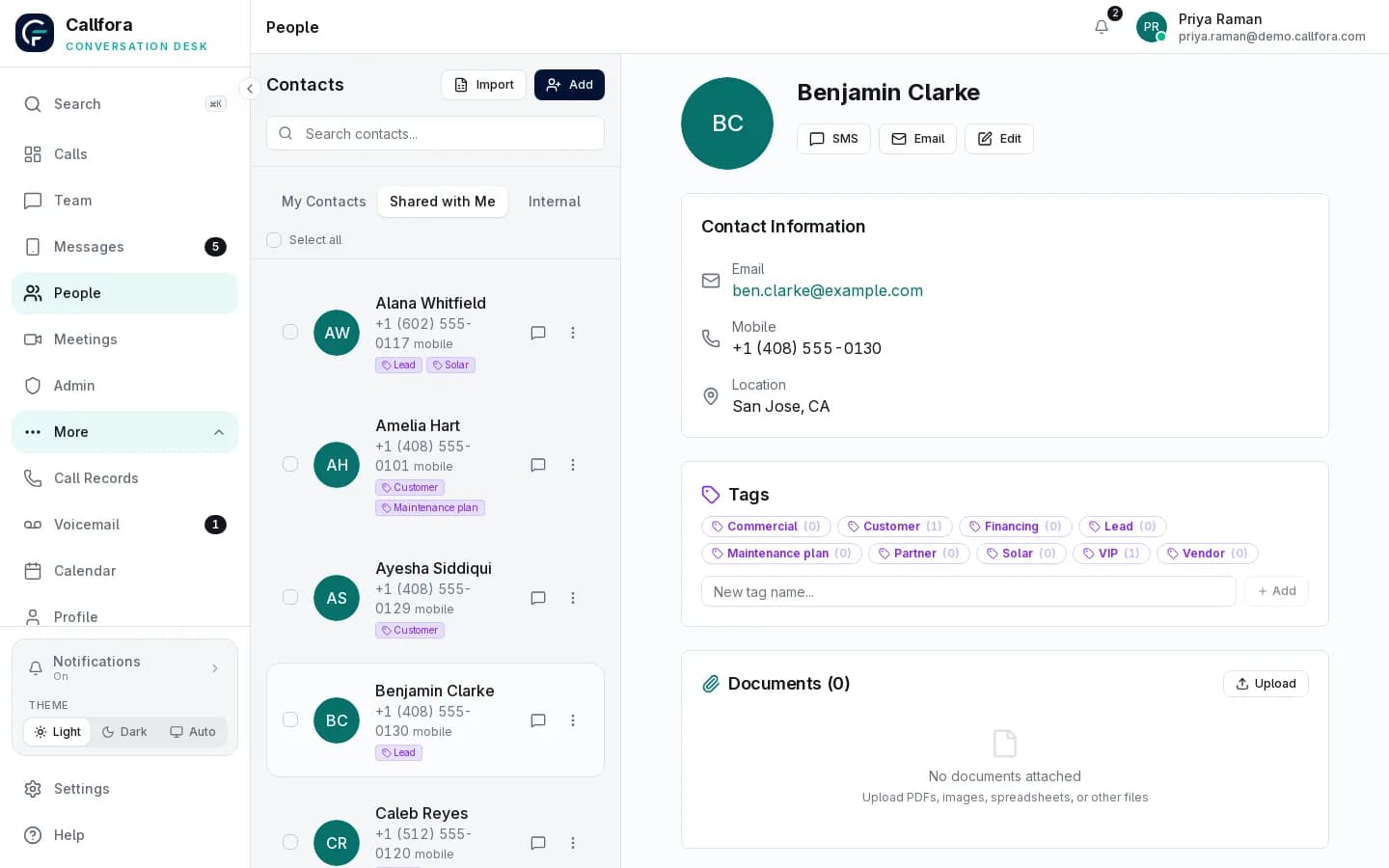
Shared contact with click-to-call
Desk stays behind · 1 of 3
Workflow
A licensed seat places or answers on the business number
Hold, mute, keypad, and transfer stay on the same call record
History, voicemail, and the shared contact remain in the workspace
Operational boundary: Hardware phones can remain in the organization. Click-to-dial from another system requires Professional and a private integration.
On every device
Callfora desktop and mobile apps are the desk. The web application administers the organization, roles, numbers, routing, and enabled product modules.
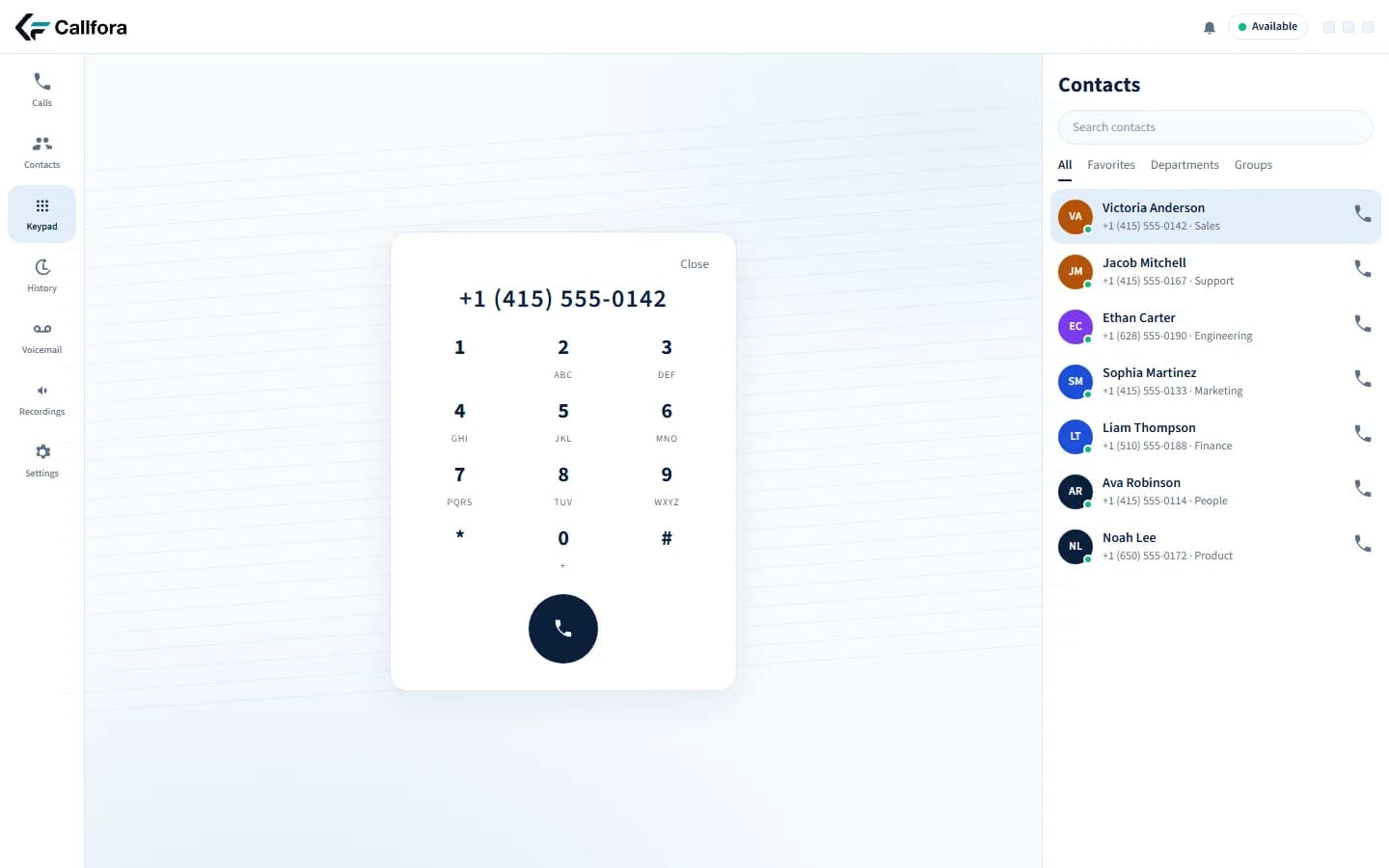
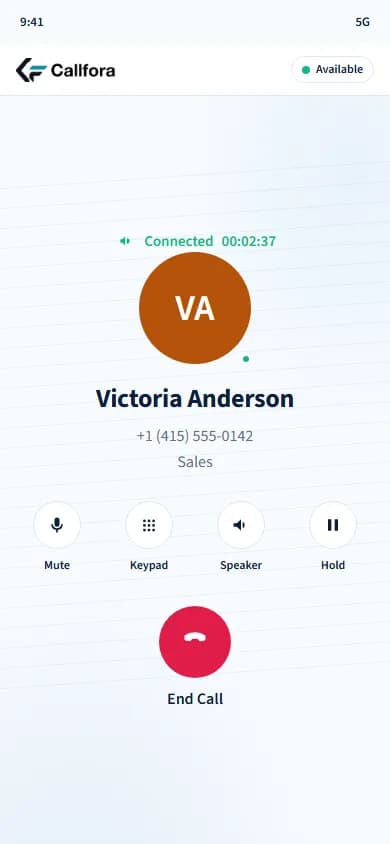
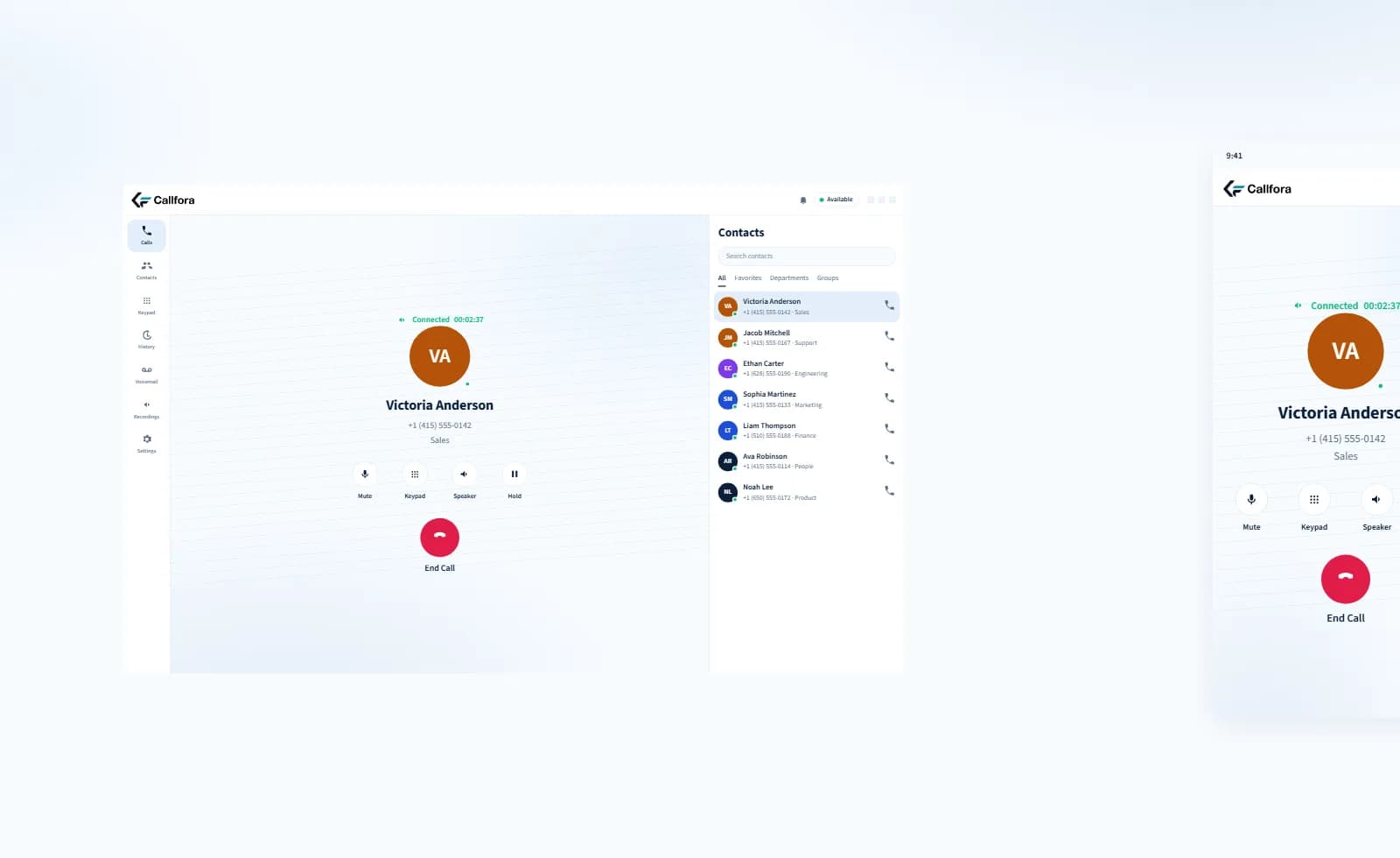
Desktop keypad and mobile in-call screen. Presence and history stay with the organization.
Next-phase captures
These frames reserve the next-phase product captures. They are not generated interfaces.
Desktop capture
Desktop · active call with hold and transfer
Mobile capture
Mobile · in-call controls
Reserved desktop and mobile captures for hold, transfer, and the same extension.
Voice is included with every licensed seat. Recording and longer retention are on Professional and above. Emergency calling has important limitations on internet-based service.
Questions
Yes. Every licensed seat includes the softphone on desktop and mobile. Hardware phones can remain part of the same organization when a dedicated handset is useful.
Professional and above can originate an authorized click-to-dial request with acting-user context. The conversation continues in the desktop or mobile workspace. There is no native CRM marketplace connector.
Inbound, outbound, missed, and internal calls stay with the organization. Click-to-dial from a history row uses the same licensed seat.
Your next great conversation starts here
Let’s find the right way to connect your business.