
Business phone · Contact center · Messaging
Own EveryConversation
Callfora brings business calling, messaging, meetings, contact-center routing, and governed analytics into one desktop and mobile workspace. Smart capabilities-click-to-dial, shared inboxes, role-based AI, and signed events-work on the same numbers and people as the rest of the desk.
Phone numbers, calling, and SMS are currently available in the United States. AI agents need the Call Centers or Enterprise plan, the product module, and the speech gateway for that workspace.

Four jobs. One platform.
Communicate, route, measure, and connect without changing products.
Communicate keeps voice, SMS, and meetings on one seat. Route uses queues, IVR, and hours. Measure watches the live queue. Connect uses those same records through scoped credentials. Availability notes stay next to each claim.
Teams split calling, texting, and meetings across personal tools.
One workspace for every conversation.
Licensed seats use the same identity for voice, business SMS, meetings, and contacts on desktop and mobile.
- Softphone and click-to-call
- Business SMS on provisioned numbers
- Hosted meetings with guest join
Messaging and number availability vary by region and plan.
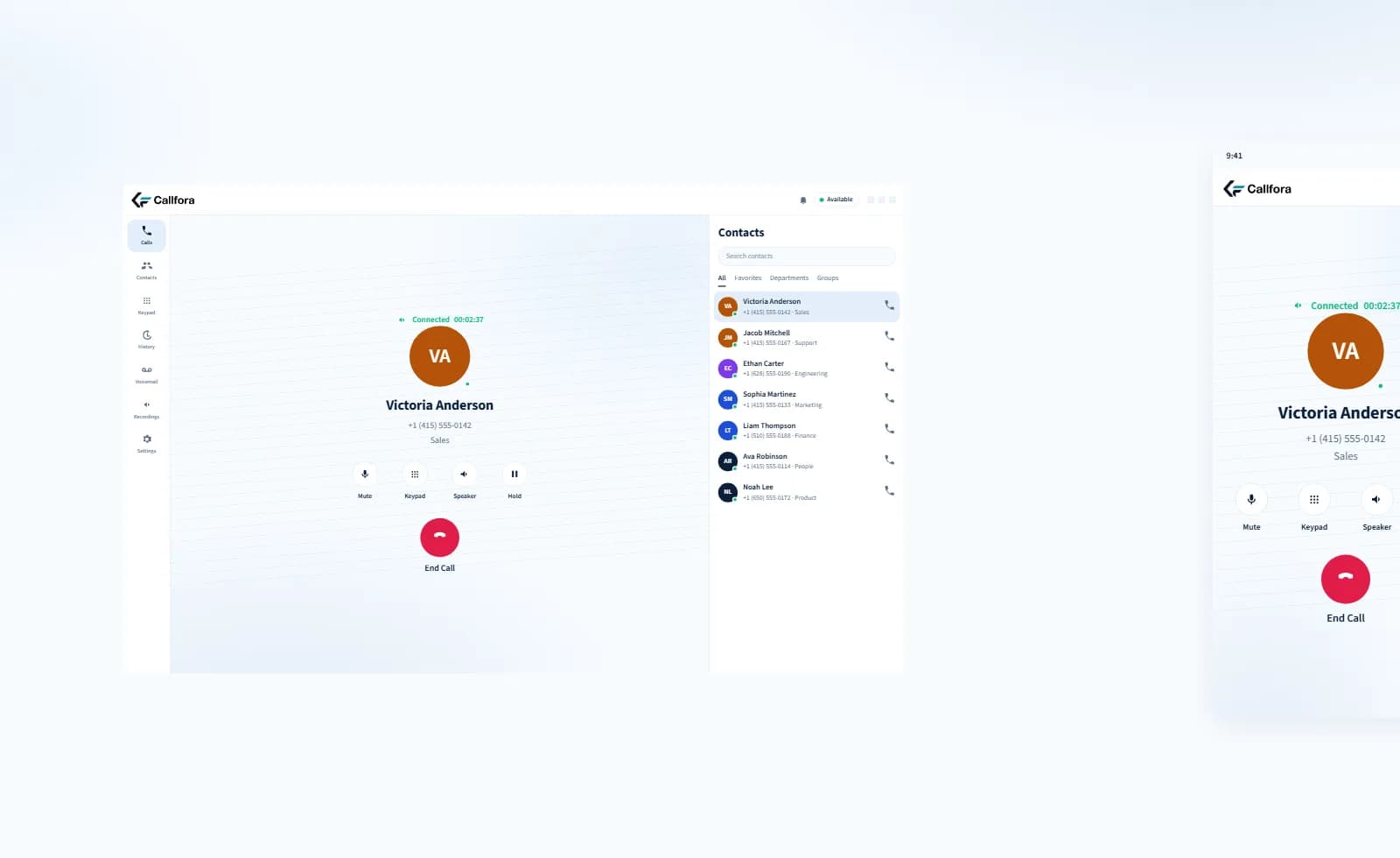
Desktop and mobile on the same workspace
Communicate · 1 of 4
Inside the same phone system
AI call handling that works beside your team.
Role-based agents answer inbound calls from knowledge you approve, complete a configured task, and hand off to a person. They sit on a number, IVR option, time condition, or queue-not a separate bot channel.
Desktop setup
Configure the role before it answers.
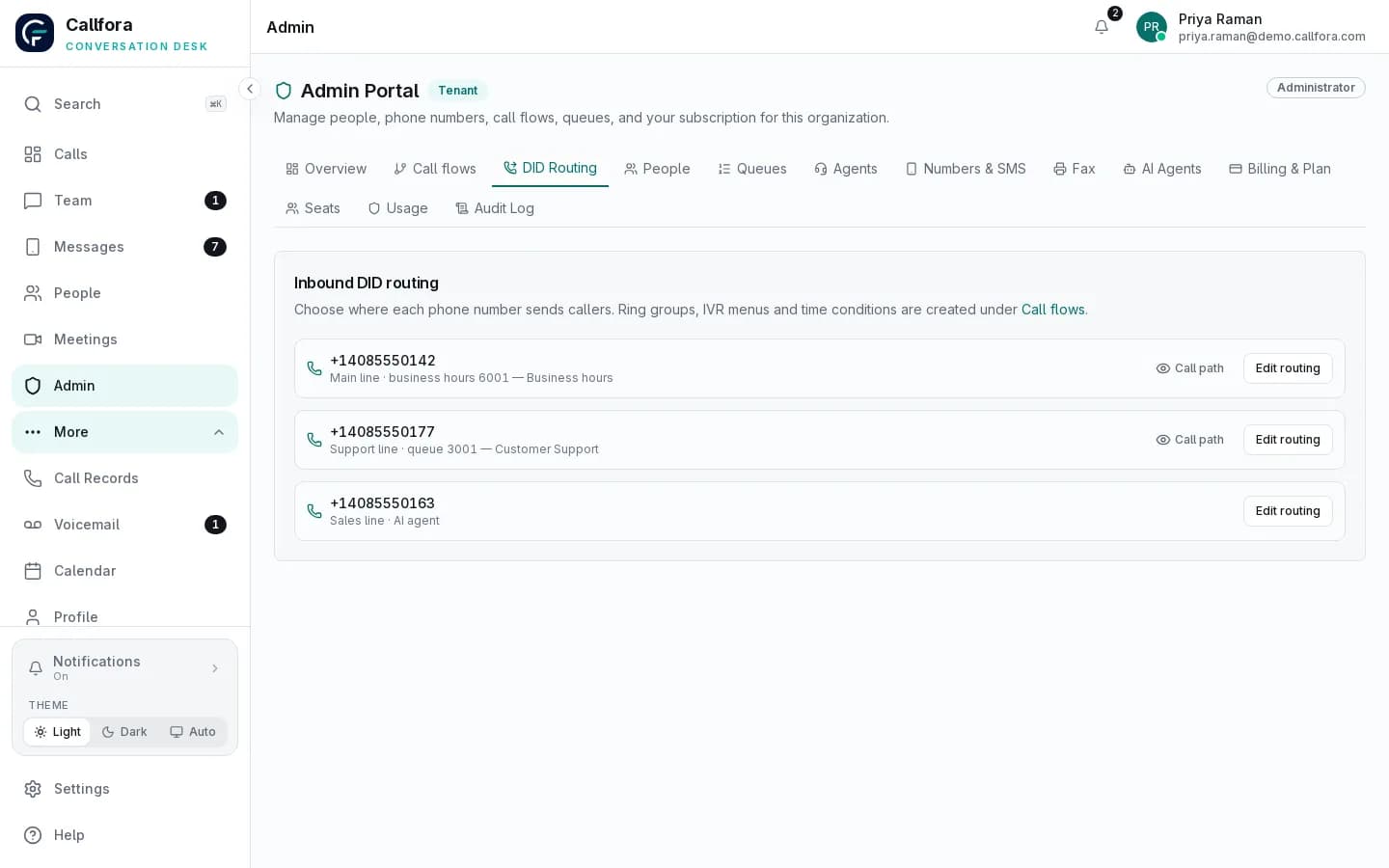
Choose the job, approve the knowledge, name the human fallback, and test in chat before the agent sits on a live number.
- Choose the job
- Approve the knowledge
- Name the human fallback
- Test in chat before a live number
Available on Call Centers and Enterprise. Availability depends on plan, modules, permissions, usage limits, and deployment configuration. Live voice also needs the speech gateway for that workspace. AI responses can be wrong.
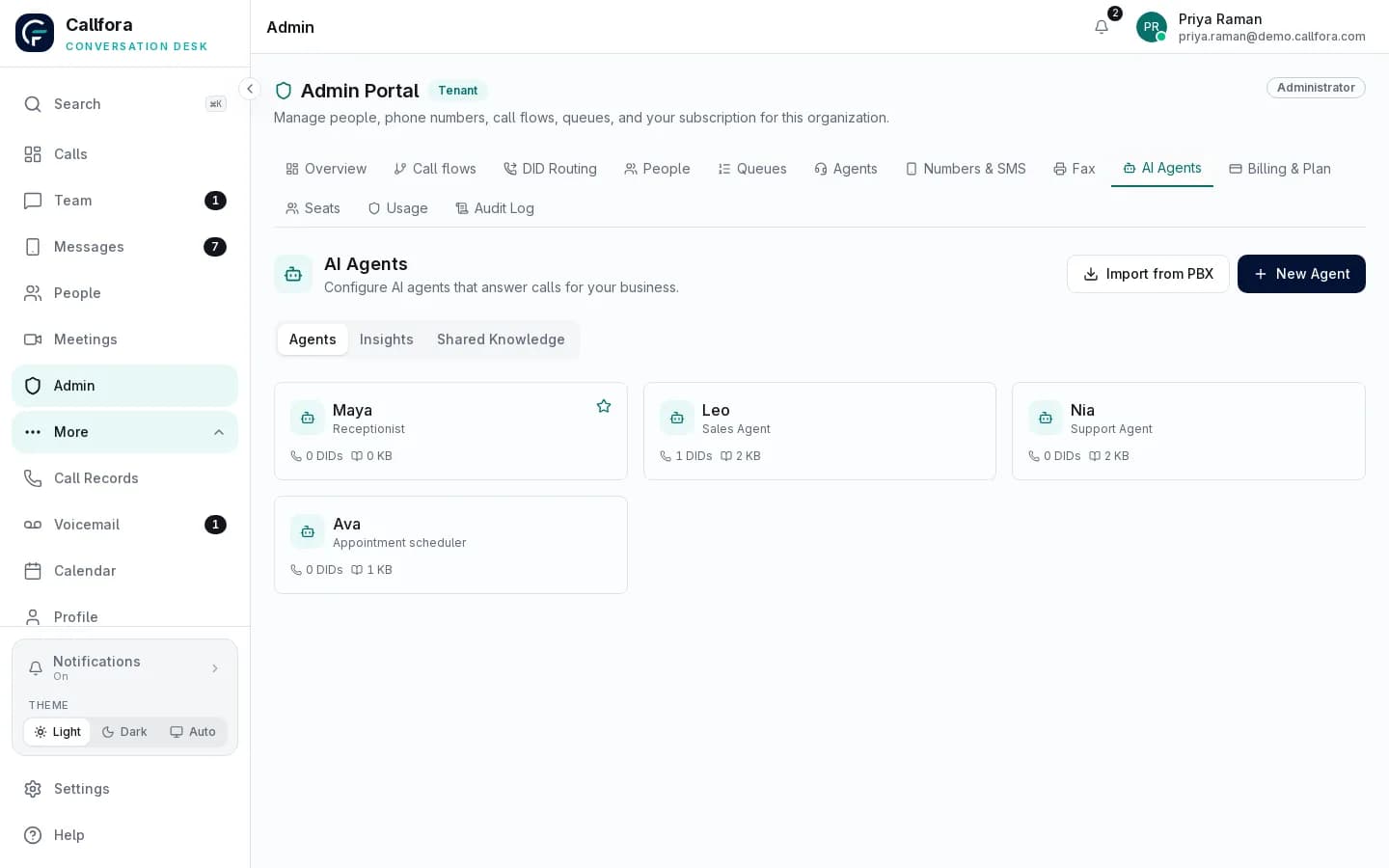
AI agent setup in the admin portal
Desktop setup · 1 of 2

A person still takes the calls that need judgment
Human connection
Keep the handoff inside the workspace your team already uses.
When a caller needs a person, the conversation stays on the same number, history, and desktop or mobile seat. Supervisors do not reconstruct the result in another reporting system.
Known destination
Transfers go to the extension, queue, or team you named-not an anonymous overflow.
Shared record
Call history, SMS, and voicemail stay with the organization so the next person can continue.
Same analytics
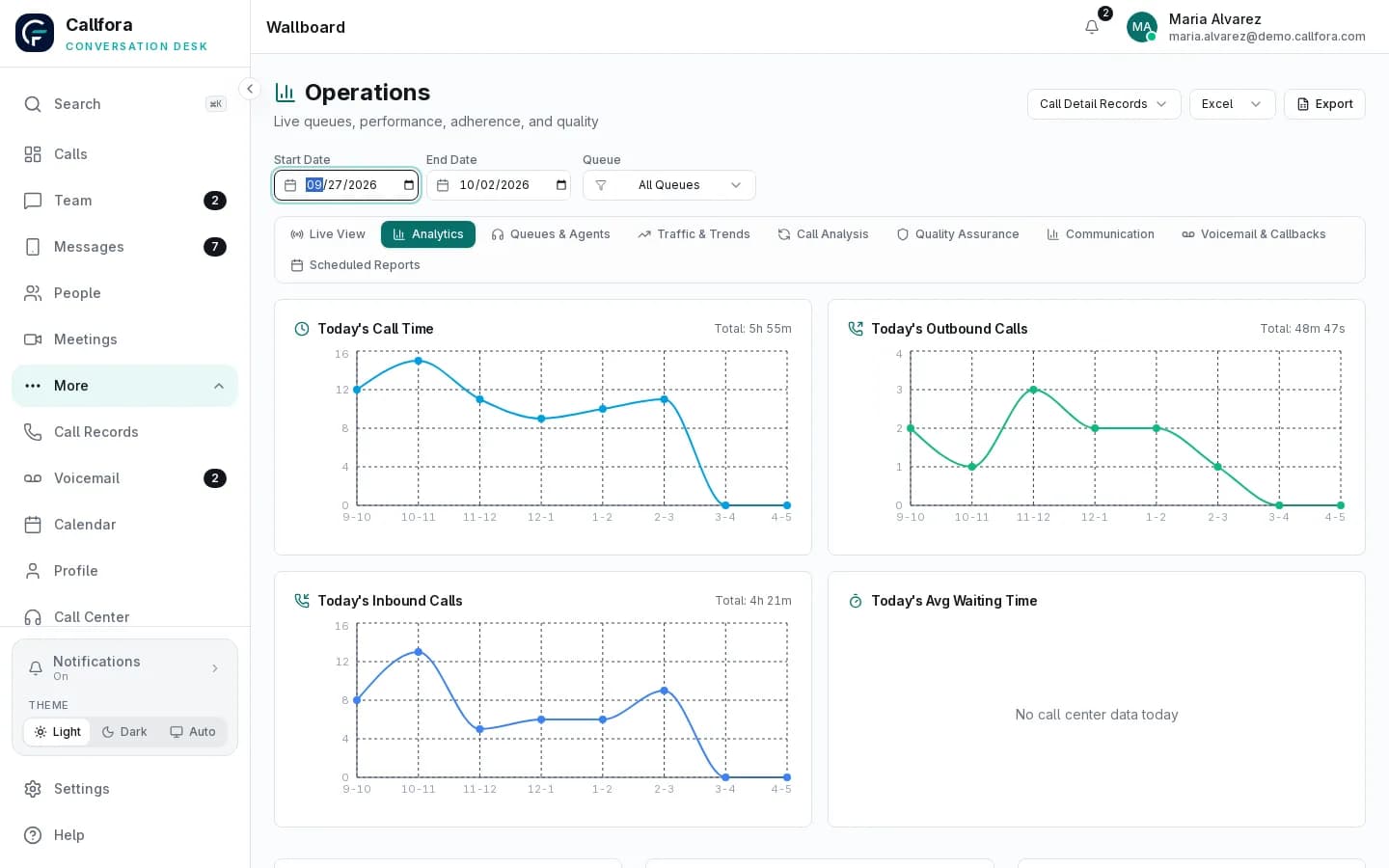
Live queues, quality review, and scheduled reports cover the work people finished.
Own the conversations that usually slip.
Turn common call challenges into clarity.
These are the problems buyers bring first. Each answer points at a real product surface.
Missed first hello
Let an AI agent take the first hello.
Place a role-based agent on a number or queue. It answers from approved knowledge, completes a configured task, and hands off to a person.
- Role starter to launch
- Knowledge and test chat
- Human fallback on every agent
Available on Call Centers and Enterprise. AI usage and deployment configuration apply.
Industries
The same platform, shaped around the work.
Start from the operating model you need, then apply it to insurance, clinical, property, or multi-location teams.
Insurance
Keep policyholder calls in queues with dispositions, quality review, and reporting.
Explore 02Clinical practices
Share the front desk, keep records reviewable, and control who reaches administration.
Explore 03Real estate
Route a new enquiry to an available agent and follow up on the business number.
Explore 04Multi-location
Govern every site in one organization with local numbers and shared overflow.
ExploreIntegrations
Connect the conversation to the system of work.
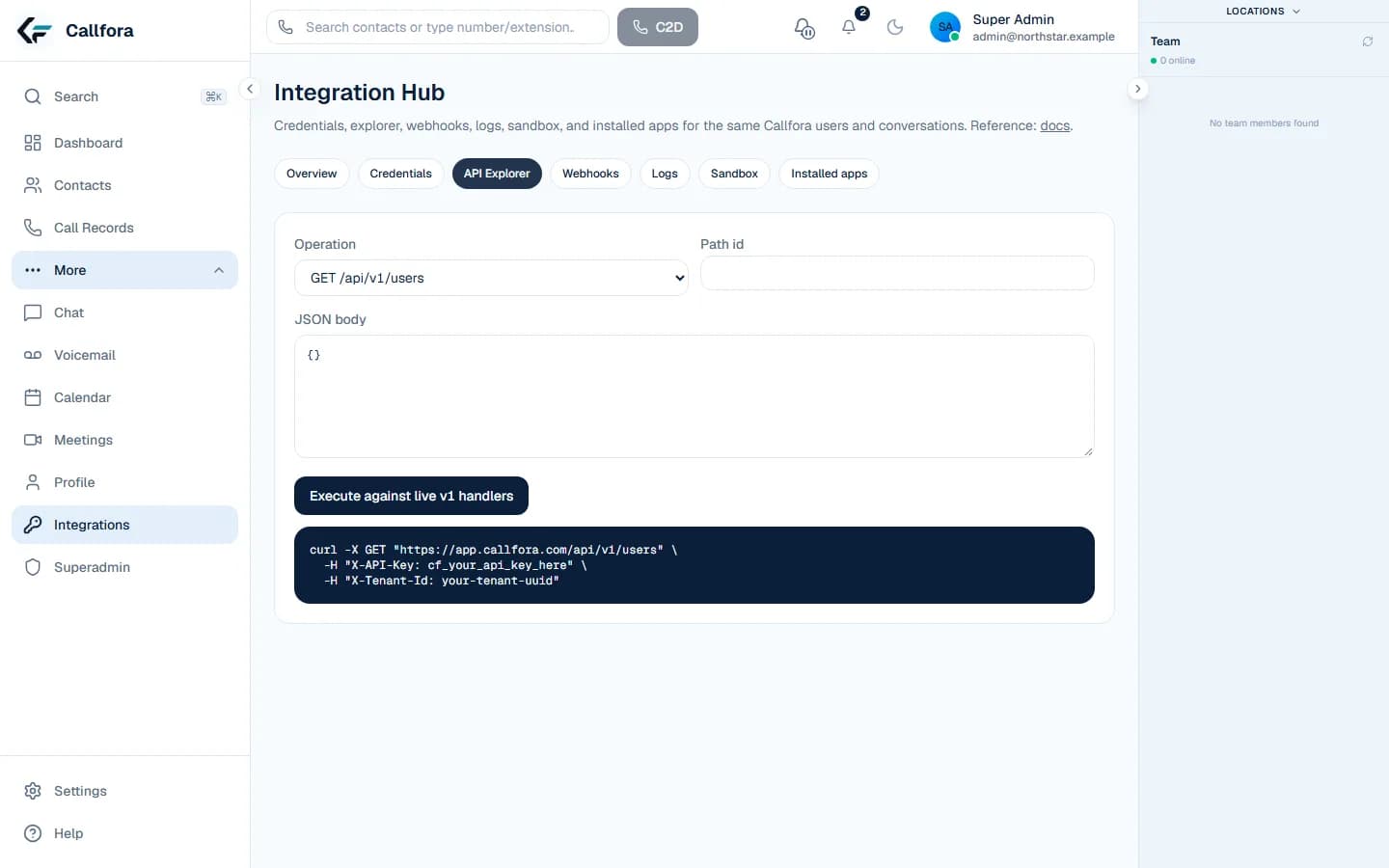
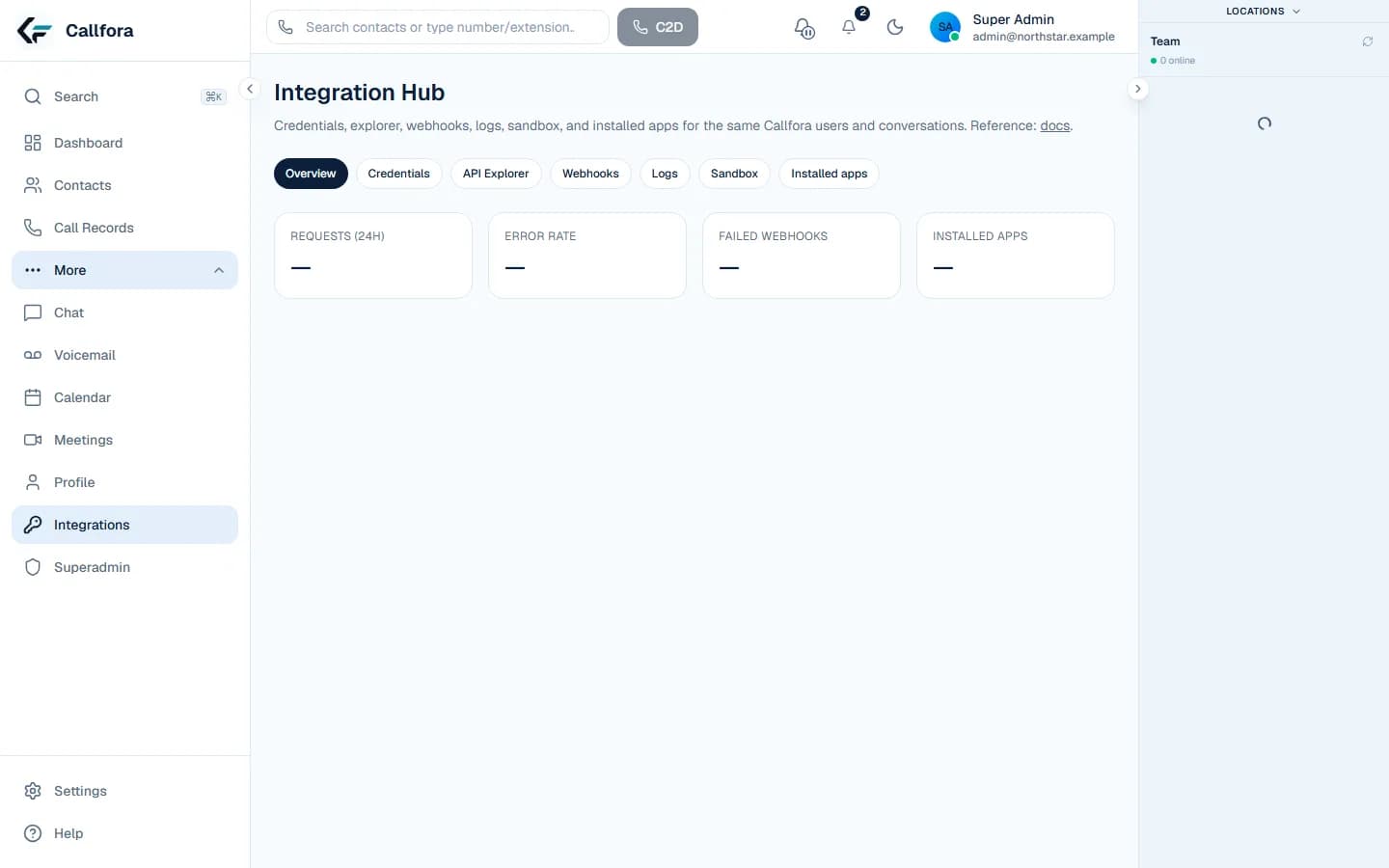
Professional includes scoped API credentials, Integration Hub, and signed webhooks. Sandbox keys cannot reach live organization data. There are no native CRM marketplace connectors.
Explore integrationsGuides
Read before you buy.
What is a cloud phone system?
How hosted calling differs from a premises PBX, and what to ask before you buy.
GuideBusiness SMS on the company number
Why texts should stay with the organization, and what US registration involves.
DevelopersConnect the same records
Scoped credentials, a sandbox, and signed events on Professional and above.
What is Callfora?
Callfora runs your business phone system, contact center, business SMS, and meetings, and role-based AI voice agents in one desktop and mobile workspace. The same users, numbers, and permissions are available through an API when you want to connect other systems.
What can Callfora AI agents do?
They can answer inbound calls, qualify and route, use knowledge you approve, book a configured appointment, invoke a tenant-owned HTTPS action you define, and hand off to a person. They do not run outbound campaigns or act as a general autonomous employee.
Do AI agents work on the same phone system as my team?
Yes. You place an agent on a number, IVR option, time condition, or queue. Conversations and analytics stay in the same workspace. Live voice also needs the speech gateway deployed for that workspace.
Which plan includes AI agents?
Call Centers and Enterprise. The product module, user permissions, usage limits, and deployment configuration still apply. Public pages being visible does not turn AI on for every workspace.
How is it priced?
Per licensed seat, per month. Essentials starts at $29, Professional at $49, and Call Centers at $75. Each paid tier has a seat minimum. Extra numbers are quoted separately. Enterprise is scoped with us.
Do I need a hardware desk phone?
No. Every licensed seat includes the softphone on desktop and mobile. Hardware phones can remain part of the same organization when required.
Is call recording included?
Call recording, longer retention, and shared SMS inboxes are on Professional and above. Essentials keeps personal SMS, meetings, contacts, and call history.
Can developers use the API?
Yes. Professional and above include scoped API credentials, Integration Hub, and outbound webhooks. Start in the generated quickstart or subscribe to supported signed events. Docs live on the Callfora documentation site.
Still evaluating Callfora?
Review how seats are priced, how the platform is organized, or book a working session around your numbers and queues.
November launch
Own every conversation from the first hello.
Explore the platform, or book a working session around your numbers, queues, and systems.