
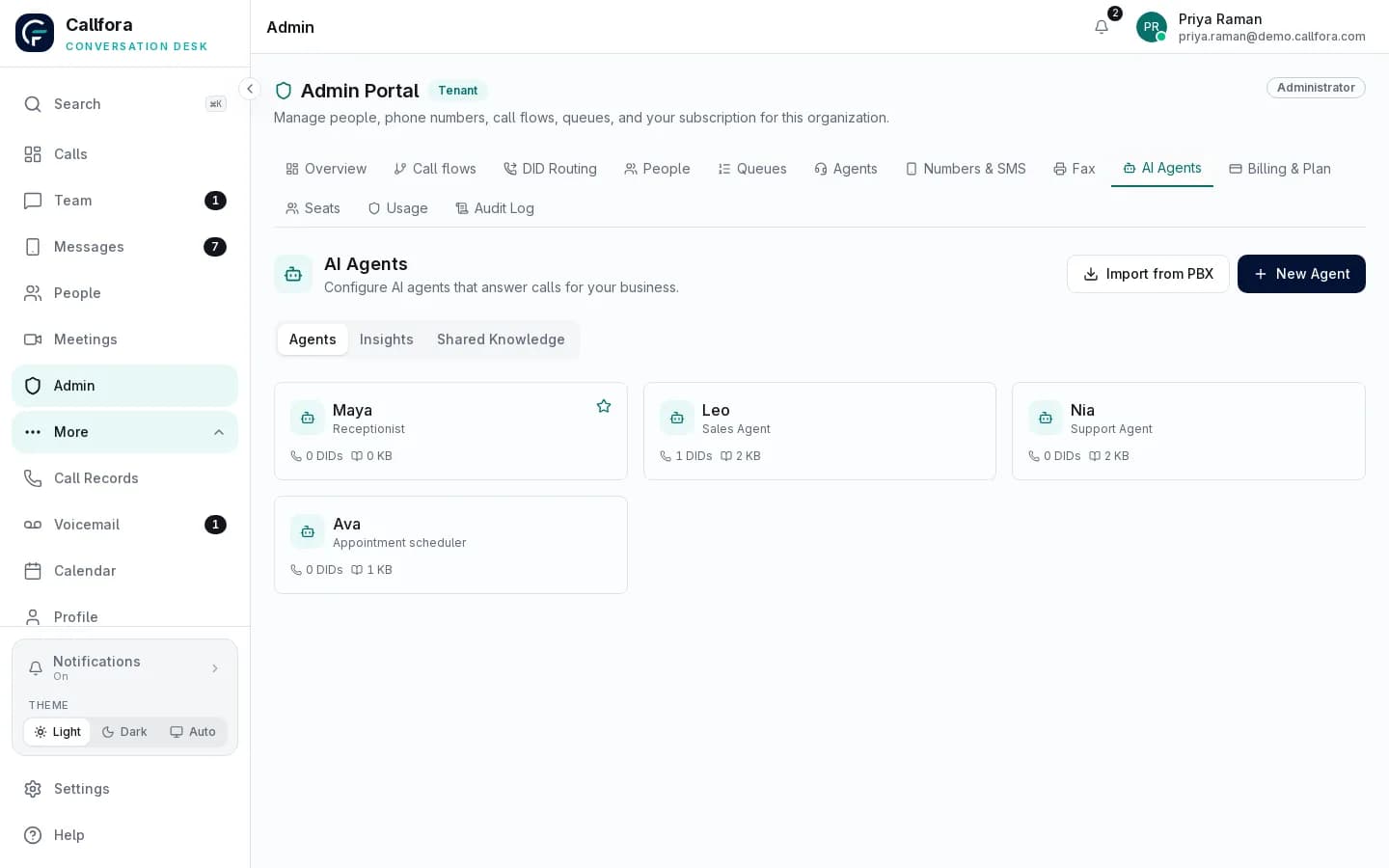
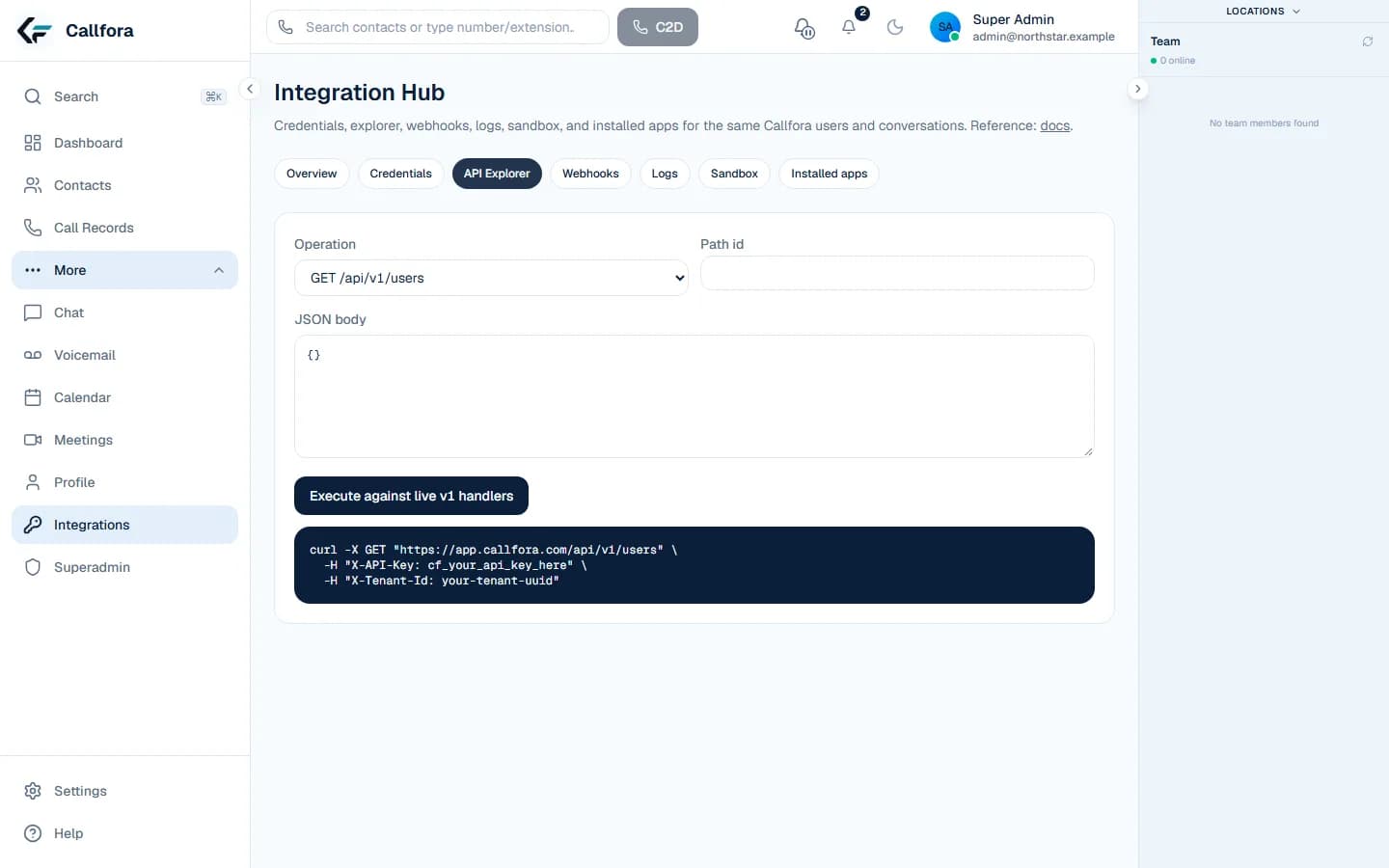

A representative clinical-practice front desk coordinating patient calls and appointments

Clinical Practices communications

Make every patient call easier to manage

Coordinate appointment and service calls across front-desk and operational teams with clear access, consistent workflows, and reviewable records.

Shared communications context

Coordinate front-desk and patient-service calls with clear ownership

Use managed users, business numbers, configured queues, call records, and role permissions to give practice teams a consistent communications workflow across desktop and mobile.

Explore the contact-center foundation →
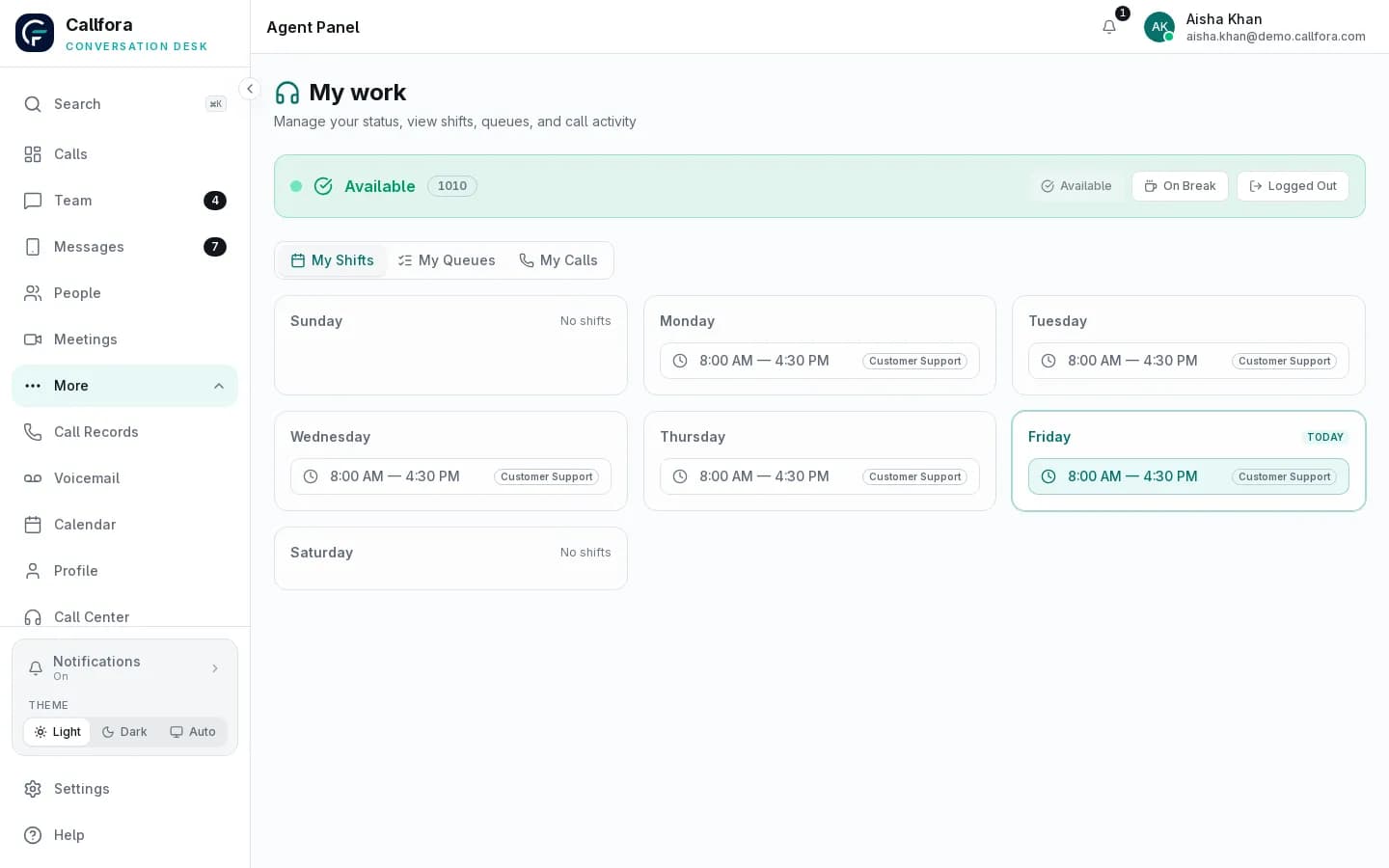
Callfora agent workspace showing status, assigned queues, shifts, and calls for a contact-center agent

Agent workspace with sample data. Suitability for privacy requirements depends on the full deployment.

Operational challenges

How clinical practices teams use the platform

Each state pairs a common operating problem with a real Callfora surface. Connector and compliance boundaries stay explicit.

Appointment calls ring out when the desk is already on a line.

Share inbound work across the front desk.

Ring groups or queues spread calls, and voicemail lands in a shared inbox.

  • Configured teams and queues
  • Shared missed-call follow-up
  • Desktop and mobile coverage
See queues and call flows

Queue operations require the Call Centers plan and deployment configuration.

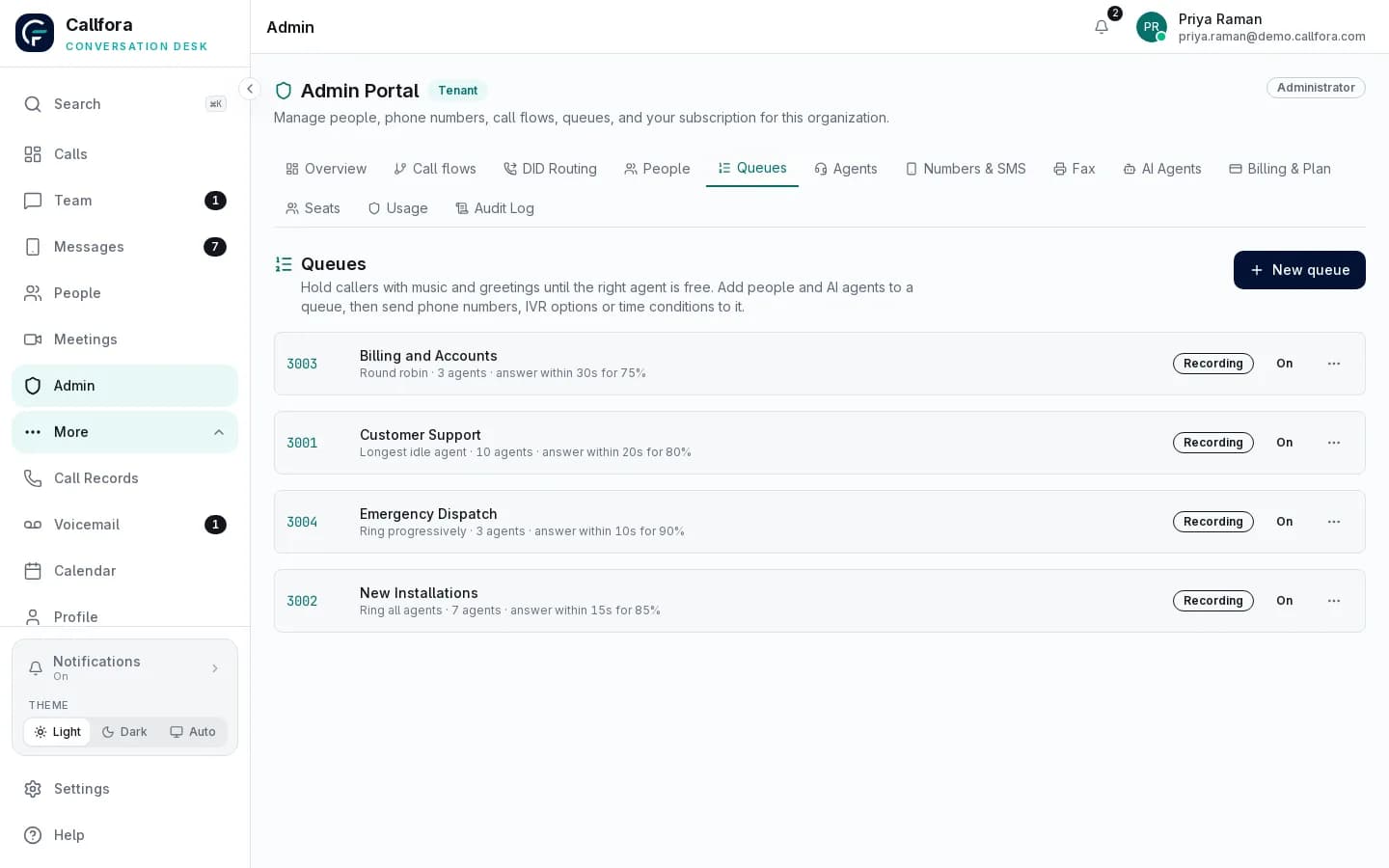
Callfora admin portal listing call queues with strategy, agents, service-level targets, and recording status

Queue administration

Front-desk coverage · 1 of 3

Connected workflow

Keep the operating system of record in the loop

Use scoped integration patterns where customer context or downstream activity needs to move between systems.

Patient-service workflow

  1. 01

    Receive or originate the conversation through the business number

  2. 02

    Handle the interaction in the authorized workspace

  3. 03

    Record the supported outcome in the practice's chosen workflow

Operational boundary: Suitability for privacy or regulatory requirements depends on the full deployment, contracts, configuration, policies, and customer use.

Clinical Practices rollout

Map the platform to your teams, systems, and policies.

Let’s find the right way to connect your business.