Unified communications, contact center, and AI agents on one platform
Run voice, messaging, meetings, queues, and AI agents in one product, measure all of it in one place, then connect the same records to business systems.
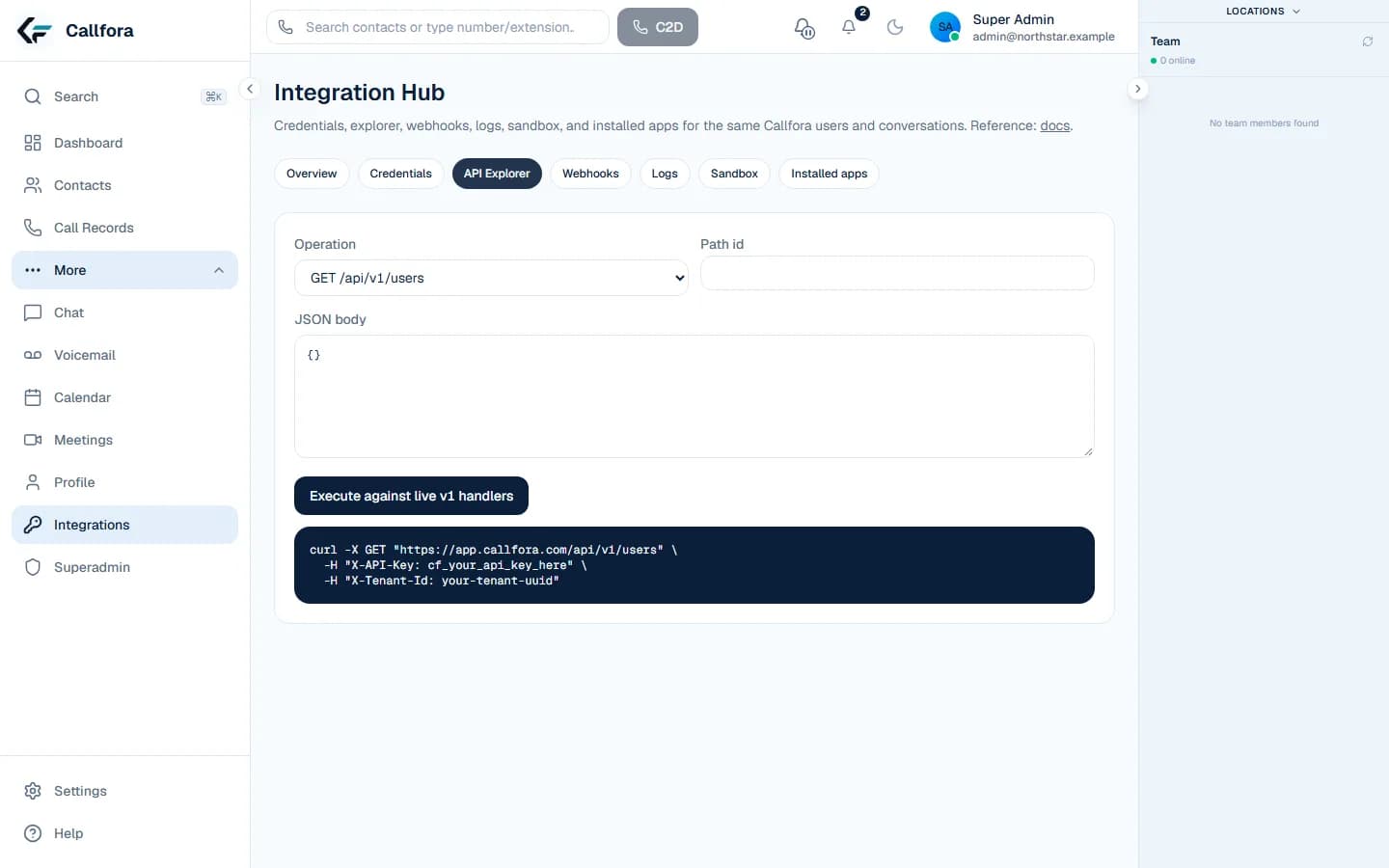
Build against Callfora with a scoped credential, generated contract, and supported events. These recipes are for private apps your organization operates.
Integration Hub
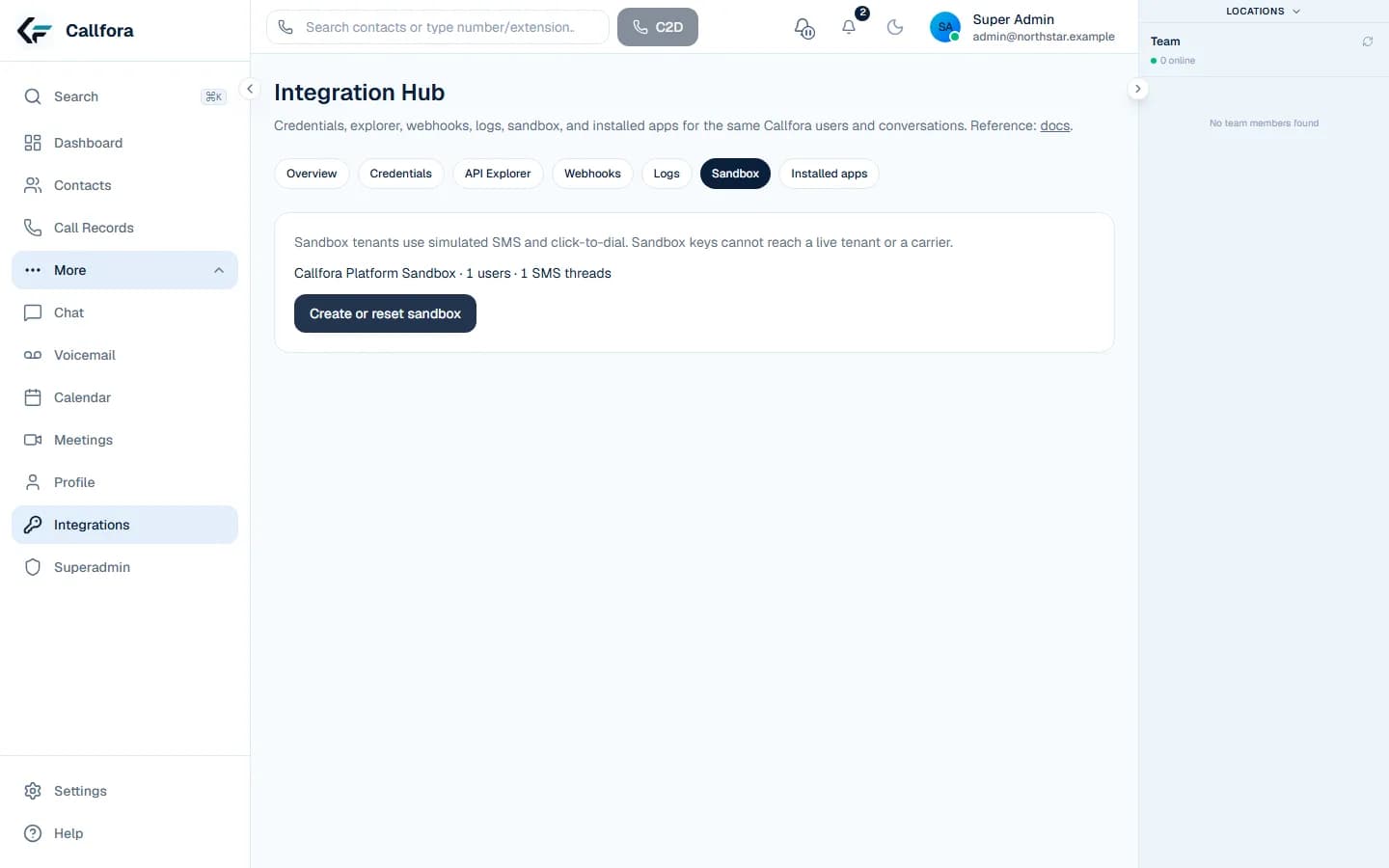
Test the flow, then keep the human desk.
Each recipe assumes a scoped credential, an acting user where ownership requires it, and live takeover in the desktop or mobile workspace.
Real sandbox controls · isolated from live calling providers
CRM click-to-dial
01
Map the signed-in CRM user to an authorized workspace user
02
Send an idempotent click-to-dial request
03
Let the user continue in desktop or mobile
Operational boundary: The user needs a provisioned extension; sandbox execution never reaches a public calling provider.
SMS service follow-up
01
Find an assigned conversation
02
Send an idempotent message
03
Attach the supported sent or failed event to the case
Operational boundary: Conversation assignment and messaging entitlements are enforced by the server.
Contact sync
01
Read a stable page of contacts
02
Store platform identifiers in the source system
03
Create changes with acting-user context
Operational boundary: Use cursors and retry reads; use idempotency keys for creates.
Call record export
01
Read call records by cursor
02
Persist the request ID with the batch
03
Resume from the last confirmed cursor
Operational boundary: Call records are exported after they exist; this is not a promise of every call-state event.
Presence update
01
Map an authorized user
02
Submit an idempotent presence update
03
Let the workspace reflect the new availability
Operational boundary: Presence updates do not provision a user or bypass role permissions.
Calendar handoff
01
Create an event with acting-user context
02
Store the returned event ID
03
Open the workspace for the human follow-up
Operational boundary: Calendar access follows the selected user's ownership and permissions.