Integrations

Connect conversations to the systems your teams already run

Callfora combines programmable communications with a finished workspace, so system automation and human takeover operate on the same records.

Direct answer

How do you connect Callfora to CRM or help desk?

Professional and above include scoped API credentials, Integration Hub, a sandbox, and signed webhooks. There are no native CRM marketplace connectors. Your private app maps users, originates calls, and writes back only the events the platform currently produces. Sandbox keys cannot reach live organization data.

The integration path

Credentials, sandbox, request, signed event, logs, takeover.

Each tab is a control you can inspect in Integration Hub. Professional and above.

Someone shared a powerful key in chat and nobody can rotate it.

Give every credential an owner and a ceiling.

Scoped keys, one-time secret display, and sandbox isolation live in Integration Hub.

  • Customer-owned scoped keys
  • Sandbox cannot reach live data
  • Rotation and request IDs
Review the security model

Professional and above. Availability also depends on enabled modules, permissions, region, and deployment configuration.

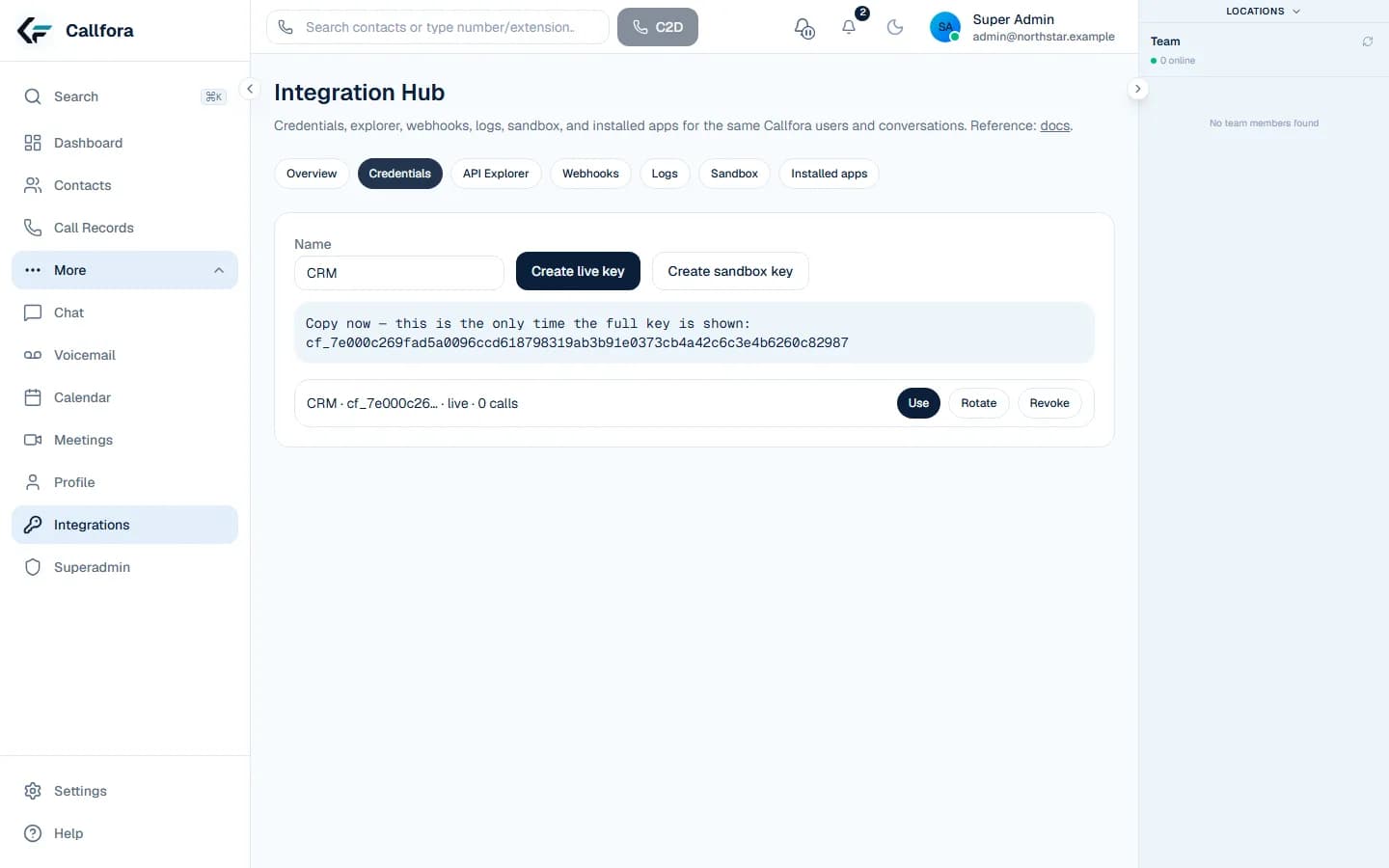
Callfora Integration Hub scoped credential management

Credential controls

Credentials · 1 of 3

From credential to human takeover

  1. 01

    Create a scoped credential with an owner and a ceiling

  2. 02

    Prove the workflow in sandbox

  3. 03

    Call the verified API with acting-user context where ownership requires it

  4. 04

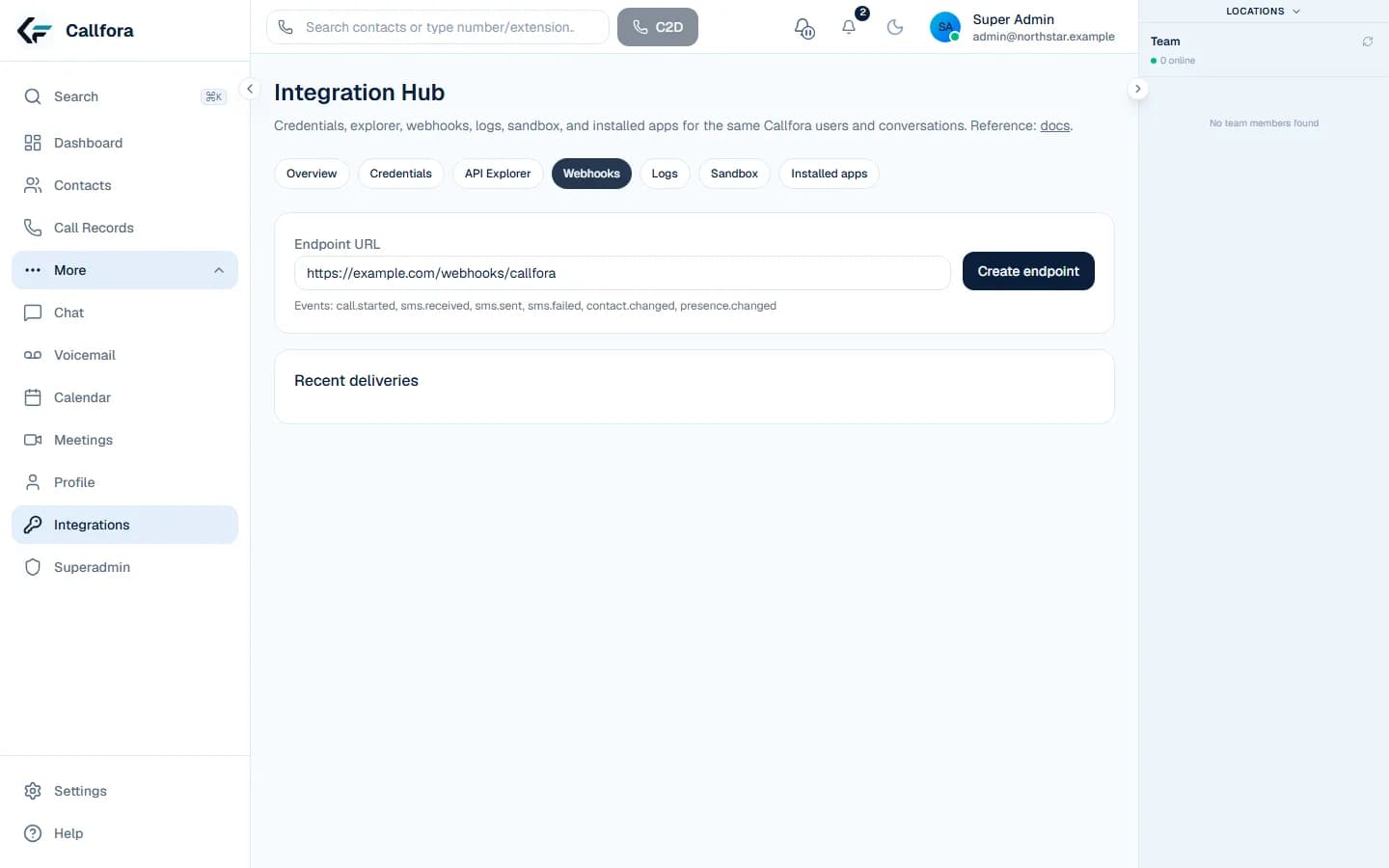
    Subscribe to signed events and store the request ID

  5. 05

    Watch delivery state, retry, and replay in operational logs

  6. 06

    A person continues the conversation in desktop or mobile

Operational boundary: Professional and above. Sandbox credentials cannot reach live organization data or public calling providers. No native CRM marketplace connectors.
Integration layer

Connect business systems without replacing the human workspace.

Use the API, scoped credentials, signed events, and sandbox tooling to connect authorized workflows while people continue conversations in Callfora.

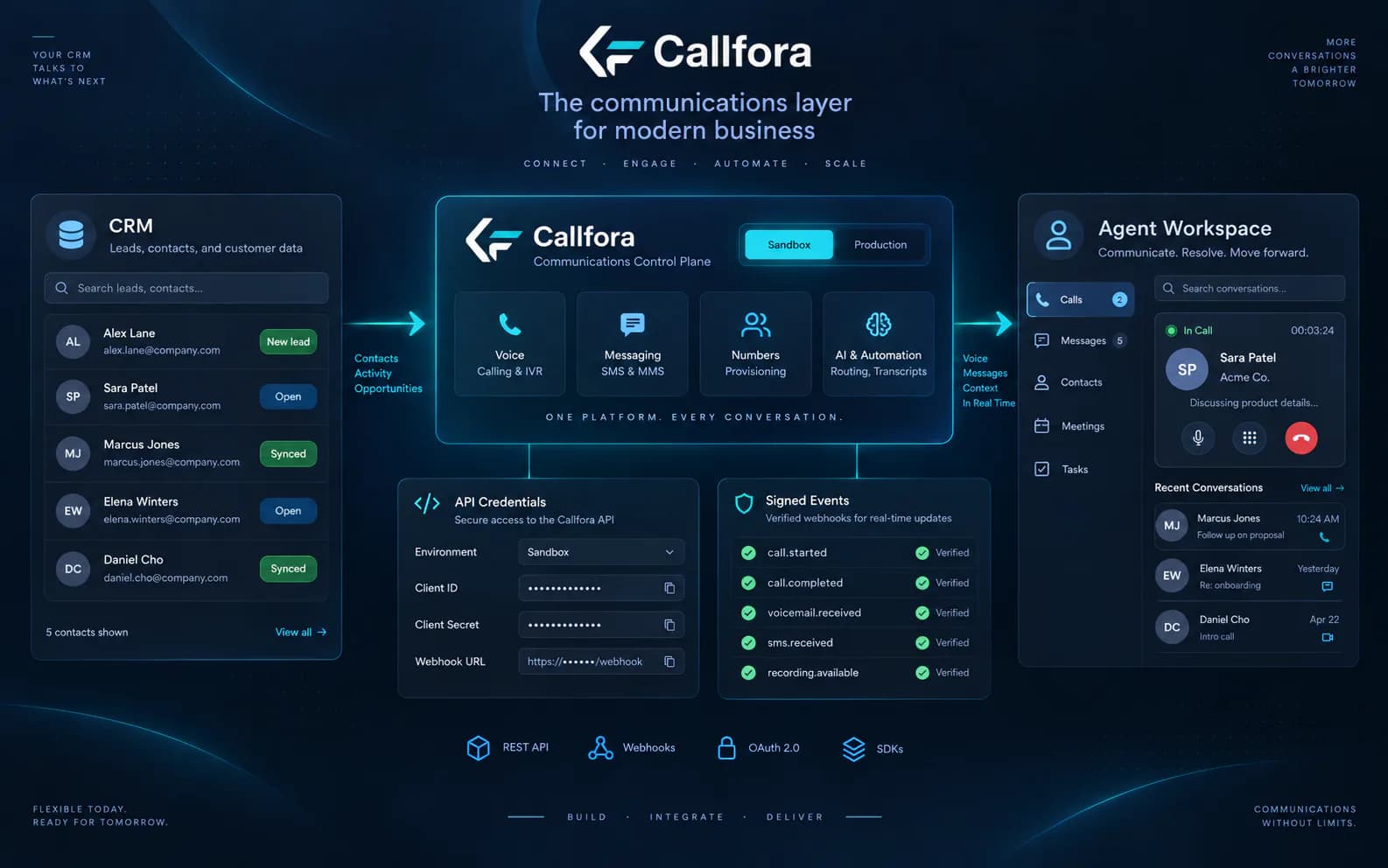
Representative architecture connecting a business system, Callfora integration layer, and agent workspace
Representative integration architecture. Exact operations and event types are defined by the verified API contract.

One shared operating model

A system action becomes a human conversation without changing platforms.

Business system

CRM, help desk, ERP, or internal workflow

Callfora platform

Scoped request, shared records, signed event

Human workspace

Desktop or mobile takeover with context

CRM

Call from the customer record

Initiate an authorized click-to-dial request, then continue the conversation in the workspace.

Review the flow →

Service operations

Put SMS events on the case timeline

Send follow-ups and consume only the signed events the platform currently produces.

Review the flow →

Identity and context

Align users and contacts

Use scoped list and create operations with acting-user context where ownership requires it.

Understand the API model →

Operational data

Export calls and events

Use stable pagination, request IDs, delivery state, and replay controls.

Review event delivery →

Control-plane proof

See credentials, execution, and delivery state in one place.

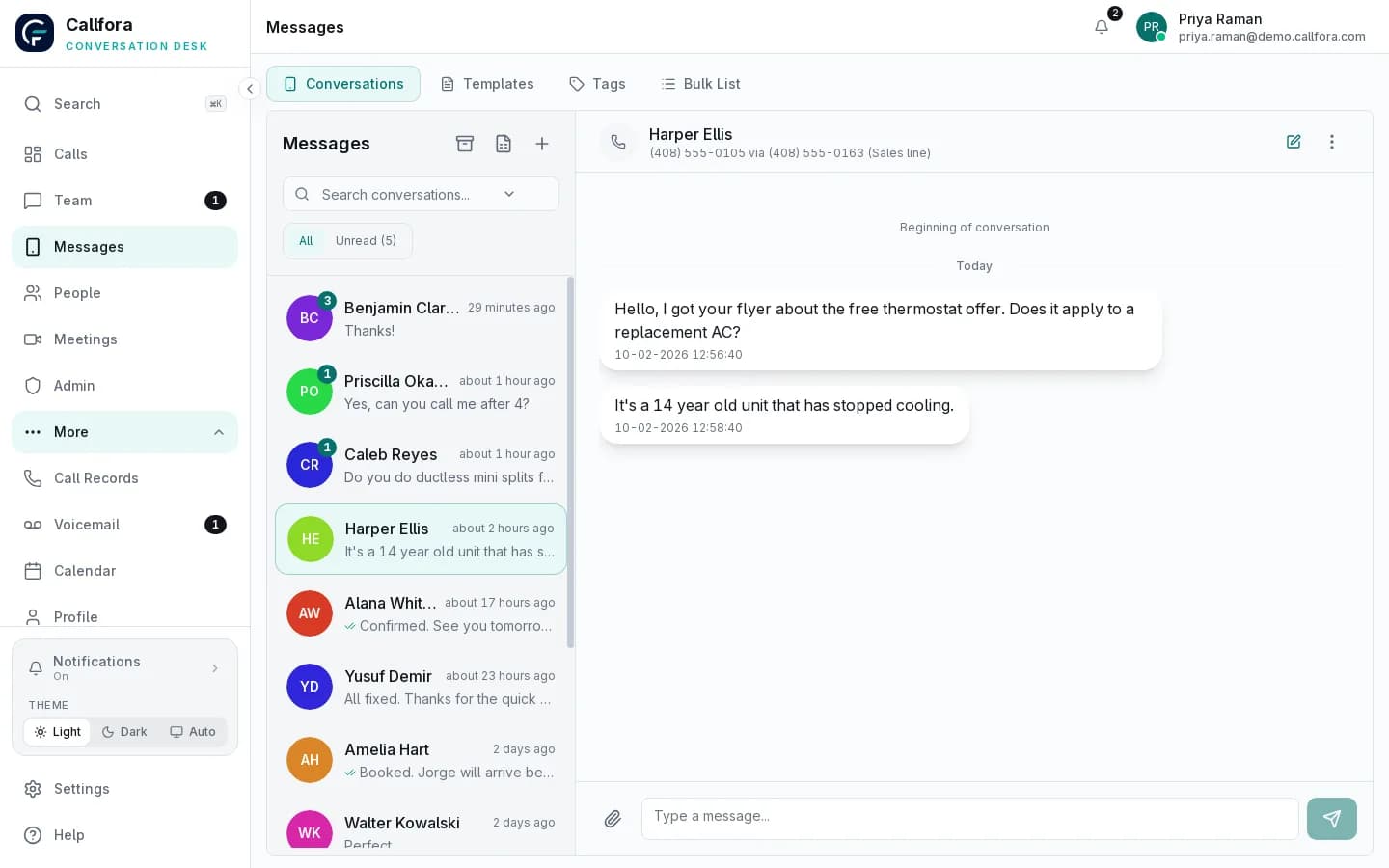
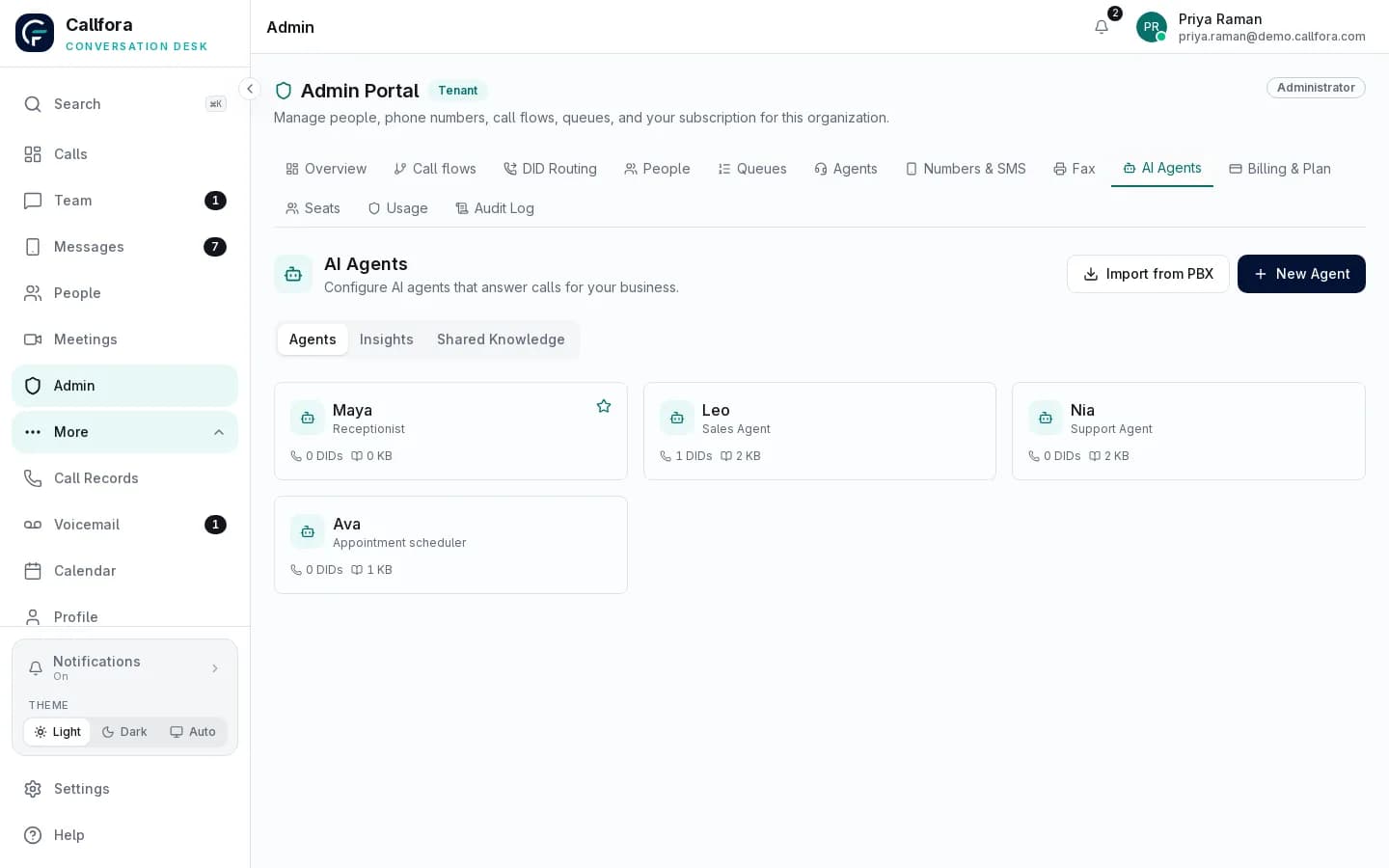
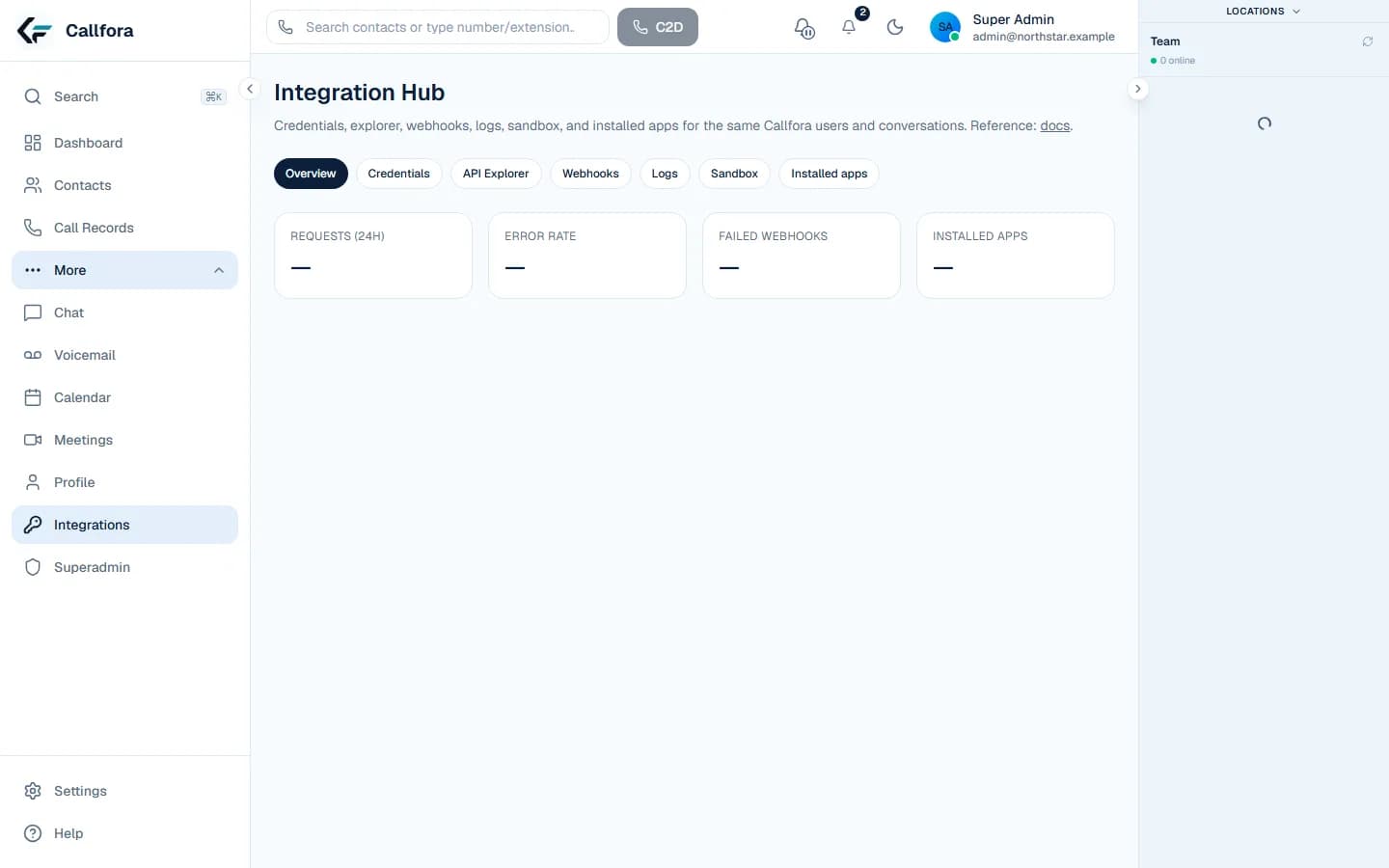
The Integration Hub screenshots are captured from the real product with synthetic data and redacted secrets.

Real Integration Hub overview using synthetic data
Real Integration Hub UI · synthetic organization · secrets redacted

Credentials

Every credential has an owner and a ceiling.

Scoped keys, sandbox isolation, and one-time secret display live in Integration Hub next to the explorer and webhook delivery state.

Review the security model →
Callfora Integration Hub scoped credential management
Real credential controls · key material redacted

CRM click-to-dial

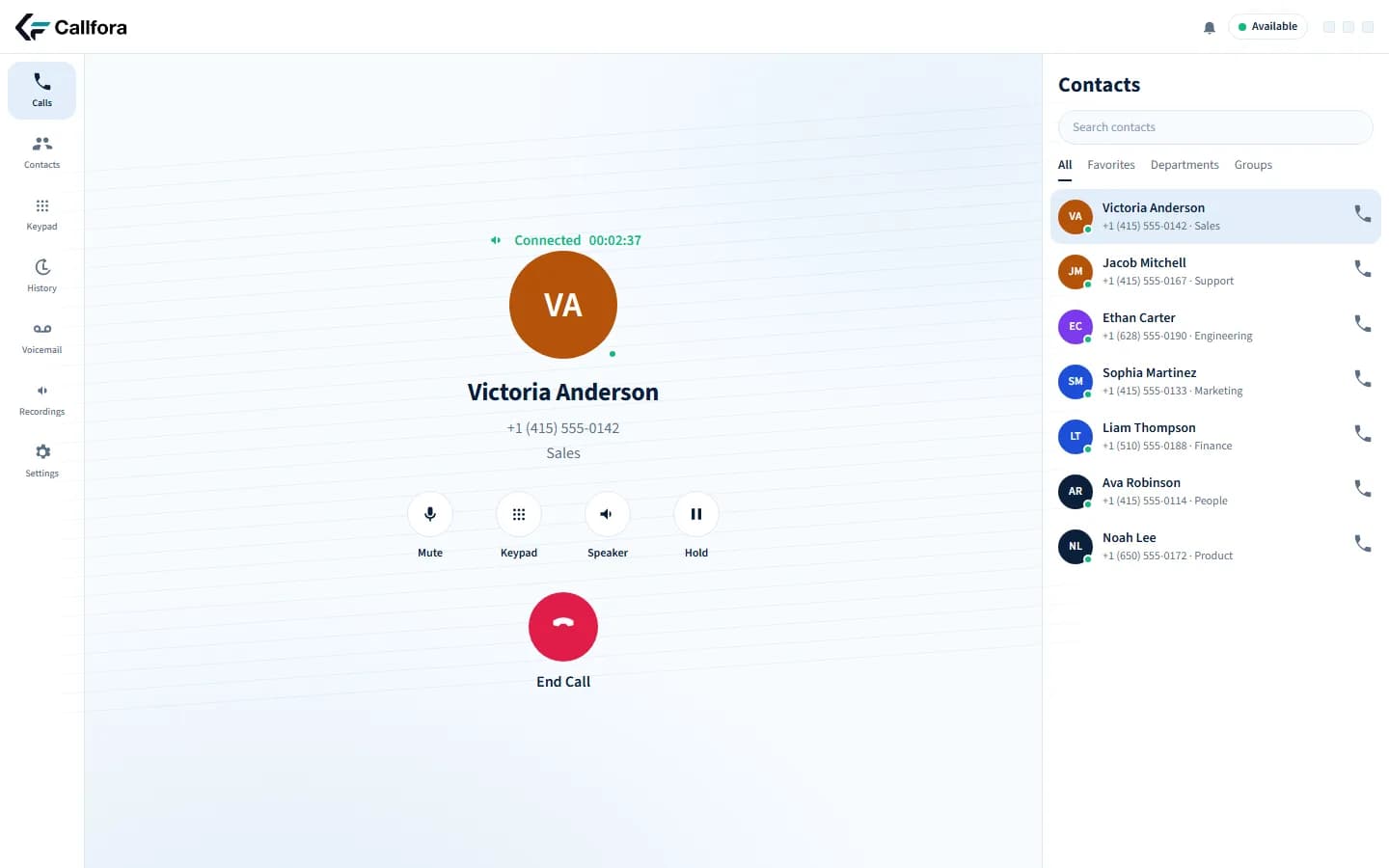
CRM record → Scoped request → Desktop call takeover

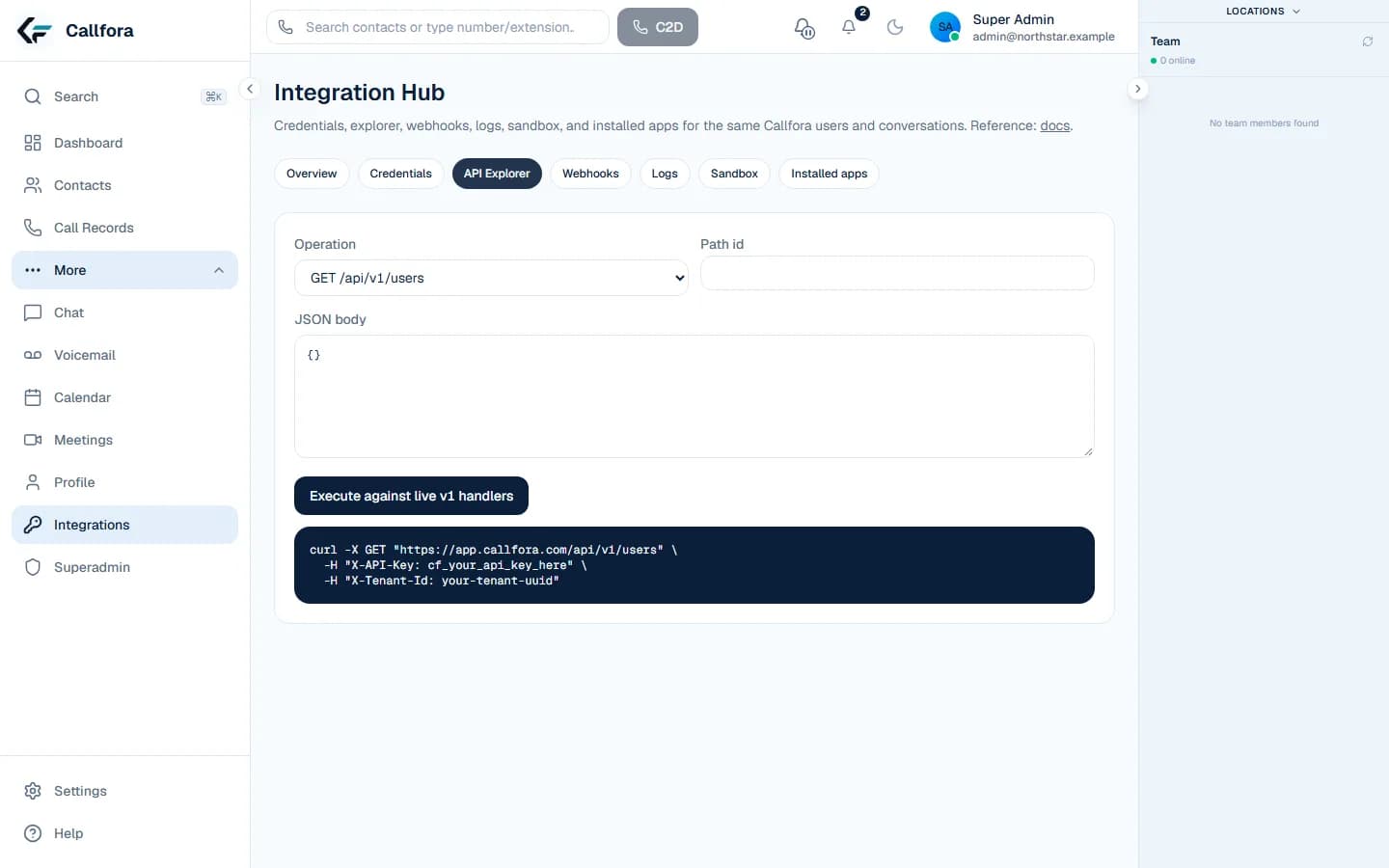
Callfora Integration Hub API Explorer using the verified operation catalog
Callfora desktop on an active connected call with mute, keypad, speaker, hold, and end call

SMS service follow-up

SMS follow-up → Signed event → Service timeline

Callfora Integration Hub signed webhook endpoint and delivery controls
Callfora business SMS conversation next to the shared conversation list

Governed testing

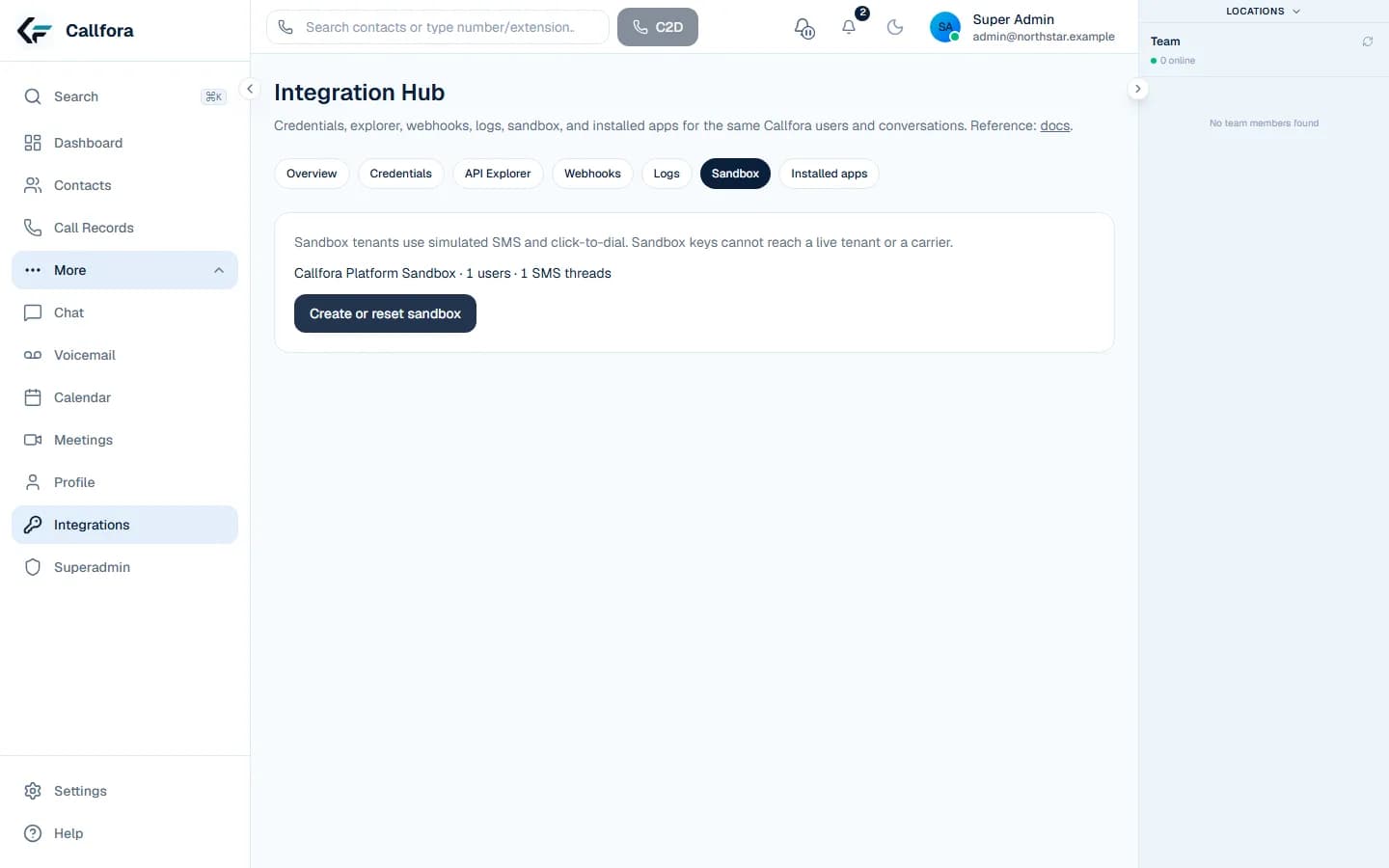
Scoped credential → Sandbox execution → Request telemetry

Callfora Integration Hub isolated sandbox controls
Callfora Integration Hub overview with request, webhook, and app telemetry
API model Explore →Signed events Explore →Security model Explore →Verified recipes Explore →

Questions

Questions about integrations

What integration tools are included?

Professional and above include scoped API credentials, Integration Hub, a sandbox, and outbound signed webhooks. There are no native CRM marketplace connectors.
Can sandbox credentials reach live data?

No. Sandbox credentials cannot reach live organization data or public calling providers.

How do events get from Callfora to my system?

Subscribe to the signed events the platform currently produces, verify the HMAC, store the request ID, and use retry, dead state, and replay controls. Your private app owns the mapping.

Your next great conversation starts here

Build the connection. Keep the human context.

Start with the verified API model or talk through a private integration with our team.