
Queues and call flows

Design call flows without a telephony project

Administrators create queues, IVR menus, ring groups, and business-hours rules in the web portal, then point each number at the right destination.

Direct answer

How does Callfora route a business number?

Administrators point each number at an extension, IVR menu, ring group, time condition, or queue, or an AI agent. The path is number to schedule to menu or ring group to queue to a person. Queues require the Call Centers plan and deployment configuration.

One governed path

Number, schedule, menu, queue, person.

Each tab is a stage on the same routing surface. Queue operations are qualified where the higher plan applies.

Each business number still points at a personal mobile.

Point every number at a governed destination.

Route to an extension, queue, IVR, ring group, time condition, or AI agent without a carrier ticket.

  • One routing surface
  • Destinations you can change
  • No separate telephony console
See voice
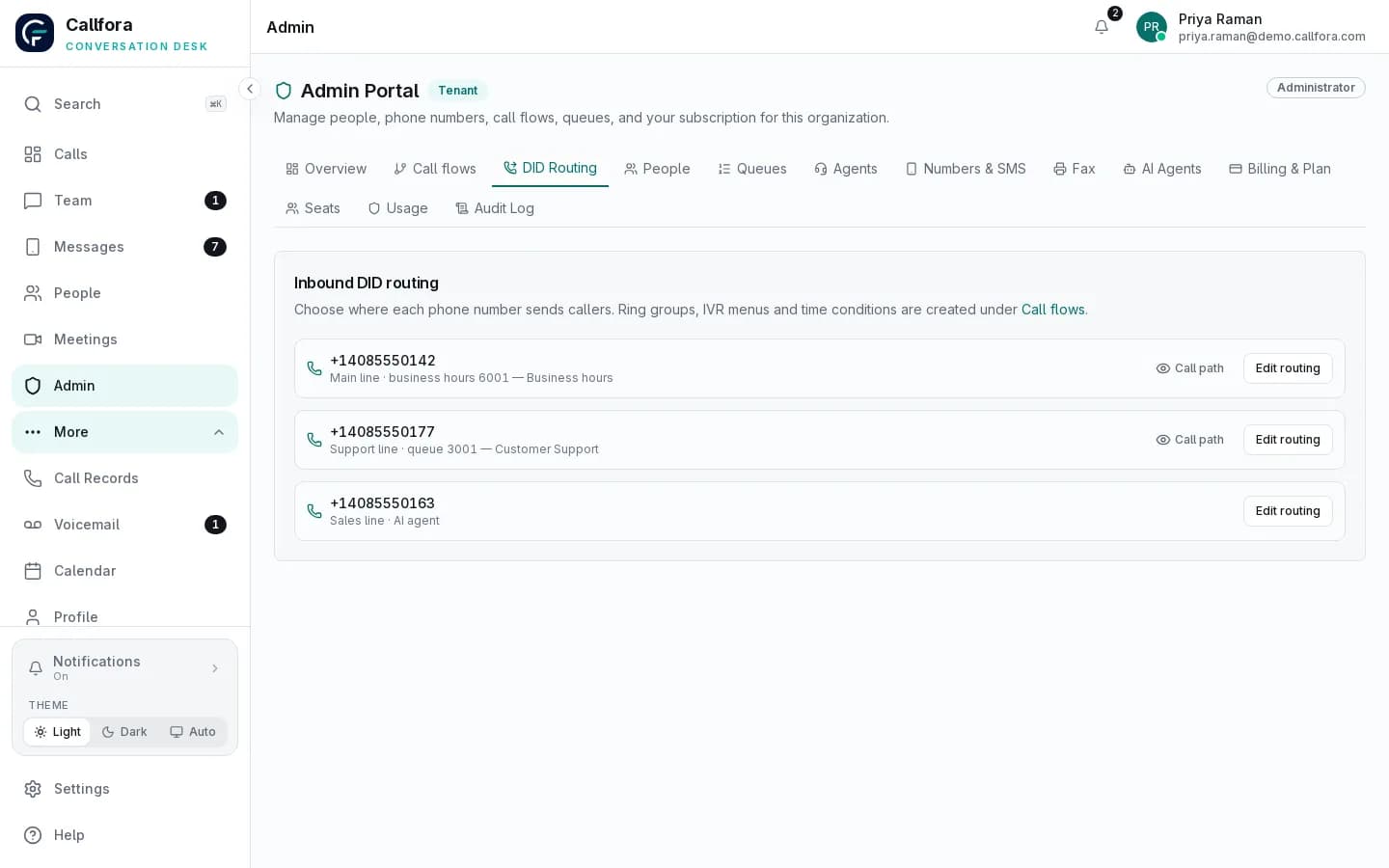
Callfora admin portal routing of numbers to queues, IVR menus, AI agents, and time conditions

Number routing

Number · 1 of 3

Workflow

The route a caller actually takes.

From the public number to a person

  1. 01

    A caller reaches a provisioned business number

  2. 02

    A time condition chooses the daytime or after-hours path

  3. 03

    An IVR or ring group sends the call to a queue or extension

  4. 04

    A person or configured AI agent answers, or voicemail keeps the record

Operational boundary: Call Center Queues require the Call Centers plan and deployment configuration. Ring groups and time conditions are part of the phone-system routing surface.
Queues

Run queues from the admin portal

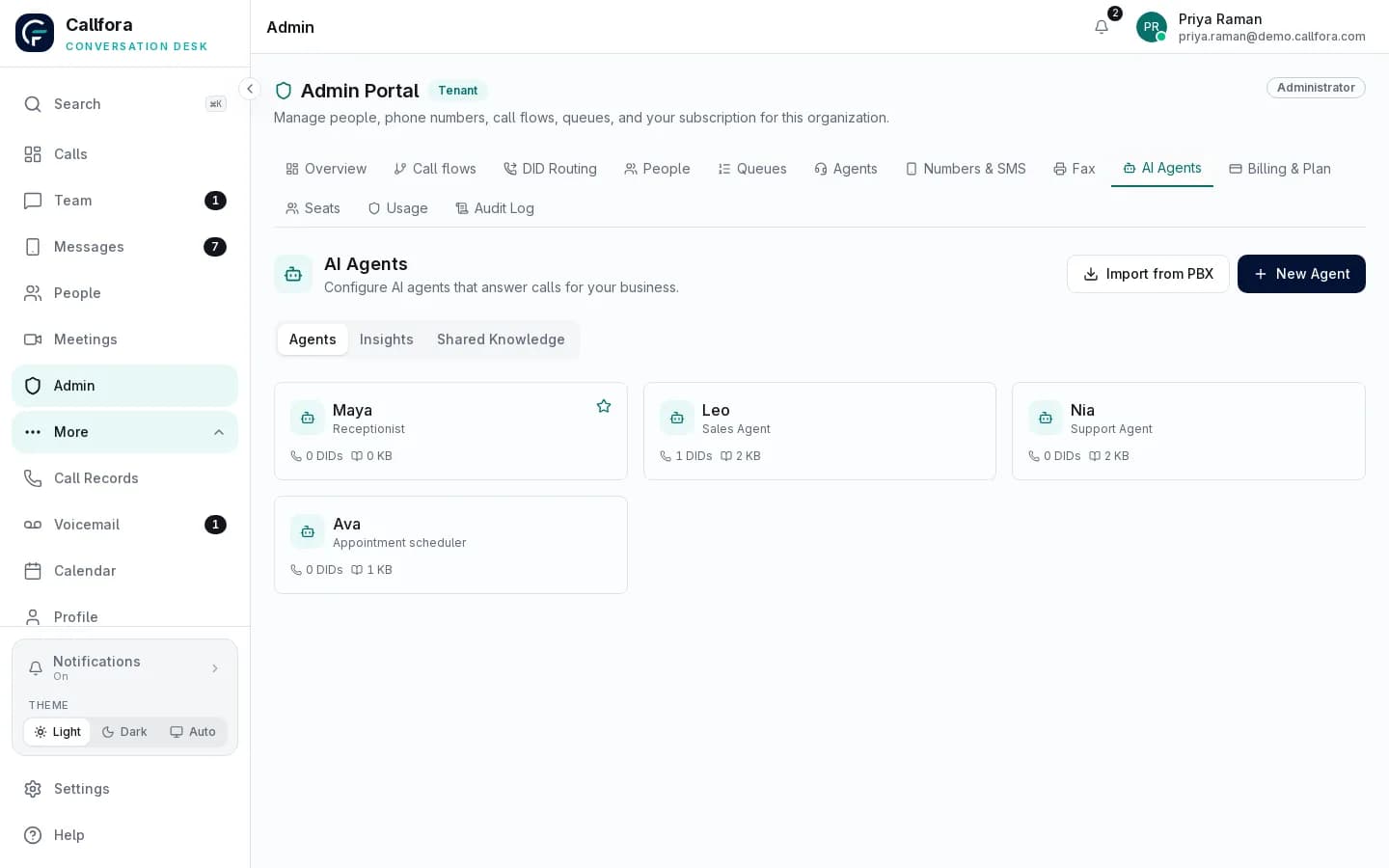
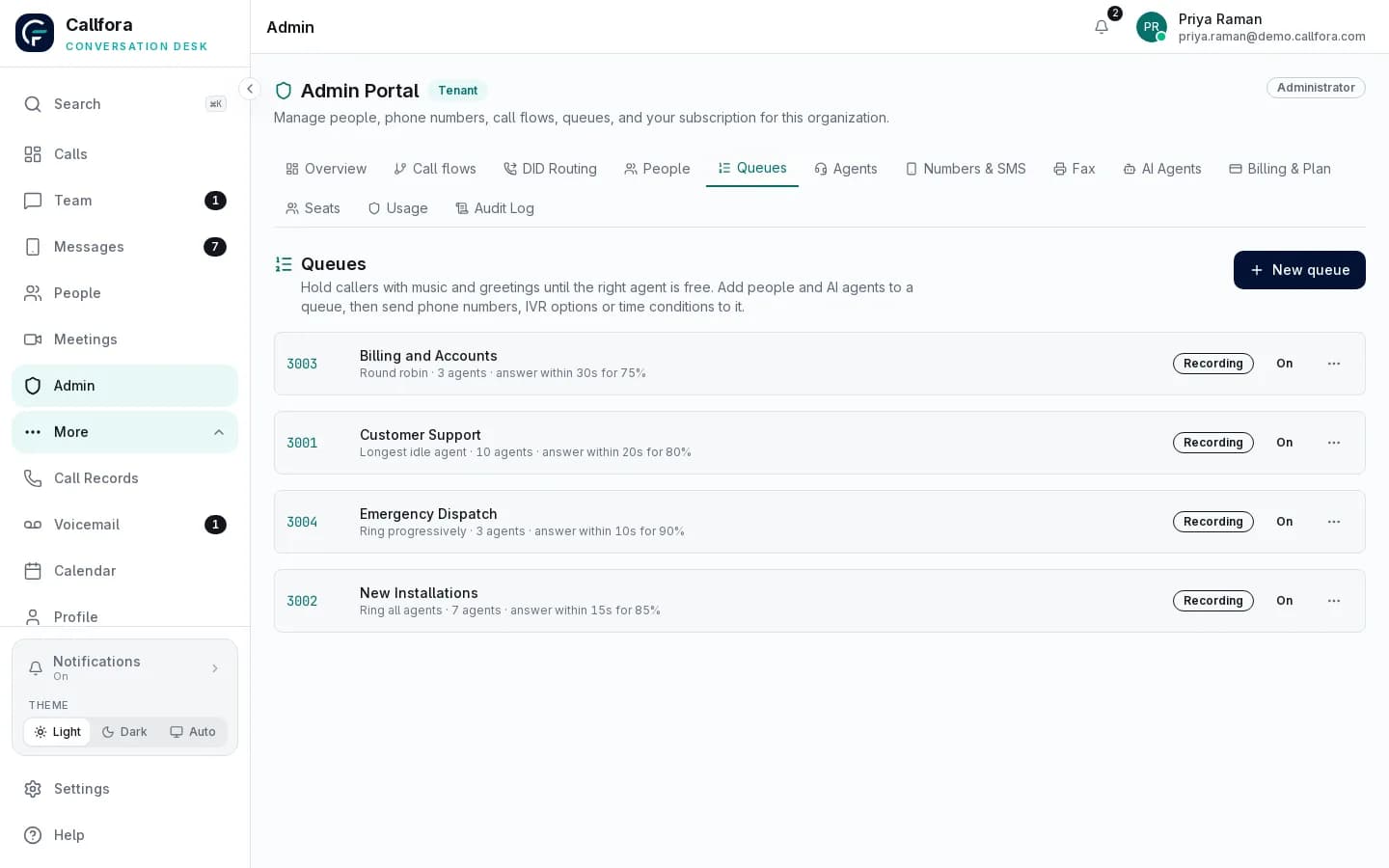
Create queues, add people and AI agents, and set the service level you promise. Changes apply to the call flow without a separate telephony console.

Call Center Queues require the Call Centers plan and deployment configuration.

Callfora admin portal listing call queues with strategy, agents, service-level targets, and recording status

IVR, ring groups, time conditions

Every path a call can take, in one place

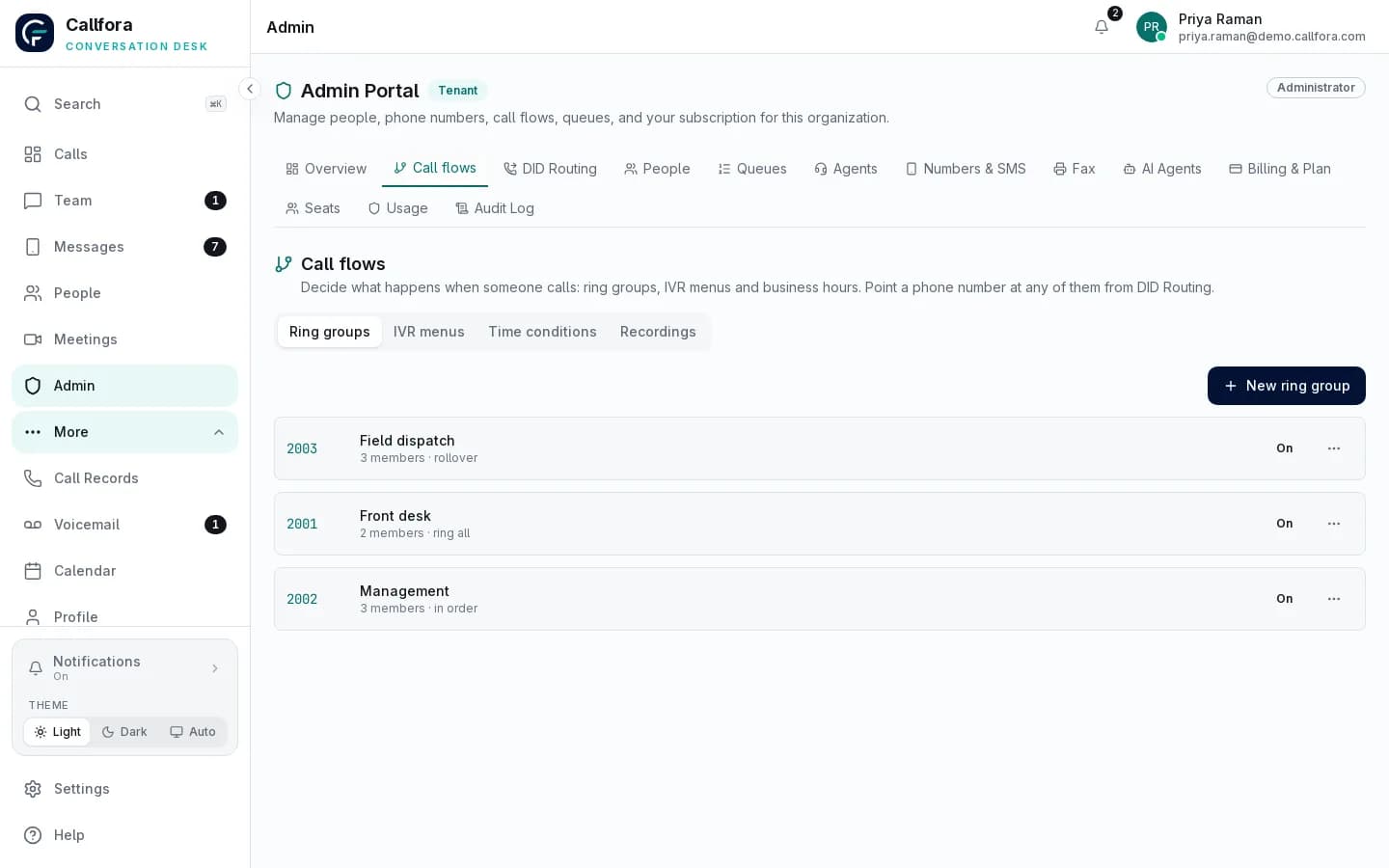
See IVR menus, ring groups, and time conditions together and edit them as your hours and teams change.

Callfora admin portal call flows showing IVR menus, ring groups, and time conditions

Number routing

Send each number where it should go

Route to people, queues, IVR menus, or AI agents, and change the destination without touching the carrier.

Callfora admin portal routing of numbers to queues, IVR menus, AI agents, and time conditions

Live operations

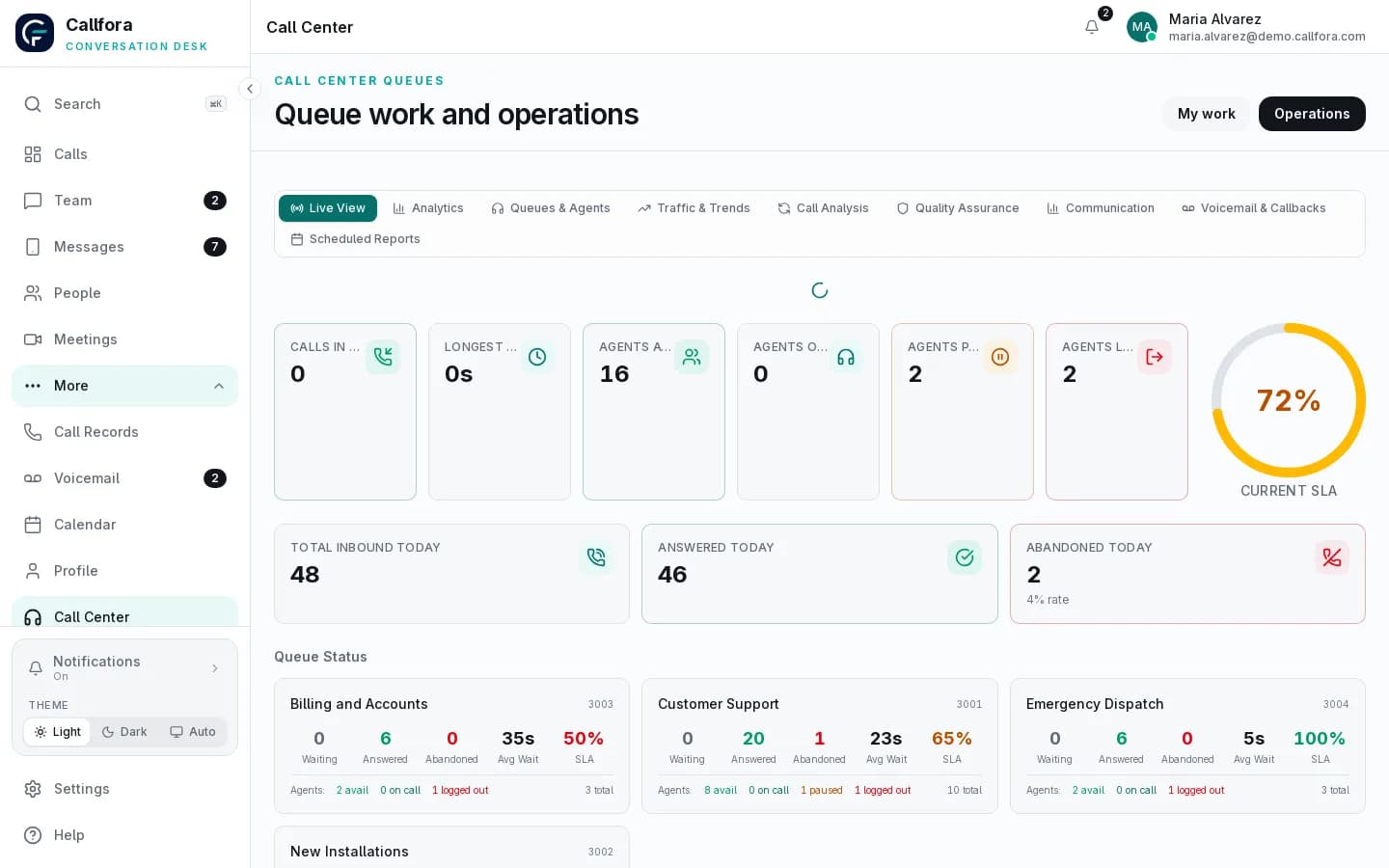
See the queues you just built, as work arrives

Supervisors watch live queue and agent state after the call flow is in place.

Configured contact-center deployments only. Availability depends on plan, modules, permissions, and deployment configuration.

Learn more →
Callfora Call Center Queues operations view for supervisors with live queue and agent state

What administrators can build

Everything a growing team needs to route calls

Call flow

Queues

Hold callers with music and greetings until the right agent is free. Pick a strategy, set service-level targets, and turn recording on.

Call flow

IVR menus

Let callers choose a department with a key press and send each option to a person, queue, or AI agent.

Call flow

Ring groups

Ring a team together or in sequence and fall back to voicemail or another destination.

Call flow

Time conditions

Send calls somewhere different after hours, on weekends, and on holidays.

Call flow

Number routing

Point each business number at an extension, queue, IVR menu, ring group, time condition, or AI agent.

Call flow

Agents and AI seats

Add people and AI agents to a queue and manage their status from one place.

Questions

Questions about call flows

Can administrators change routing without a telephony vendor?

Yes. Queues, IVR menus, ring groups, time conditions, and number destinations are edited in the admin portal. Changes apply to the call flow without a separate console.

What destinations can a number use?

An extension, queue, IVR menu, ring group, time condition, or AI agent.

Do queues require a higher plan?

Call Center Queues require the Call Centers plan and deployment configuration. Ring groups and time conditions are part of the phone-system routing surface.

Call-flow design

Map your numbers to the right people and queues.

Let’s find the right way to connect your business.