
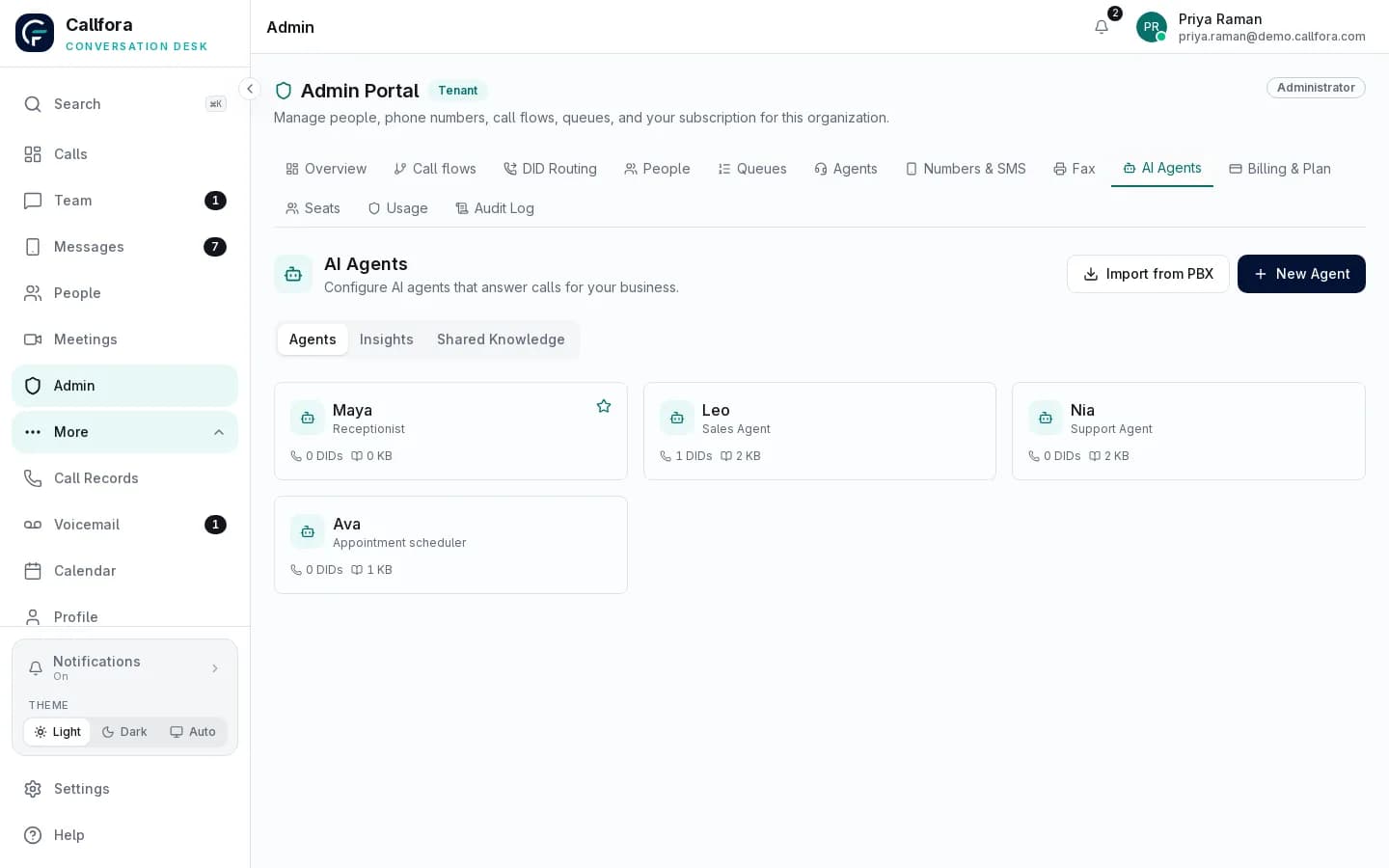
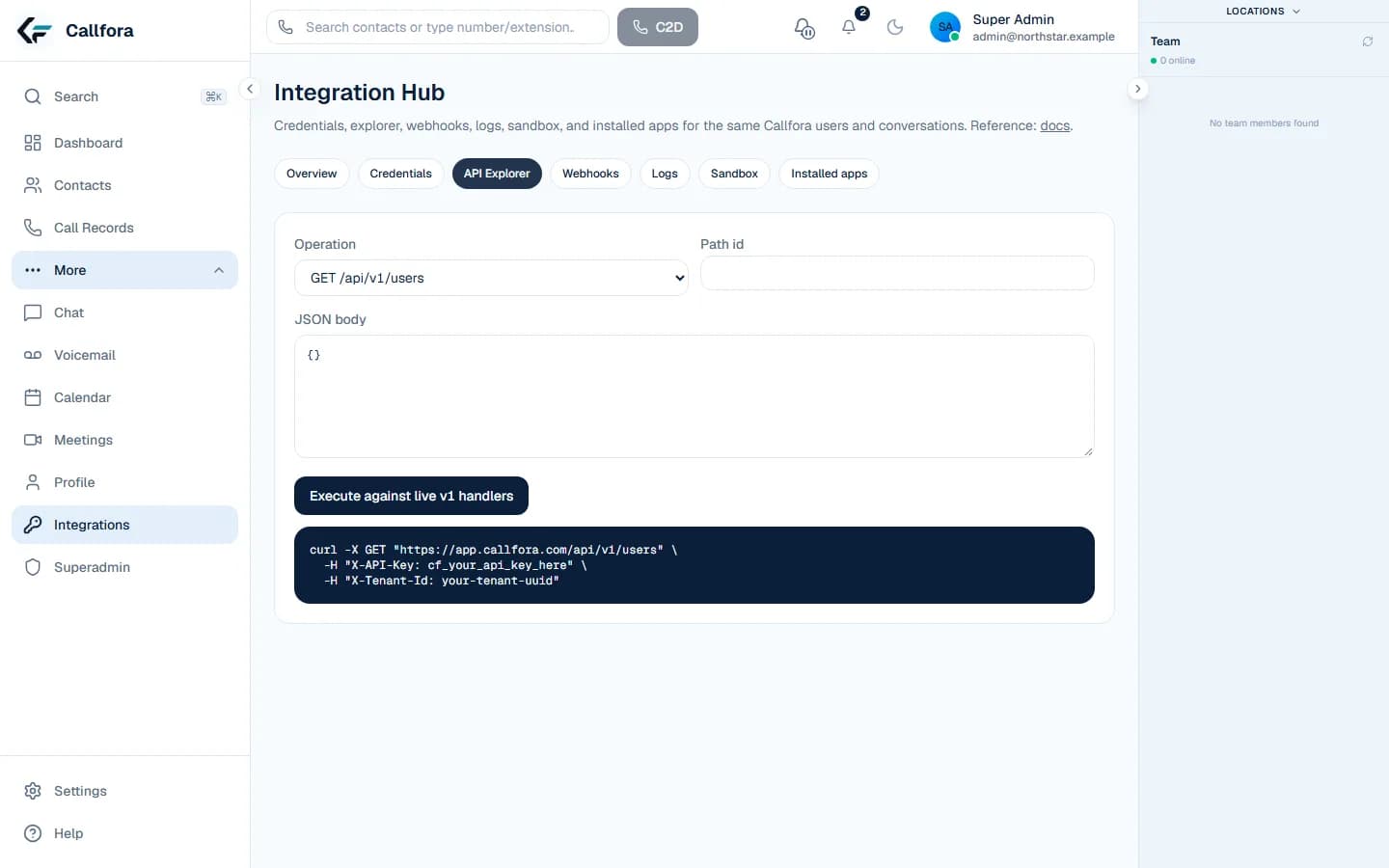

A representative real-estate team handling a property enquiry by phone

Real Estate communications

Move from new lead to live conversation faster

Route opportunities to available agents, call from the record, follow up by business SMS, and keep activity visible to the team.

Shared communications context

Keep lead conversations on the business record

Give agents business calling and SMS on desktop and mobile, connect authorized activity to the CRM workflow, and keep team visibility when an opportunity changes hands.

Explore CRM workflows →
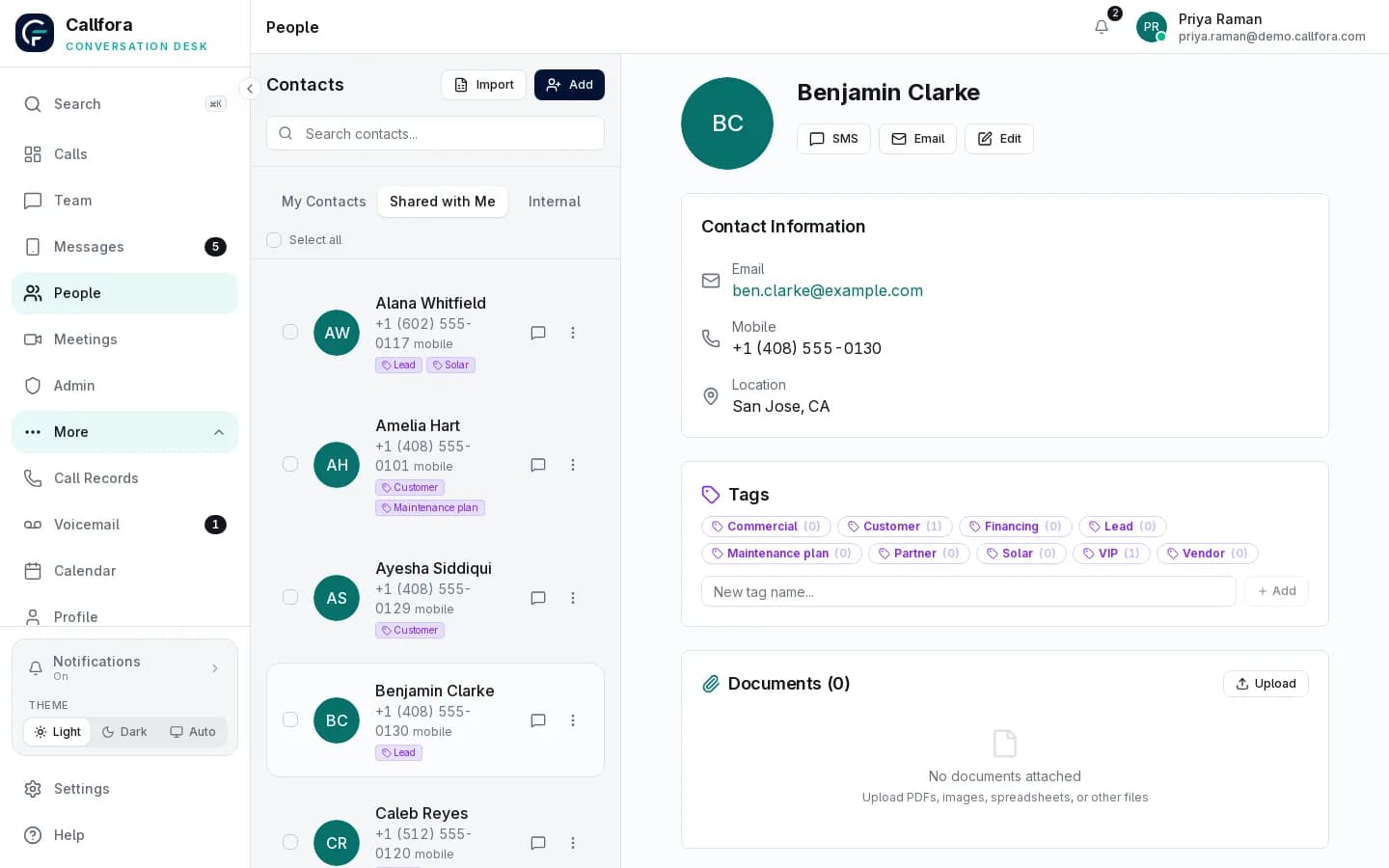
Callfora shared contact record with tags, click-to-call, and SMS in the organization workspace

Shared contact record. CRM write-back is a scoped private integration.

Operational challenges

How real estate teams use the platform

Each state pairs a common operating problem with a real Callfora surface. Connector and compliance boundaries stay explicit.

A new enquiry waits while agents decide who should call.

Route the lead to an available agent.

Configured team routing and availability organize inbound conversations.

  • Numbers pointed at a team
  • Availability in the workspace
  • A shared customer record
See routing
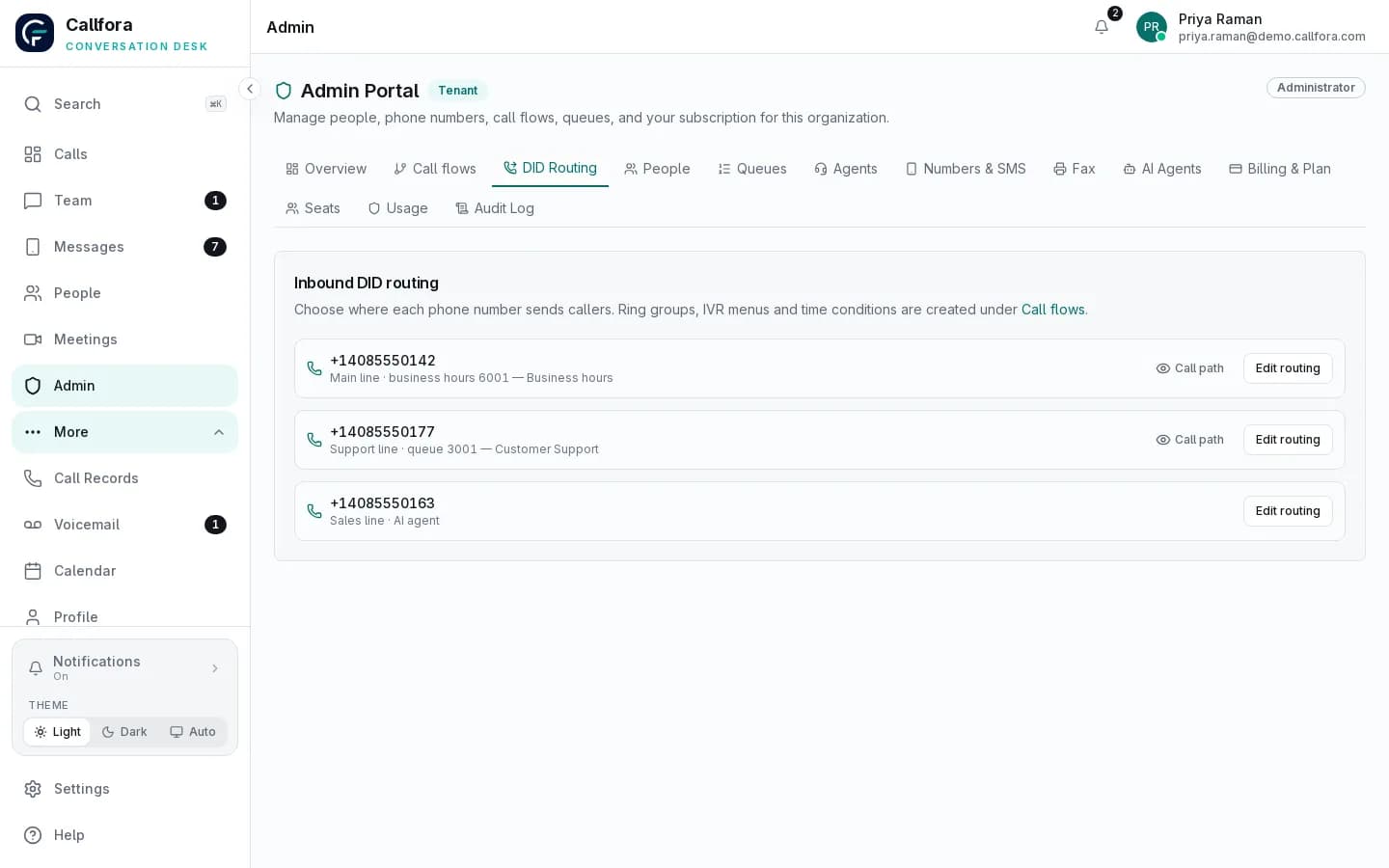
Callfora admin portal routing of numbers to queues, IVR menus, AI agents, and time conditions

Number routing

Slow first response · 1 of 3

Connected workflow

Keep the operating system of record in the loop

Use scoped integration patterns where customer context or downstream activity needs to move between systems.

Lead-response workflow

  1. 01

    Create or update the lead in the authorized CRM workflow

  2. 02

    Start the call or business SMS with the assigned user context

  3. 03

    Return supported communication activity to the customer timeline

Operational boundary: CRM write-back is a scoped private integration and depends on the customer's CRM API and authorization model.

Real Estate rollout

Map the platform to your teams, systems, and policies.

Let’s find the right way to connect your business.