
Workflow
Click-to-dial from the record
Start a call from your CRM using the same users, extensions, and numbers as the workspace.
CRM
Issue a scoped key, originate from the record, and let the agent continue in desktop or mobile when they need the full desk.
System boundary
Callfora handles the conversation. Your private app maps users, originates the call or text, and writes supported events back.
Reps leave the CRM to dial from a mobile, so the record never sees the call.
Click-to-dial uses the same licensed user, extension, and number as the workspace.
Professional and above. Availability also depends on enabled modules, permissions, region, and deployment configuration.
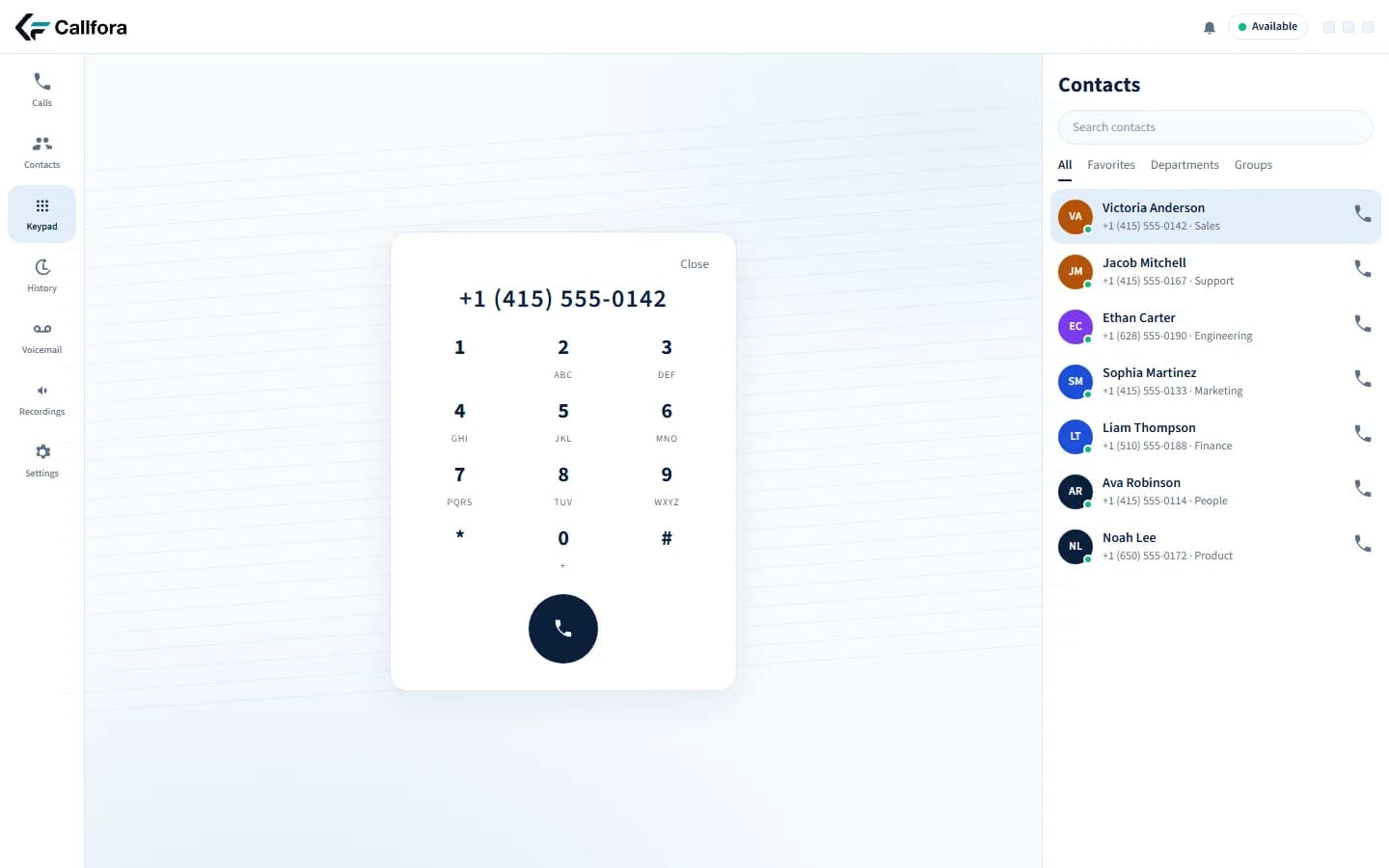
Desktop keypad for click-to-dial
Follow-up texts happen on personal phones and never reach the ticket or CRM.
Send business SMS from the number the customer already knows, then write supported events back.
Professional and above. Availability also depends on enabled modules, permissions, region, and deployment configuration.
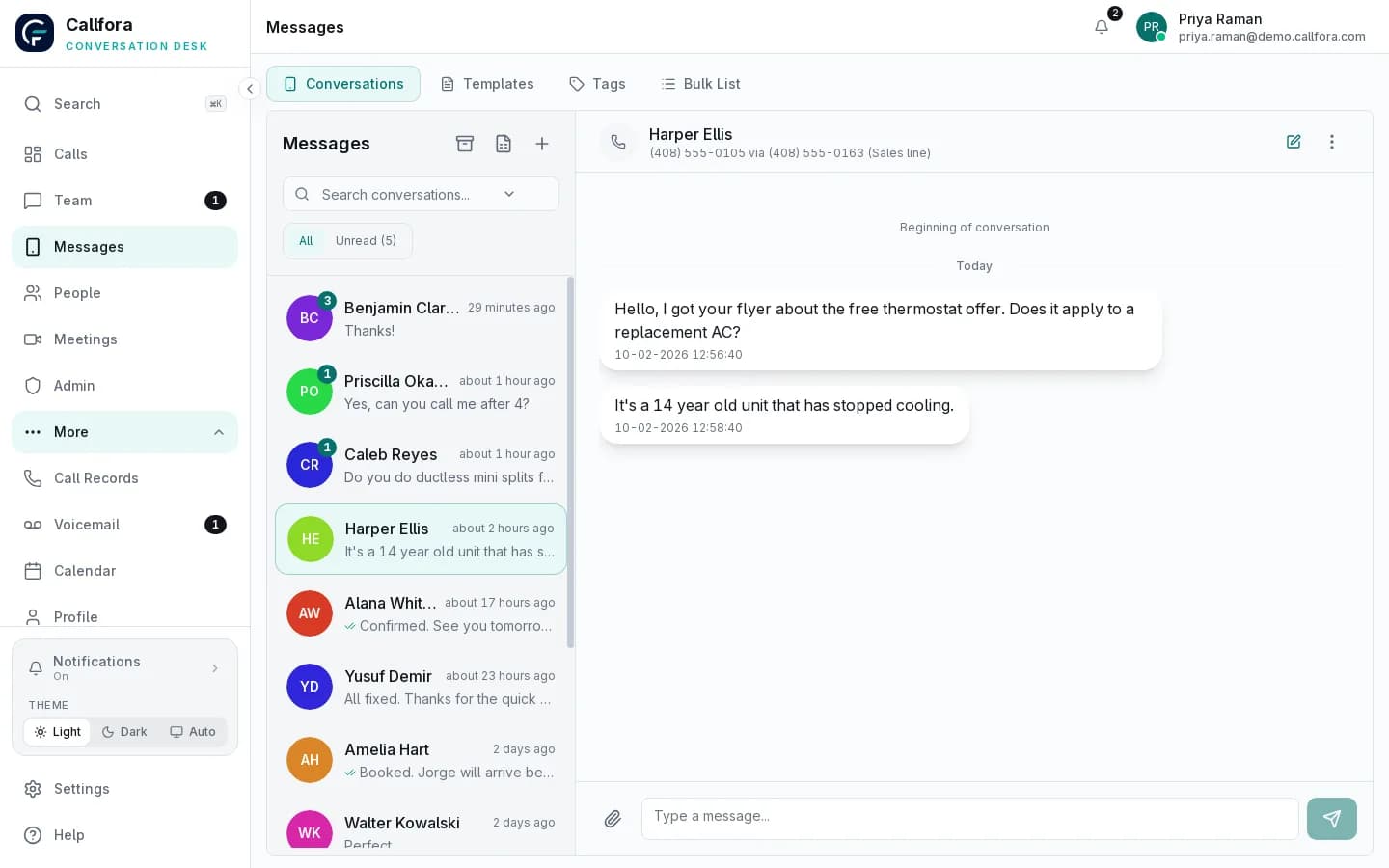
Business SMS conversation
The CRM stays empty because nobody copies notes from the phone system.
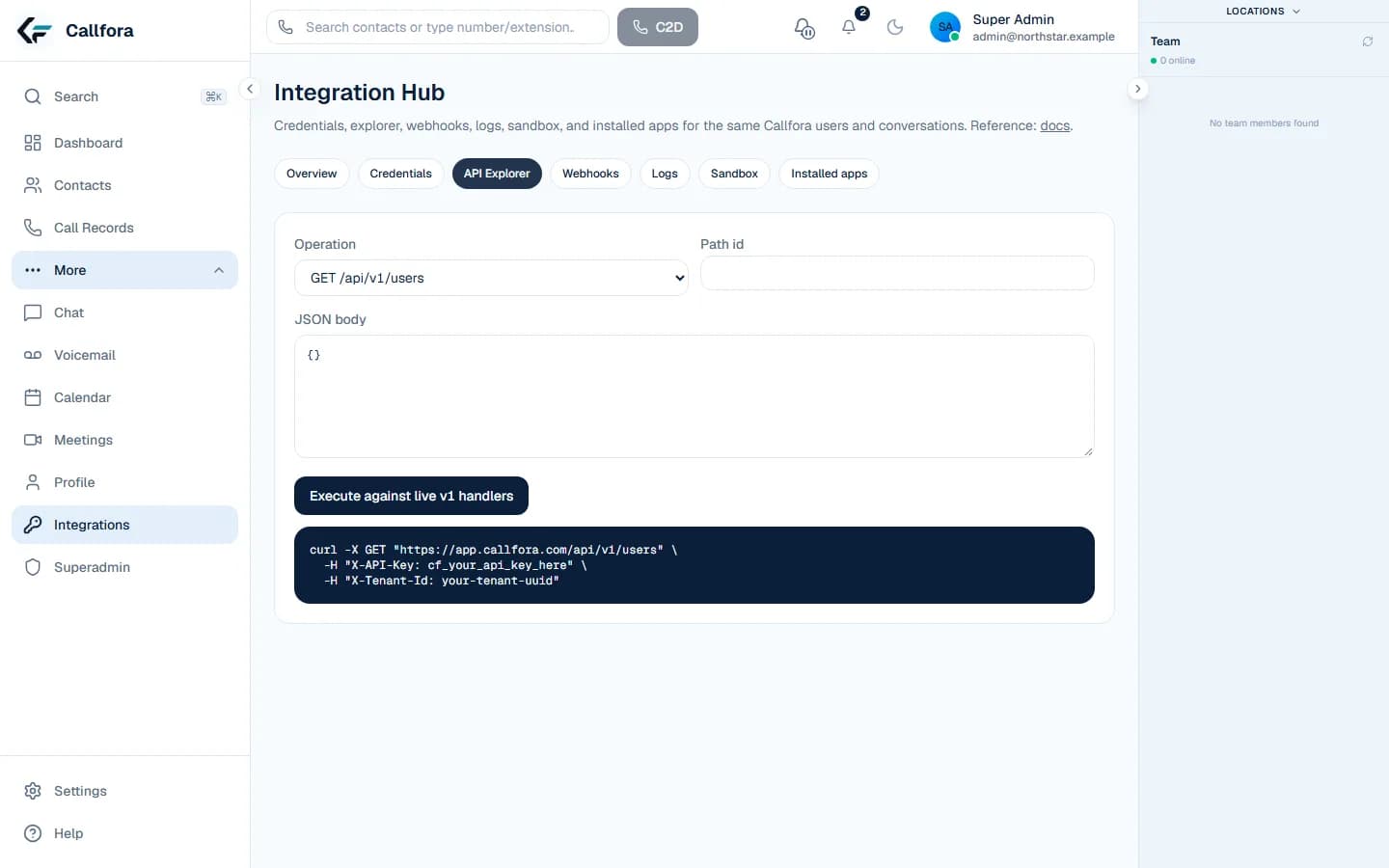
Verify signed deliveries, store the request ID, and update the record your team already trusts.
Professional and above. Availability also depends on enabled modules, permissions, region, and deployment configuration.
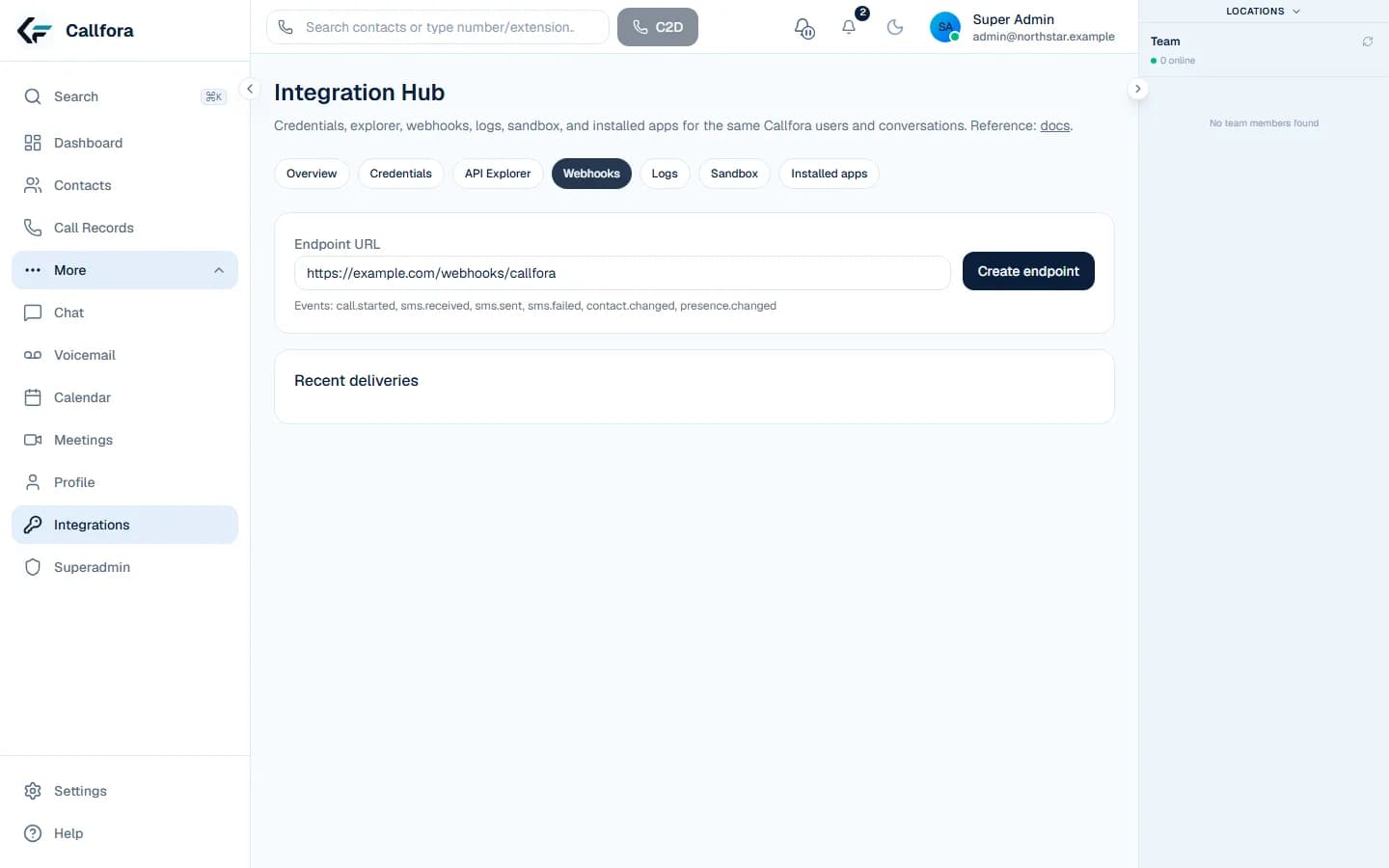
Webhook delivery controls
Personal dialing · 1 of 3
API
Callfora uses the same users and numbers as the workspace. This is a private-app recipe, not a marketplace listing.
Learn more →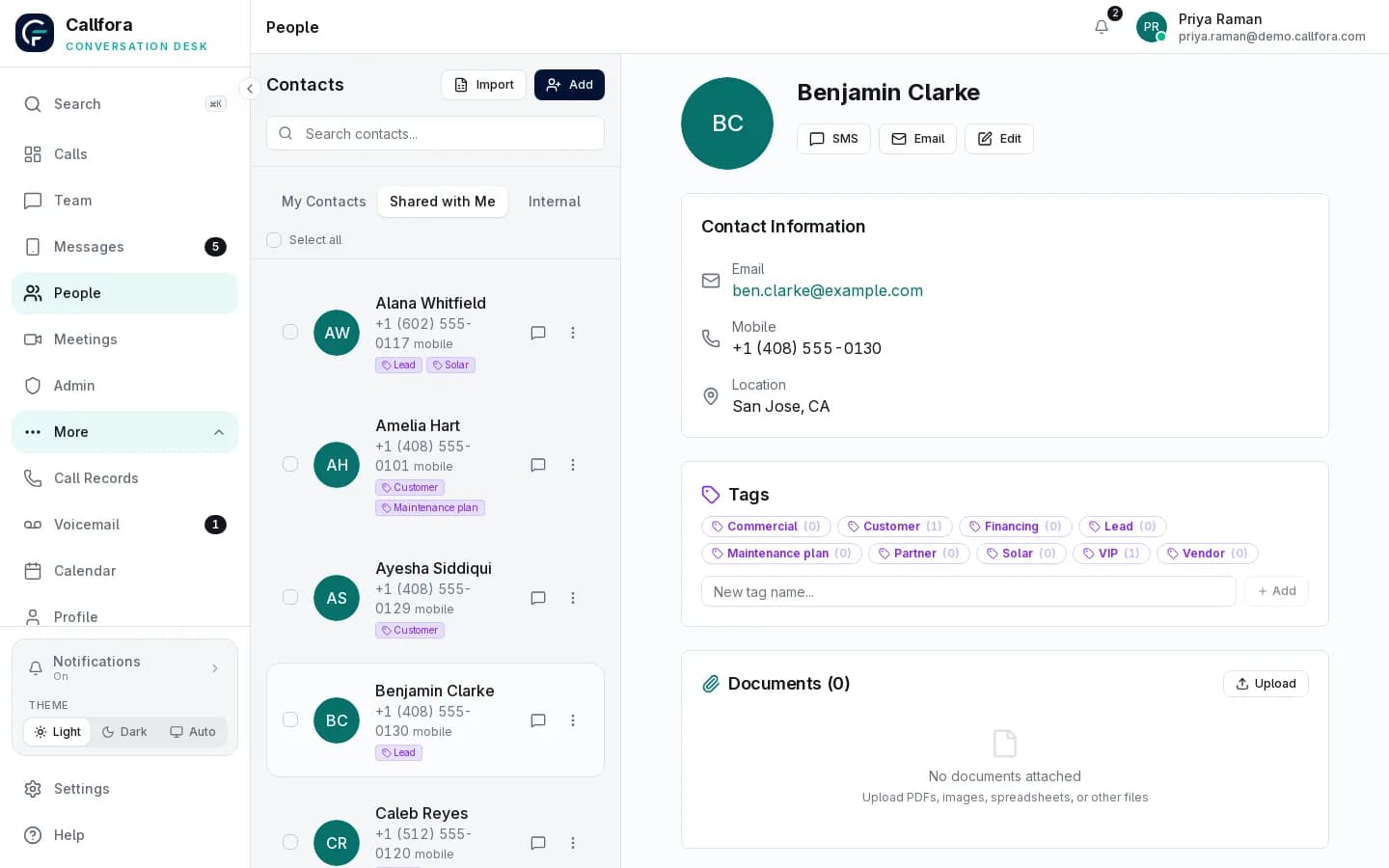
Credentials
Professional includes scoped credentials, sandbox isolation, and one-time secret display. Your organization operates the private app.
Professional and above.
Learn more →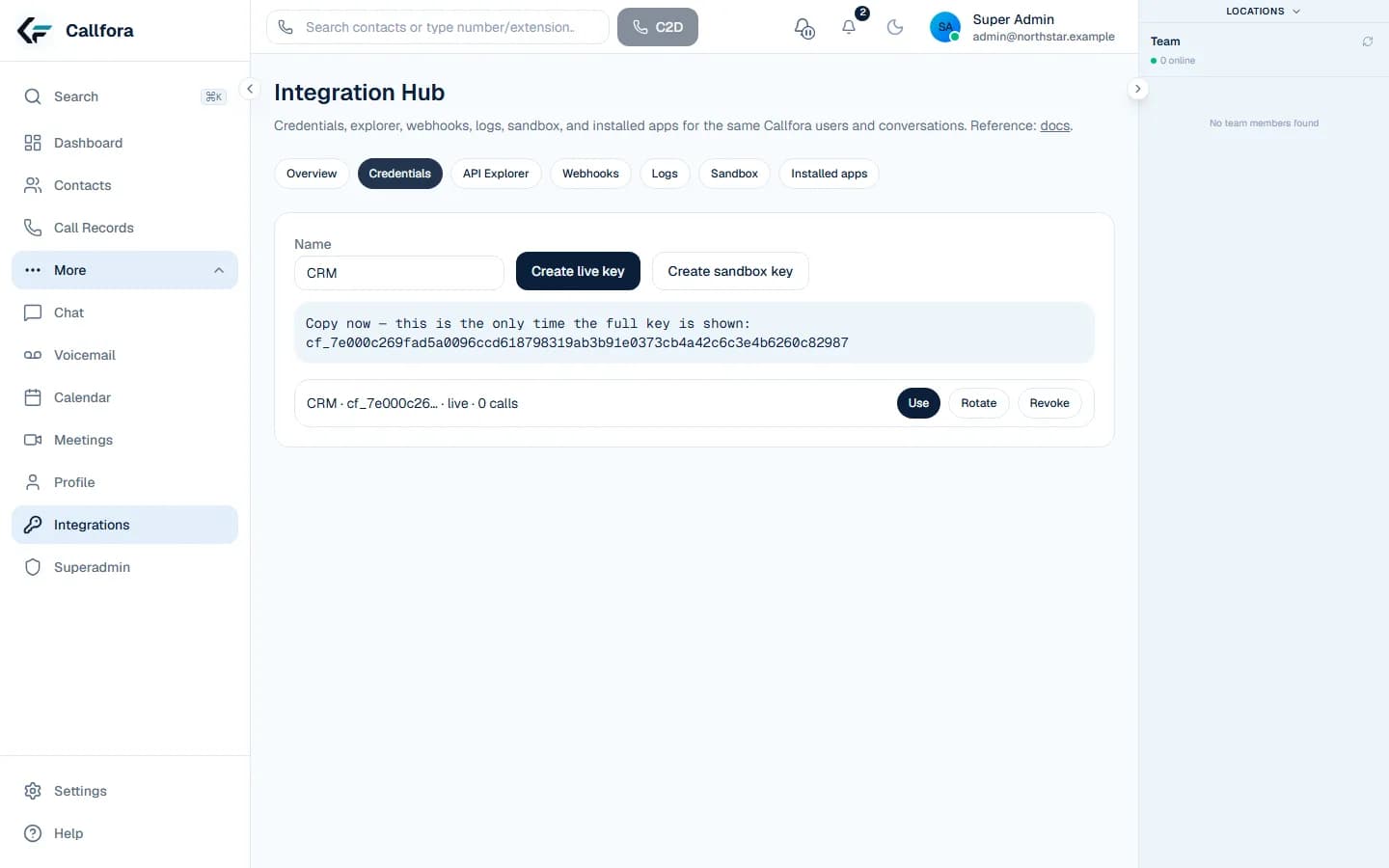
Connected customer context
Build against scoped credentials and supported events. Your organization operates the private app that connects the two systems.
Workflow
Start a call from your CRM using the same users, extensions, and numbers as the workspace.
Workflow
Send business SMS from the number your customer already knows, then keep the thread in the shared workspace.
Workflow
Subscribe to supported call and message events and write them to your system after verifying the signature.
A user starts a call or text from the customer record
The workspace handles the conversation
A signed event updates the CRM after your app verifies it
Operational boundary: Connection requires a Professional or higher plan, a scoped credential, and an app your team builds and operates.
CRM rollout
Let’s find the right way to connect your business.