
Layer
Workspace
Licensed seats use one identity for voice, SMS, meetings, contacts, and voicemail on desktop and mobile.

Platform
Callfora keeps business calling, messaging, meetings, routing, analytics, and role-based AI in one desktop and mobile workspace. The same people, numbers, and permissions are available through an API when another system must start or record the work.
Direct answer
Callfora is a unified communications platform: a business phone system and contact center with SMS, meetings, desktop and mobile apps, governed analytics, and optional role-based AI. Recording, shared inboxes, and the API start on Professional. Queues, analytics, and AI agents require Call Centers or Enterprise plus the matching modules.
Four jobs
The Platform menu is this operating model, not a list of unrelated products.
Teams split calling, texting, and meetings across personal tools.
Licensed seats use the same identity for voice, business SMS, meetings, and contacts on desktop and mobile.
Messaging and number availability vary by region and plan.
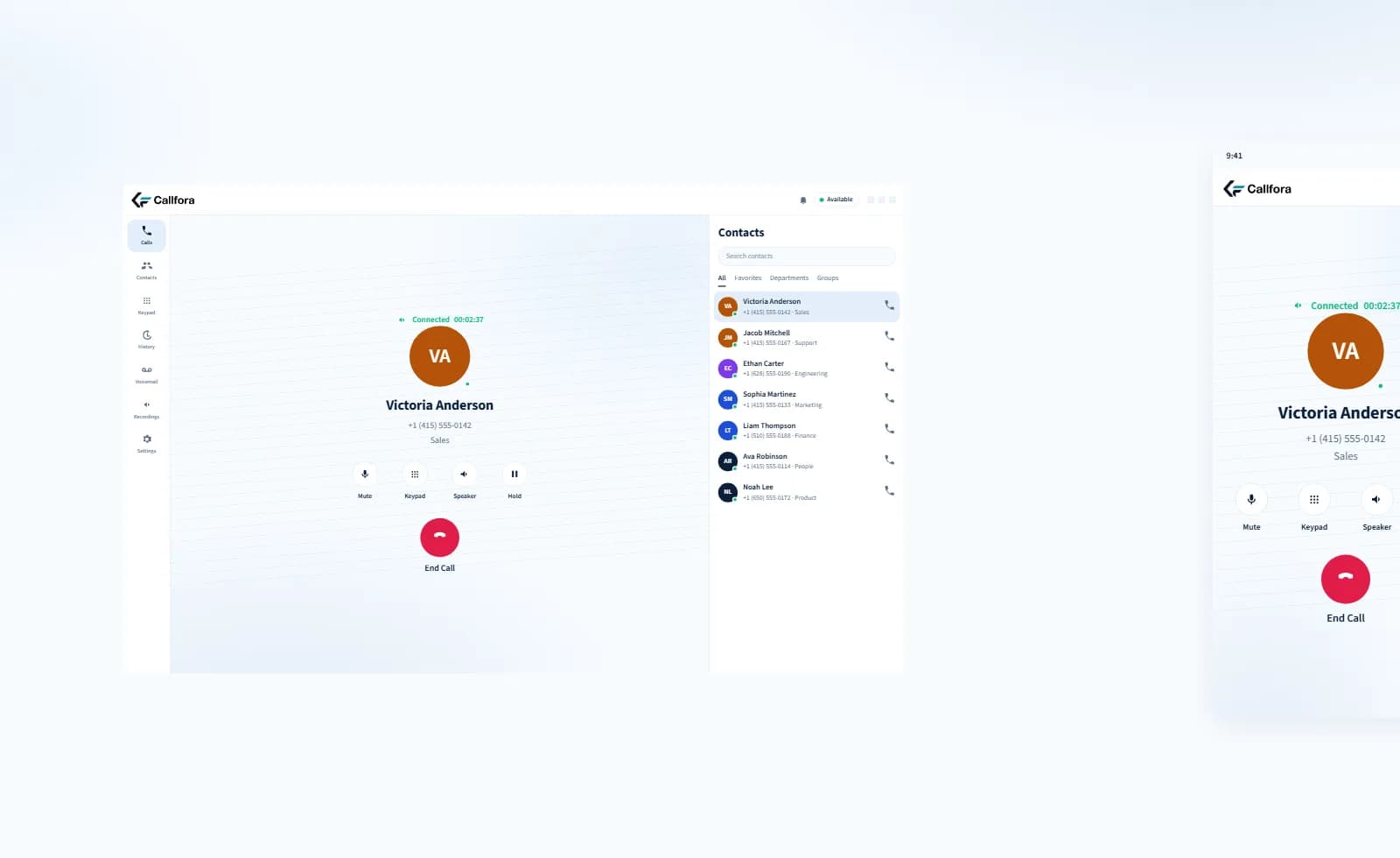
Desktop and mobile on the same workspace
Callers cannot reach the right team, and routing changes are slow.
Build queues, IVR menus, ring groups, and time conditions, then route each number from the admin portal.
Call Center Queues require the Call Centers plan and deployment configuration.
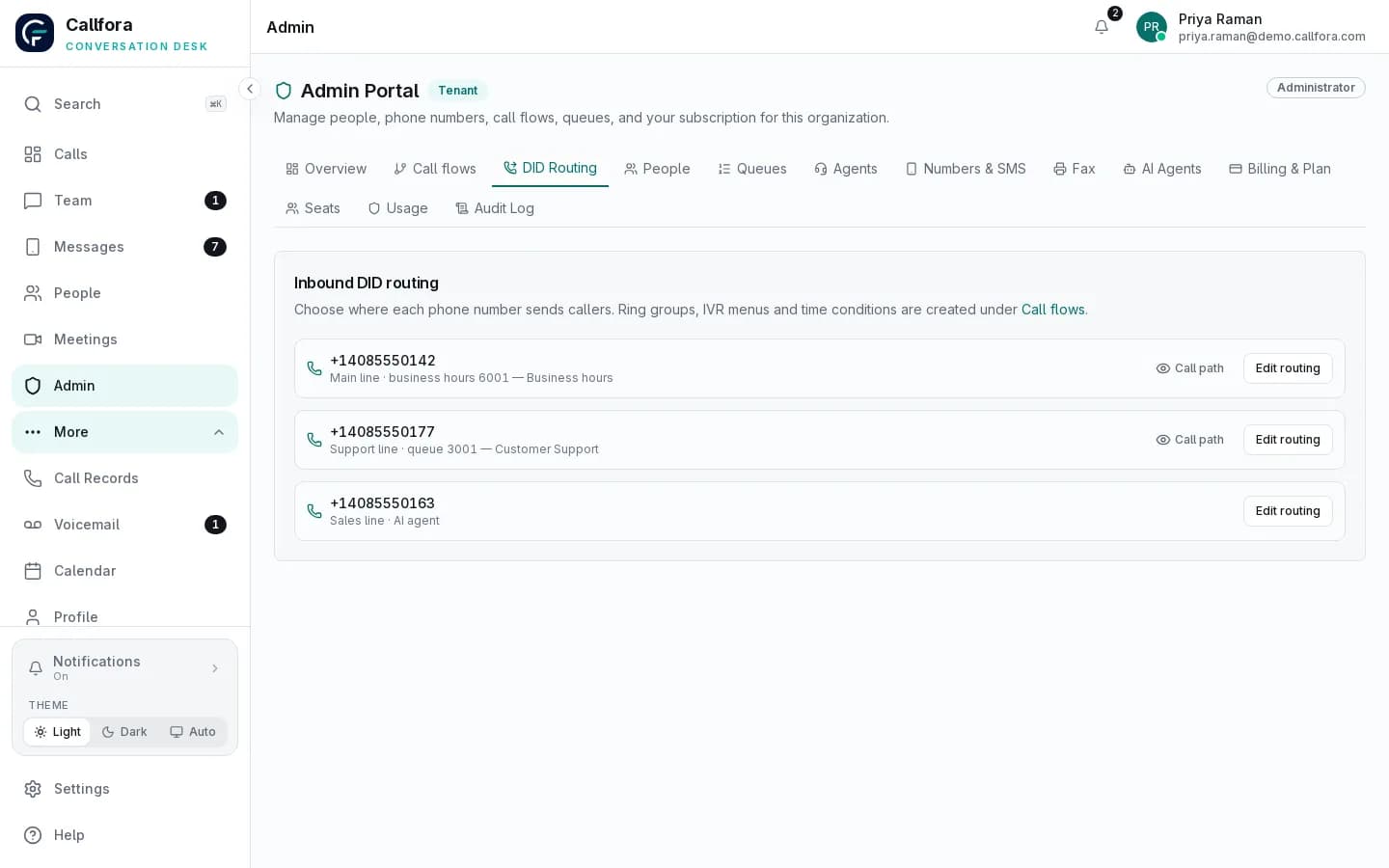
Number routing in the admin portal
Service quality is guessed from anecdotes instead of the actual queue.
Watch the wallboard, then move into queue, agent, traffic, quality, and reporting views.
Configured contact-center deployments only. Availability depends on plan, modules, permissions, and deployment configuration.
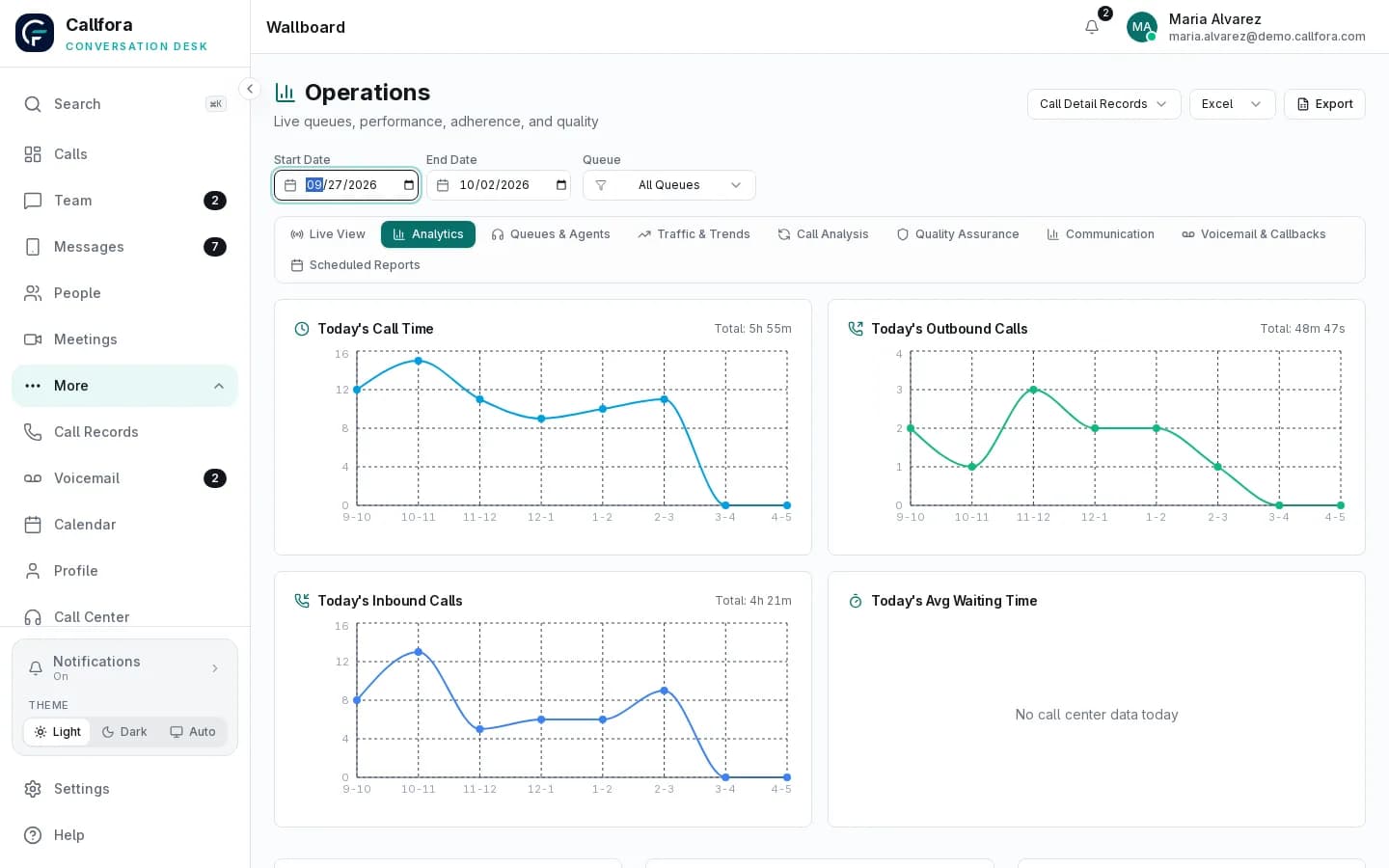
Contact-center analytics overview
Business systems cannot start a call or record what happened afterward.
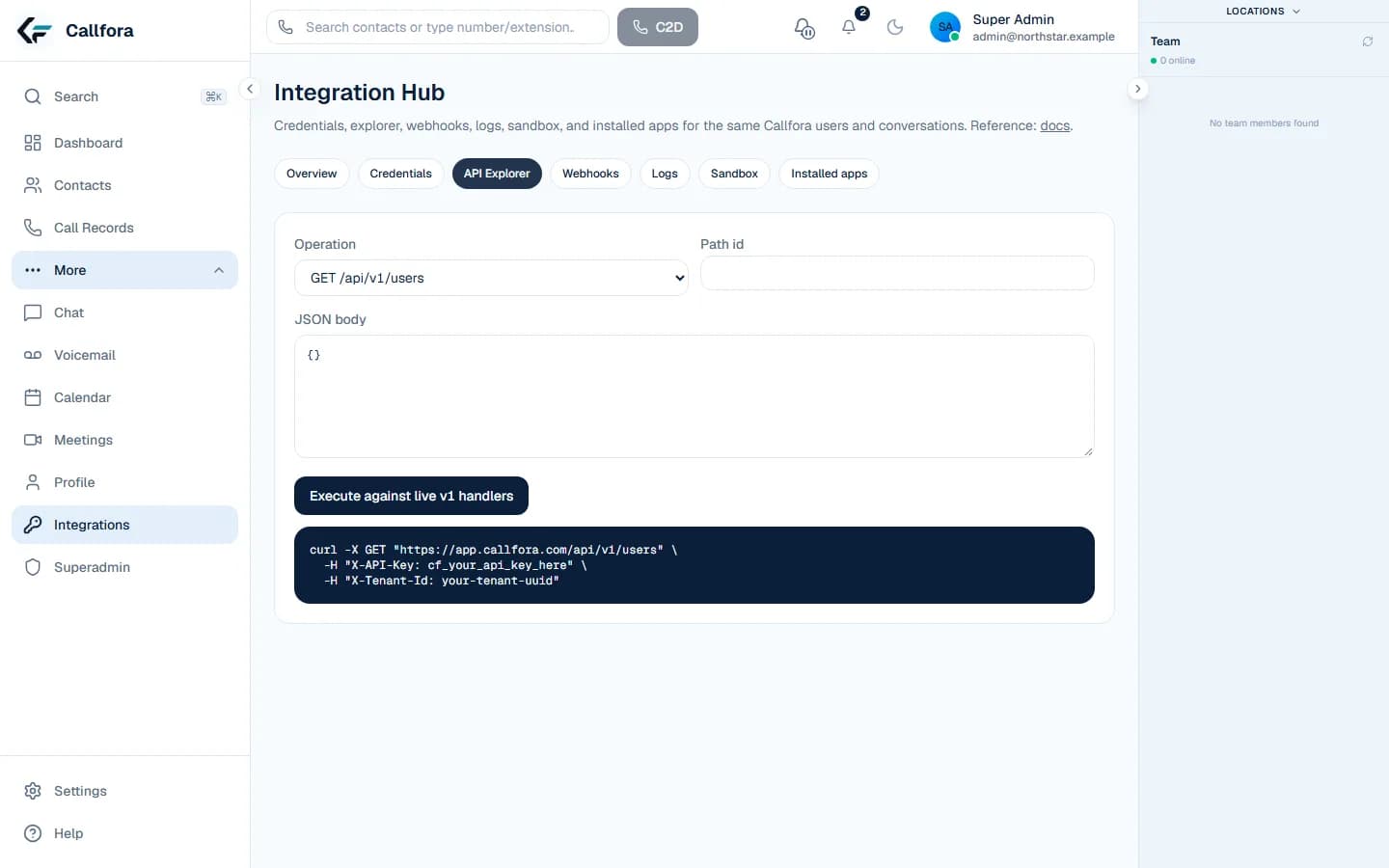
Scoped API credentials, Integration Hub, and signed webhooks use the same users and conversations as the workspace.
Professional and above. Availability also depends on enabled modules, permissions, region, and deployment configuration.
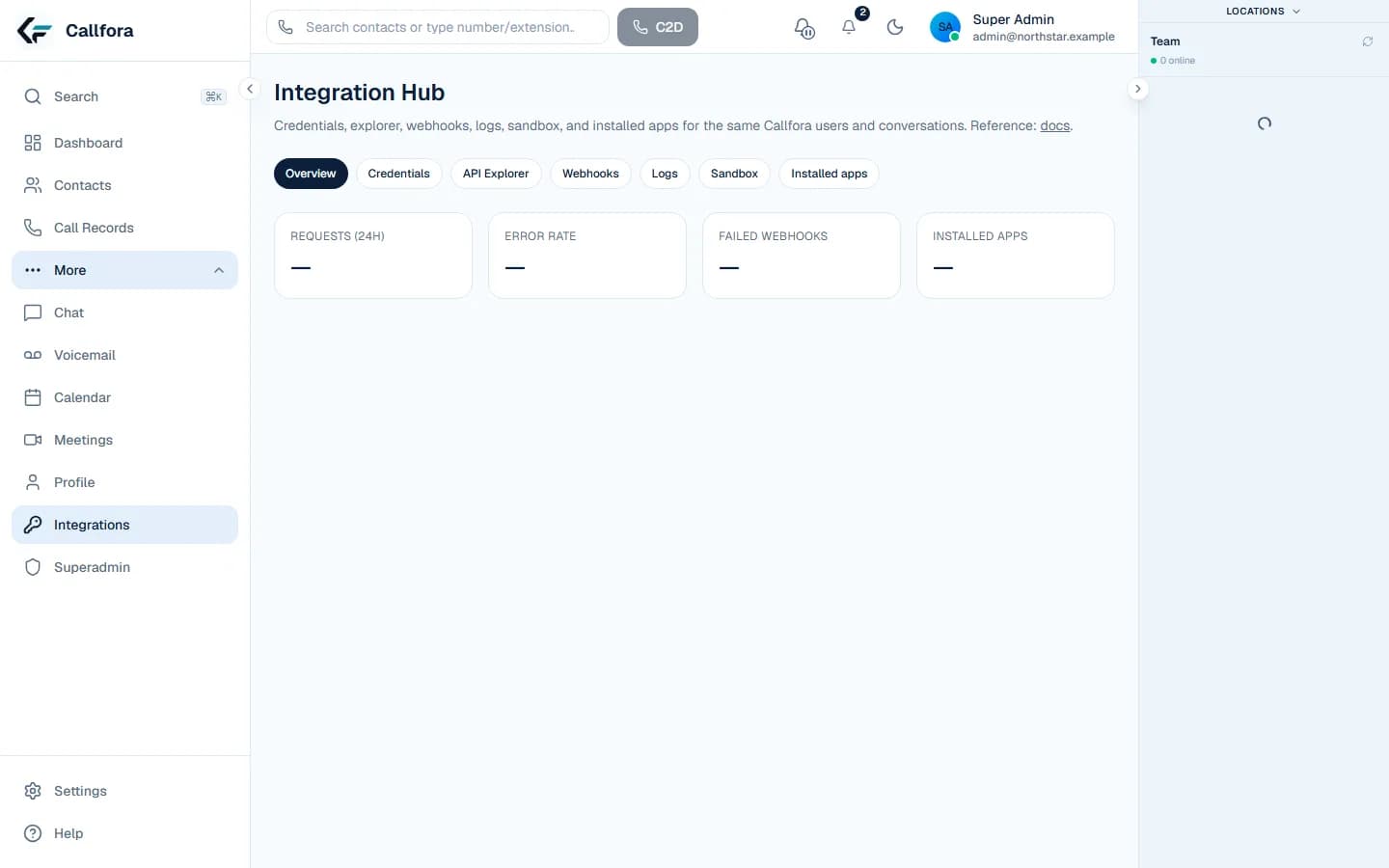
Integration Hub overview
Communicate · 1 of 4
Layer
Licensed seats use one identity for voice, SMS, meetings, contacts, and voicemail on desktop and mobile.
Layer
Administrators point numbers at extensions, menus, hours, ring groups, or queues without a separate telephony console.
Layer
Contact-center deployments add live wallboards, quality review, and scheduled reporting.
Layer
Professional includes scoped credentials, a sandbox, and signed events on the same records.
Platform directory
These are the same routes in the Platform menu. Each page answers one buying question and shows the matching product surface.
The workspace, the contact center, and the open API
Open →Business calling on desktop and mobile
Open →Shared customer conversations
Open →Hosted rooms and guest join
Open →One workspace on every device
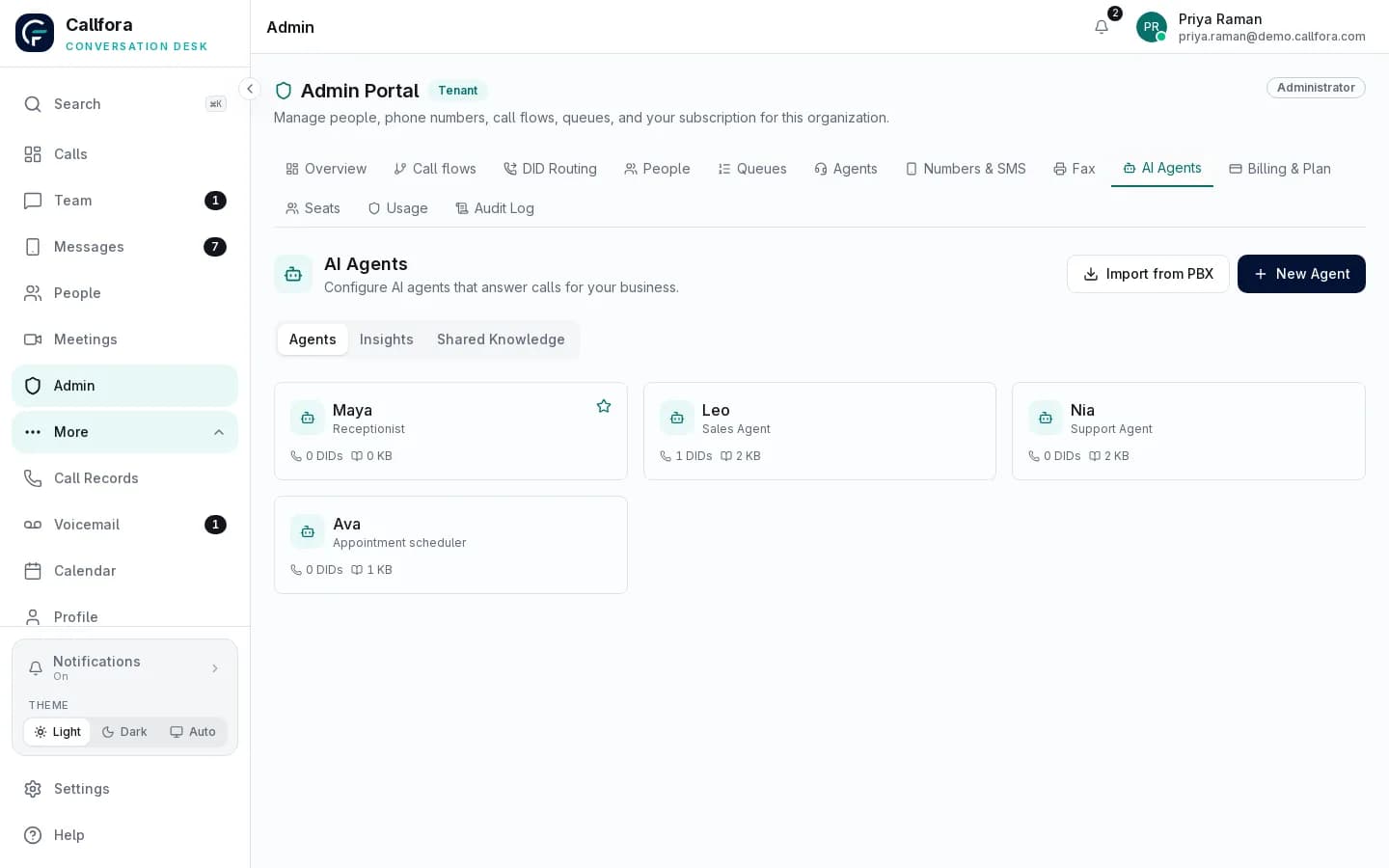
Open →Answer, qualify, book, and hand off
Open →Front-desk coverage on your number
Open →Queues, people, and AI agents in one view
Open →IVR, ring groups, time conditions, routing
Open →API, webhooks, and Integration Hub
Open →Questions
Callfora is one workspace for business calling, SMS, meetings, contact-center routing, analytics, and role-based AI. The same users, numbers, and permissions are available through an API on Professional and above.
Start with Voice and Apps if you need a business phone system. Add Call flows and Analytics for a contact center. Use Integrations when another system must start or record the conversation.
No. Recording, shared SMS, and the API start on Professional. Queues, analytics, and AI agents require Call Centers or Enterprise plus the matching modules and deployment configuration.
Platform
Let’s find the right way to connect your business.