
Job
Sit down
See missed calls, voicemail, and texts that landed while you were away.
Apps
Take and place calls, answer customer texts, join meetings, and work your queue from the desktop or mobile app, with one login and one call history.
Direct answer
They are the desk. Every licensed seat uses one identity for calls, business SMS, meetings, voicemail, and contacts on desktop and mobile. The web application administers users, numbers, routing, and modules. Queue work requires the Call Centers plan and configuration.
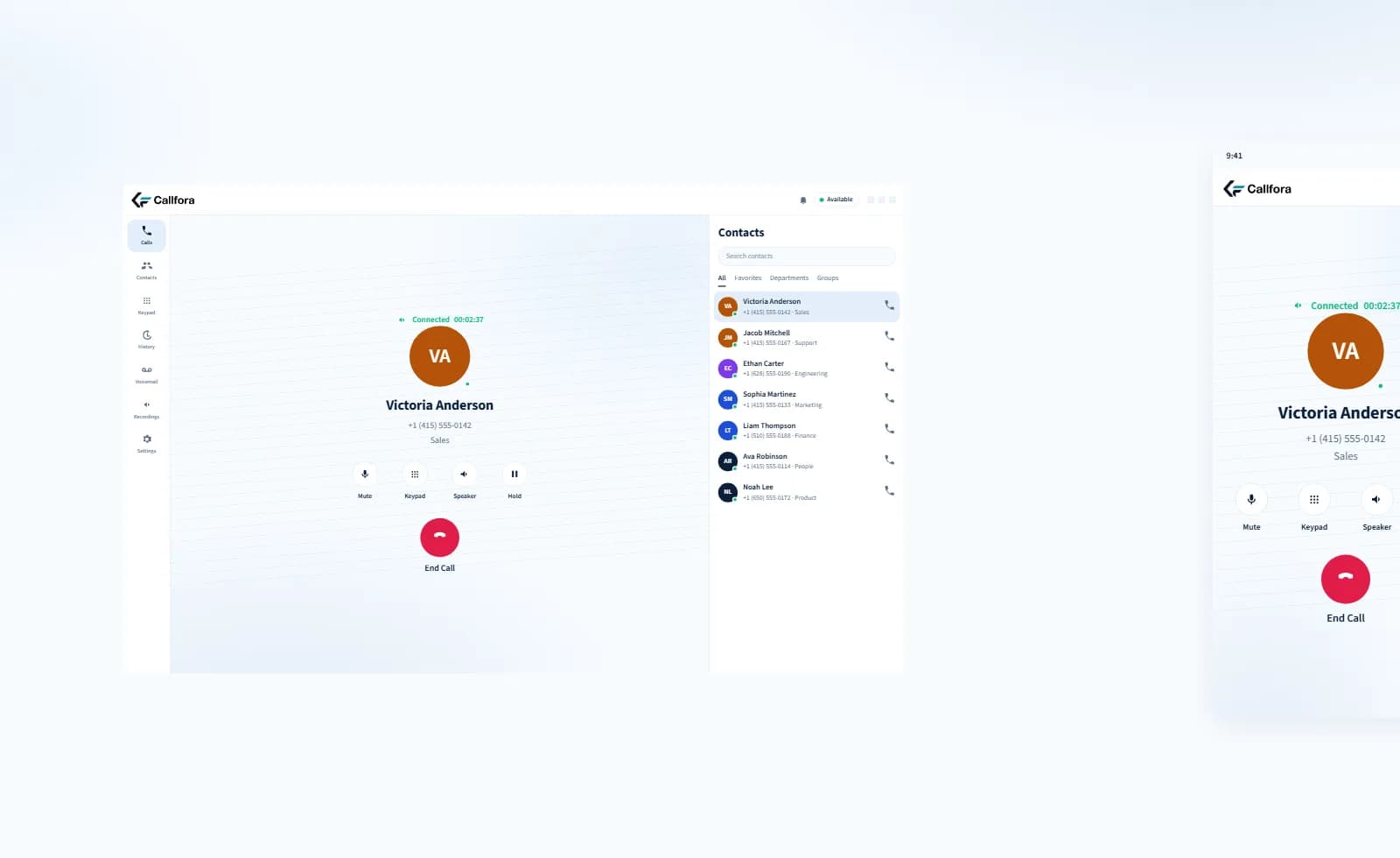
Desktop active call beside the mobile in-call screen. One login, one extension.
A day in the seat
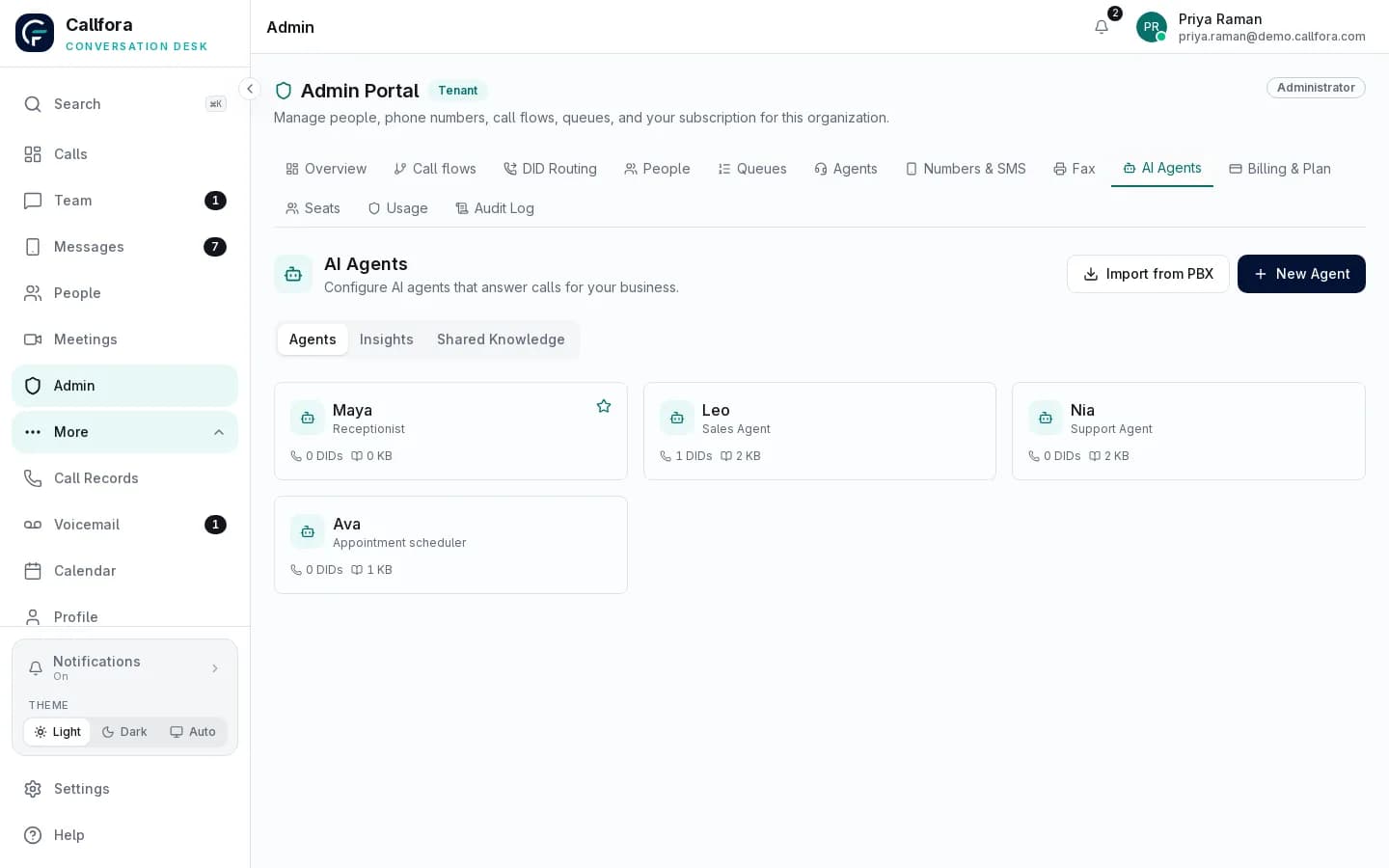
These jobs use the same licensed seat. The frames below reserve the next-phase desktop and mobile captures.
The day starts in four apps before the first customer is reached.
The desktop dashboard brings recent conversations, voicemail, and follow-ups next to the softphone.
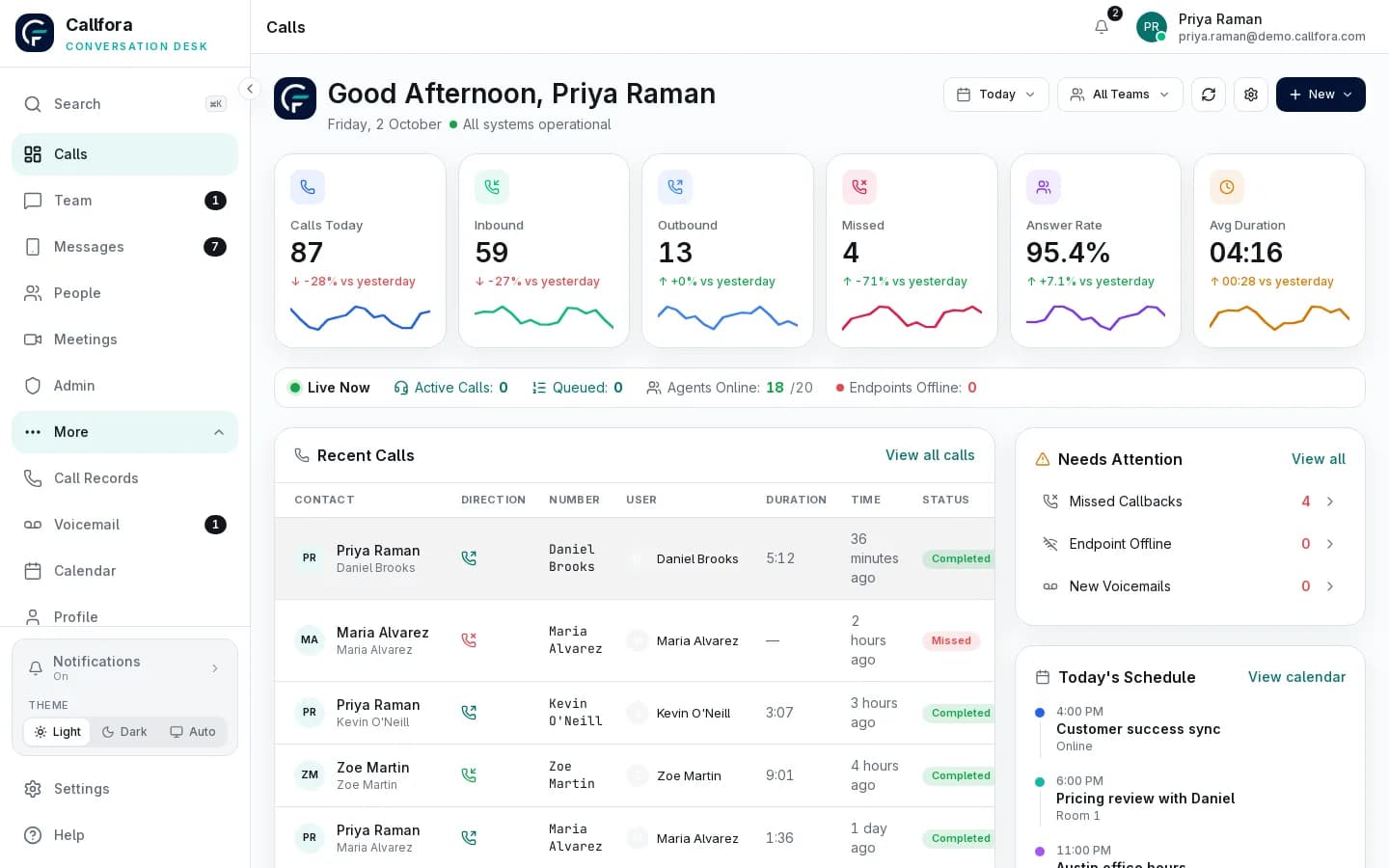
Mobile capture
Mobile · same seat away from the desk
Desktop workspace and mobile seat
A missed mobile call means a missed customer.
Mobile alerts incoming calls in the background and keeps SMS and meetings on the same identity.
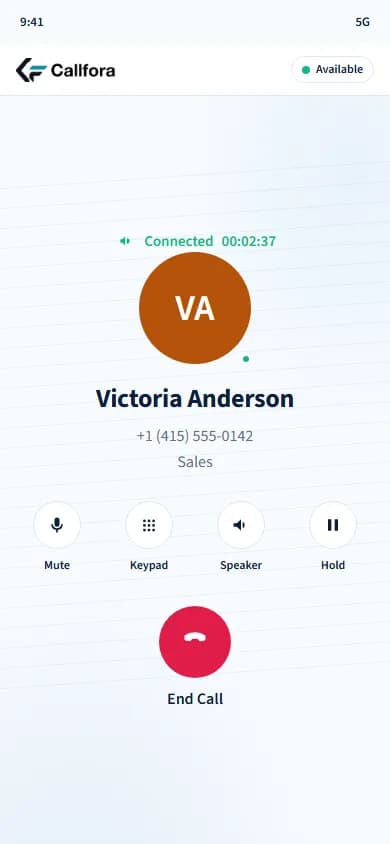
Mobile in-call screen
Agents leave the phone app to see queue status and take the next call.
Set status, see assigned queues and shifts, and take queue calls without switching products.
Queue work requires the Call Centers plan and deployment configuration.
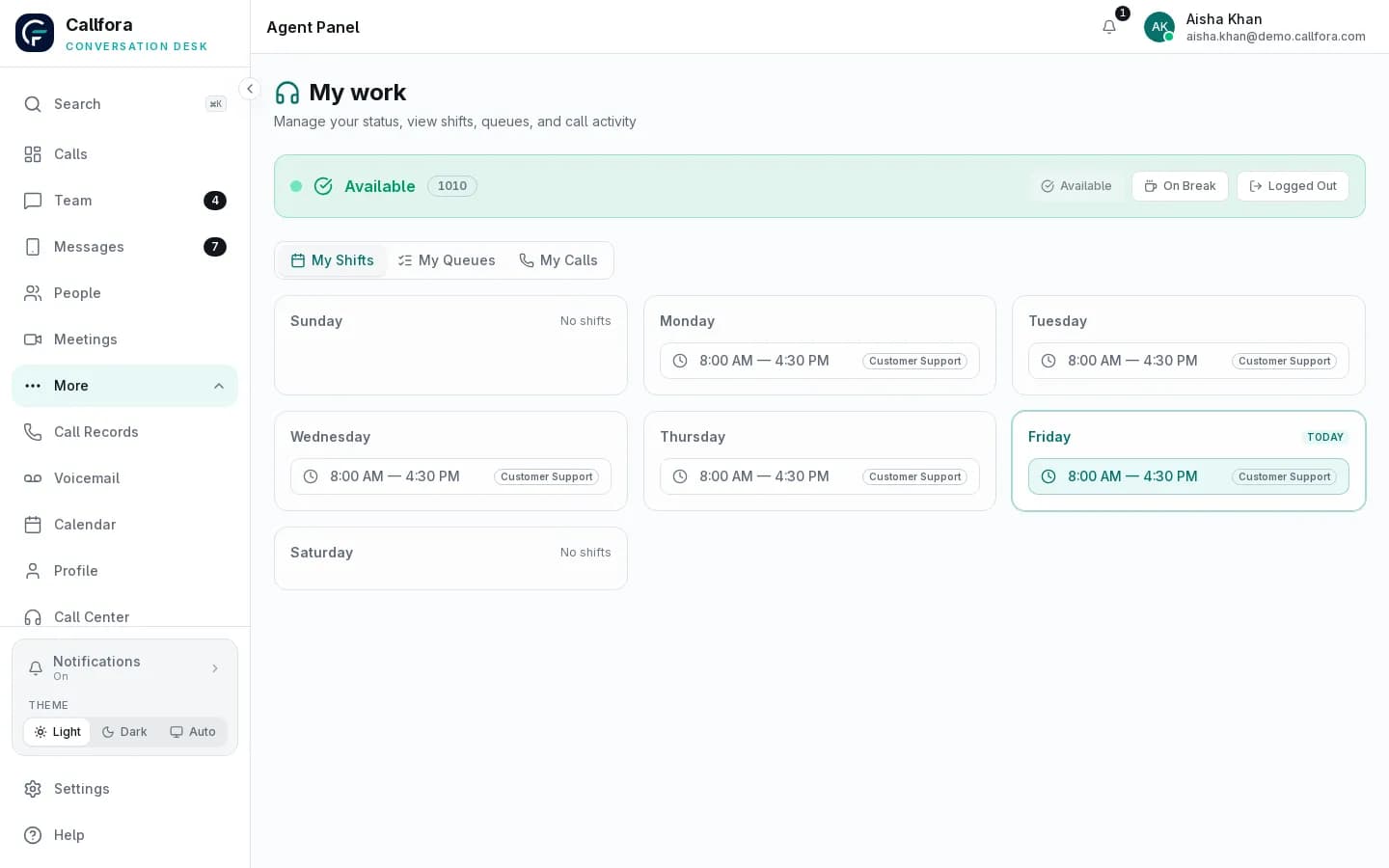
Agent workspace
Sit down · 1 of 3
Reserved captures
Desktop capture
Desktop · morning workspace
Mobile capture
Mobile · same seat away from the desk
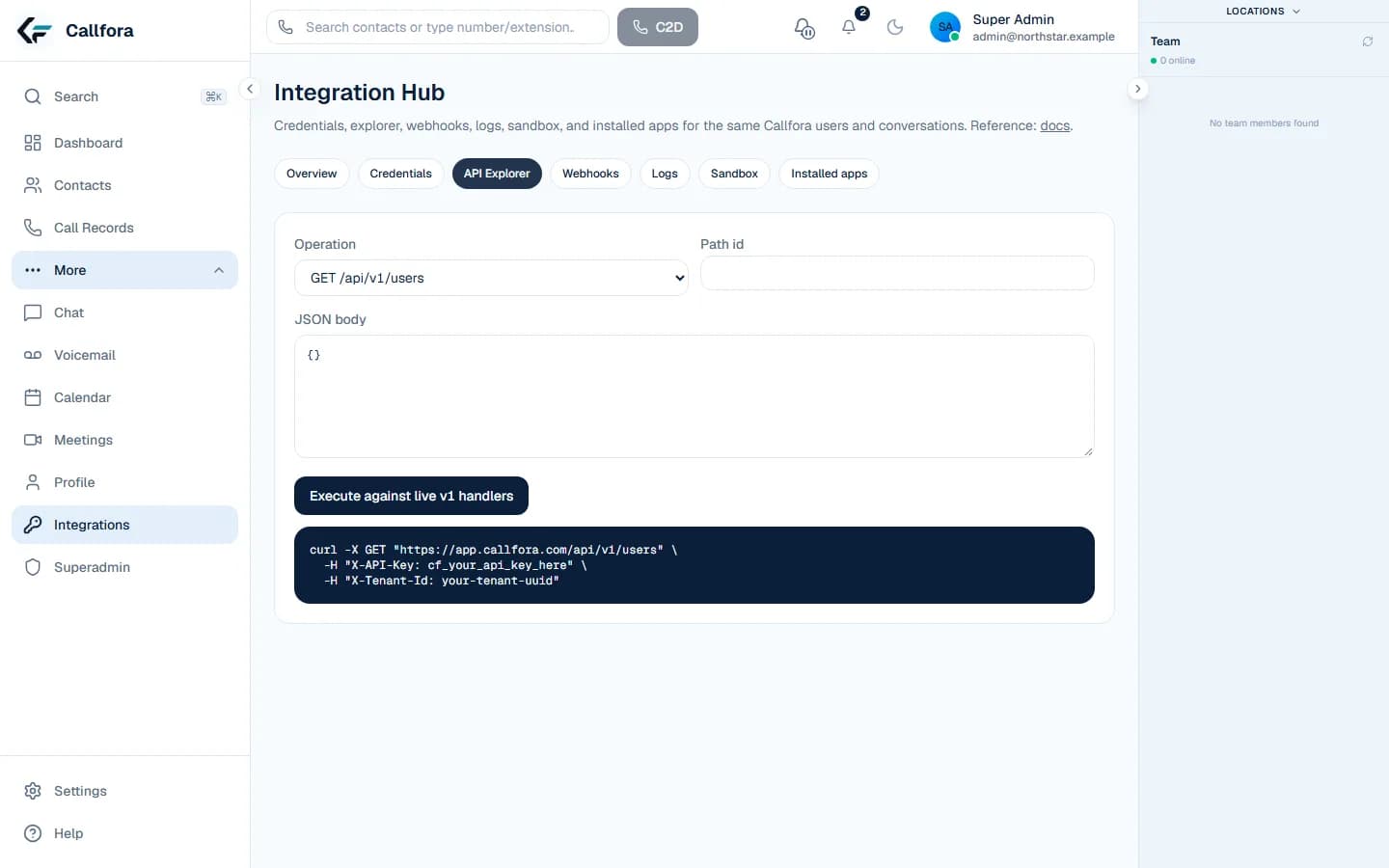
Replace with supplied desktop dashboard and mobile home captures. These frames are not generated interfaces.
Workspace
The workspace dashboard brings live agent status, recent conversations, and items that need a follow-up into one place.
Day-in-the-life jobs
Job
See missed calls, voicemail, and texts that landed while you were away.
Job
Click-to-dial a shared contact or take the inbound call on the business number.
Job
Reply on the same number from desktop or mobile without switching apps.
Job
Join a hosted room with the same login used for calling.
Job
Set status and take the next queue call when Call Centers is configured.
Job
Leave a note in history so the next licensed seat can continue.
Customer messages
Reply to customers from the business number and keep internal chat next to the thread.
Learn more →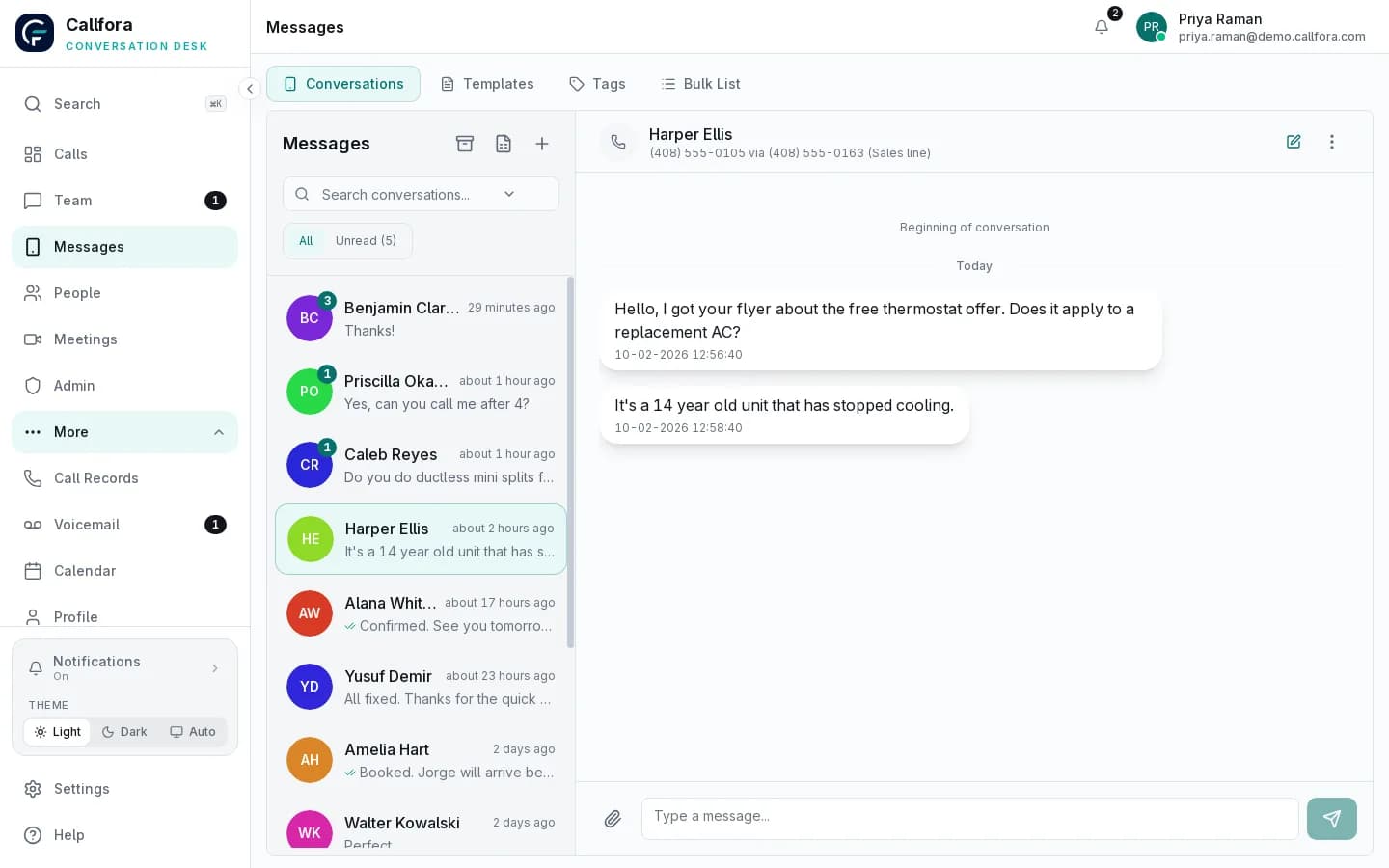
Meetings and calendar
Host rooms, invite guests by link, and keep appointments on the team calendar.
Learn more →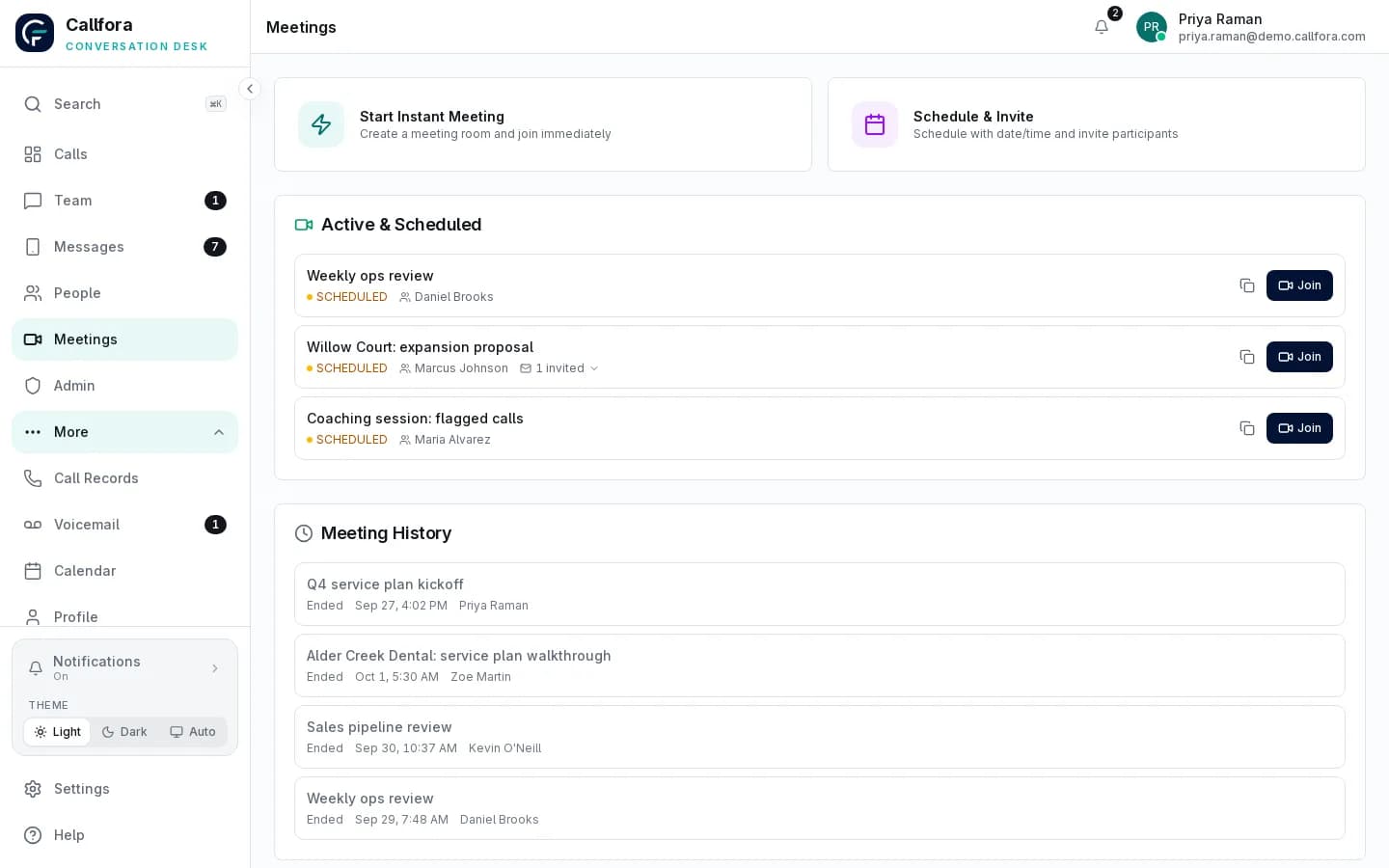
Agent workspace
Set your status, see assigned queues and shifts, and take queue calls without switching products.
Queue work requires the Call Centers plan and deployment configuration.
Learn more →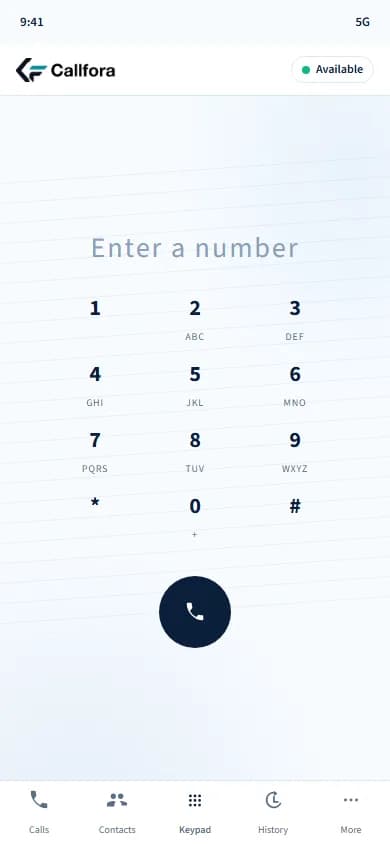
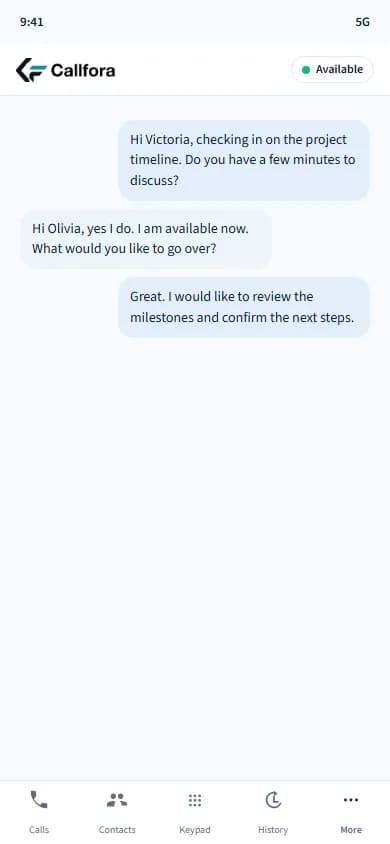
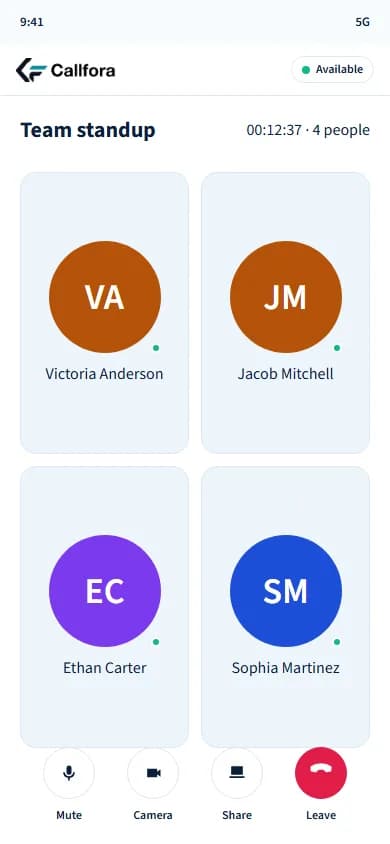
Mobile screens are product renderings. Additional supplied captures will replace the placeholders above.
Questions
The mobile app handles calls, business SMS, meetings, voicemail, and contacts with the same login as desktop. Queue work is available when the Call Centers plan and configuration apply.
Mobile apps alert you to incoming calls even when the app is in the background. Keep notifications enabled for the device.
Yes. One licensed seat, one extension, and one history across desktop, mobile, and the web portal.
Desktop and mobile
Let’s find the right way to connect your business.