
Capability 1
SMS and MMS on provisioned numbers
Business SMS
Personal numbers and team inboxes sit in the same chrome as voice. A text does not vanish into a private phone.
Direct answer
Business SMS in Callfora uses provisioned company numbers in the same workspace as voice. Shared inboxes with assignment are on Professional and above. US carriers require 10DLC brand and campaign registration before traffic is accepted. Calling works while registration is pending.
Inside the workspace
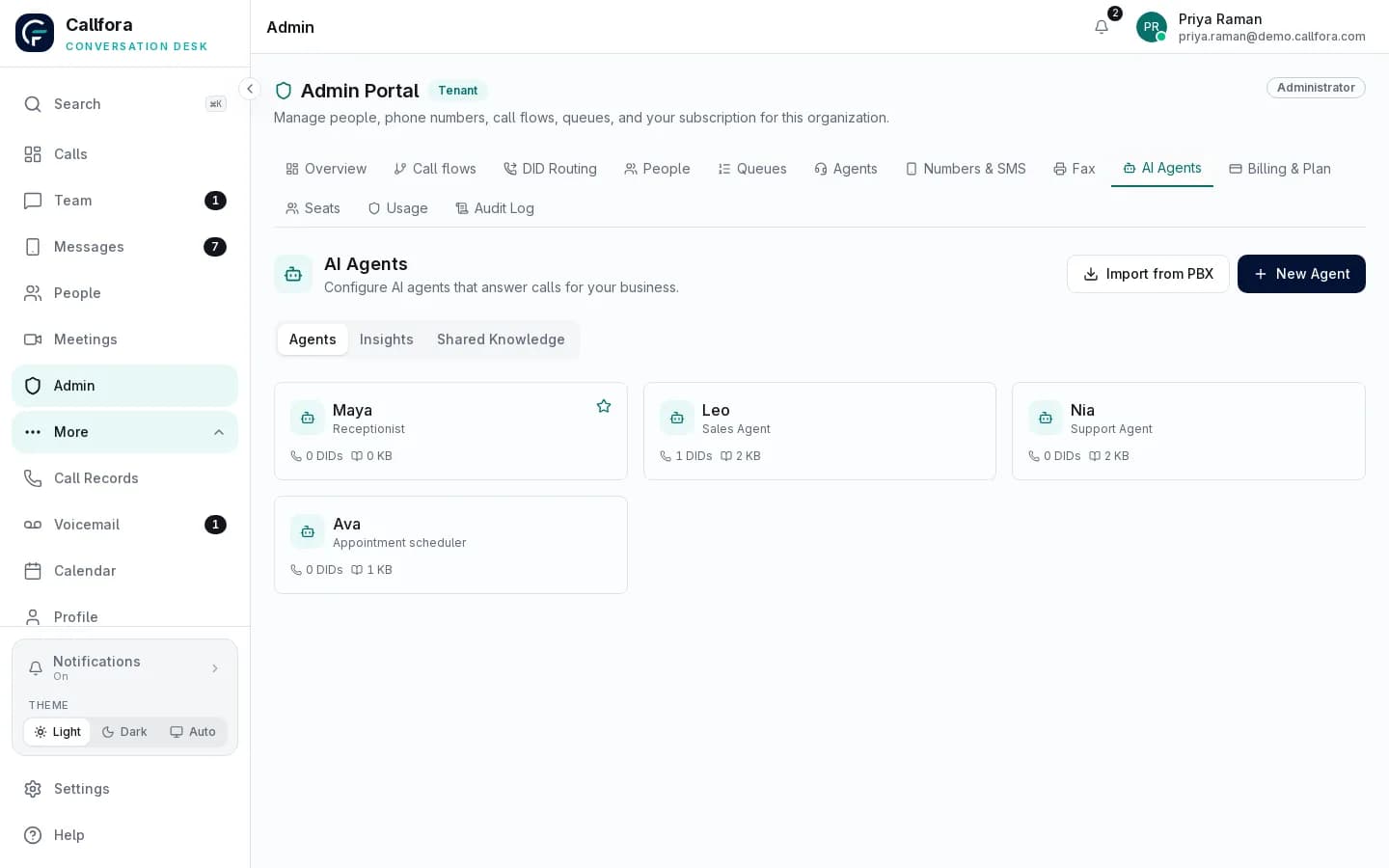
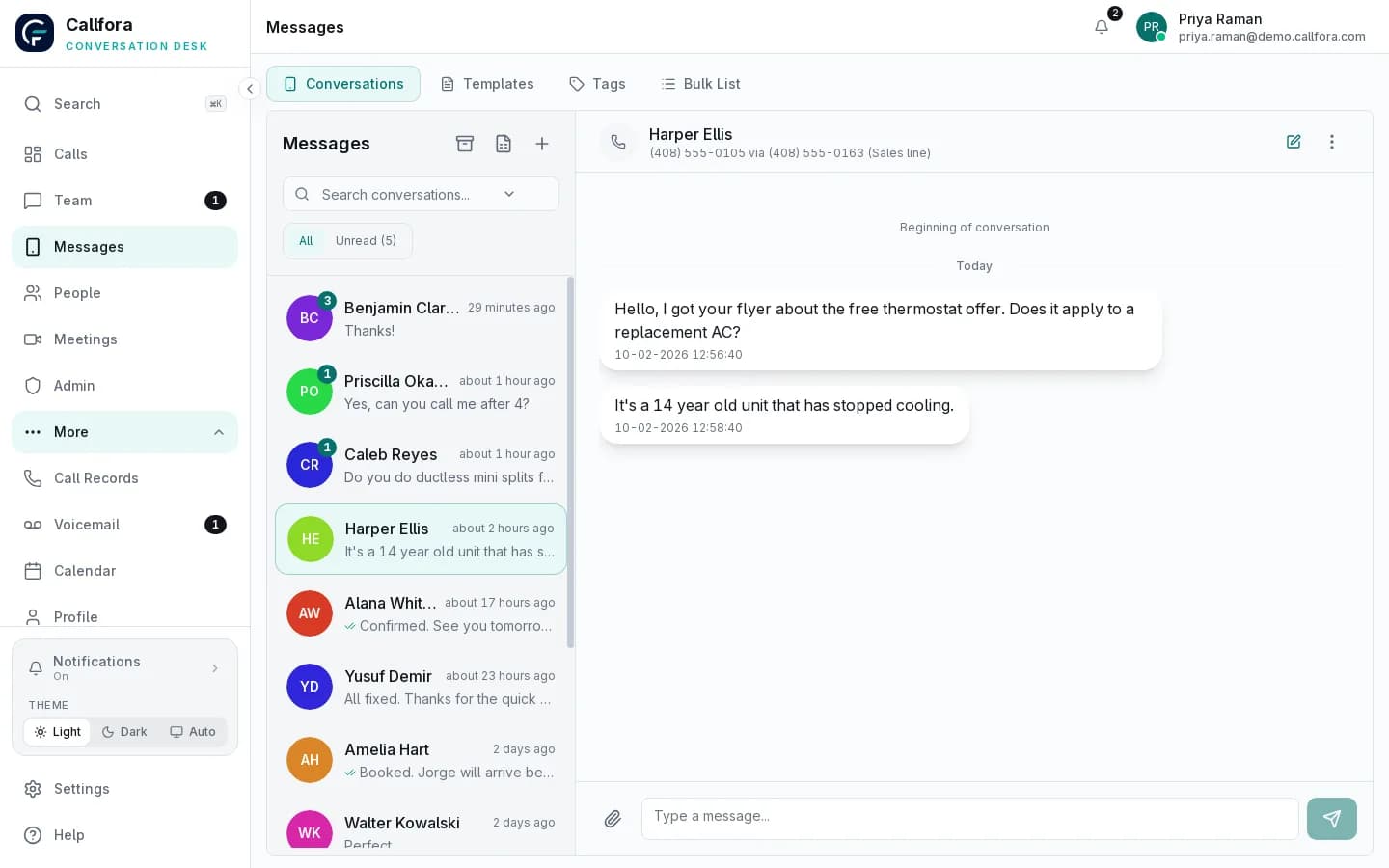
The product capture below comes from Callfora. The capabilities beside it describe the implemented workflow, with availability qualified where plan or deployment requirements apply.
SMS and MMS on provisioned numbers
Shared inboxes with assignment on Professional and above
Team chat stays next to the customer thread
The challenge
Each state shows a common operations problem and the Callfora surface that addresses it.
Customer texts land on someone's phone and vanish when that person is away.
Provisioned numbers carry voice and business SMS in the same workspace.
Messaging and number availability vary by region and plan.
Mobile capture
Mobile · same thread
Business SMS in the workspace
The team cannot see who already answered a customer text.
Professional and above add shared inboxes with assignment. Essentials keeps personal SMS.
Professional and above. Availability also depends on enabled modules, permissions, region, and deployment configuration.
Voice and SMS together
Follow-up texts never reach the ticket or CRM the team already runs.
Professional includes API send plus signed sent and received events. Live takeover stays in the desk.
Professional and above. Availability also depends on enabled modules, permissions, region, and deployment configuration.
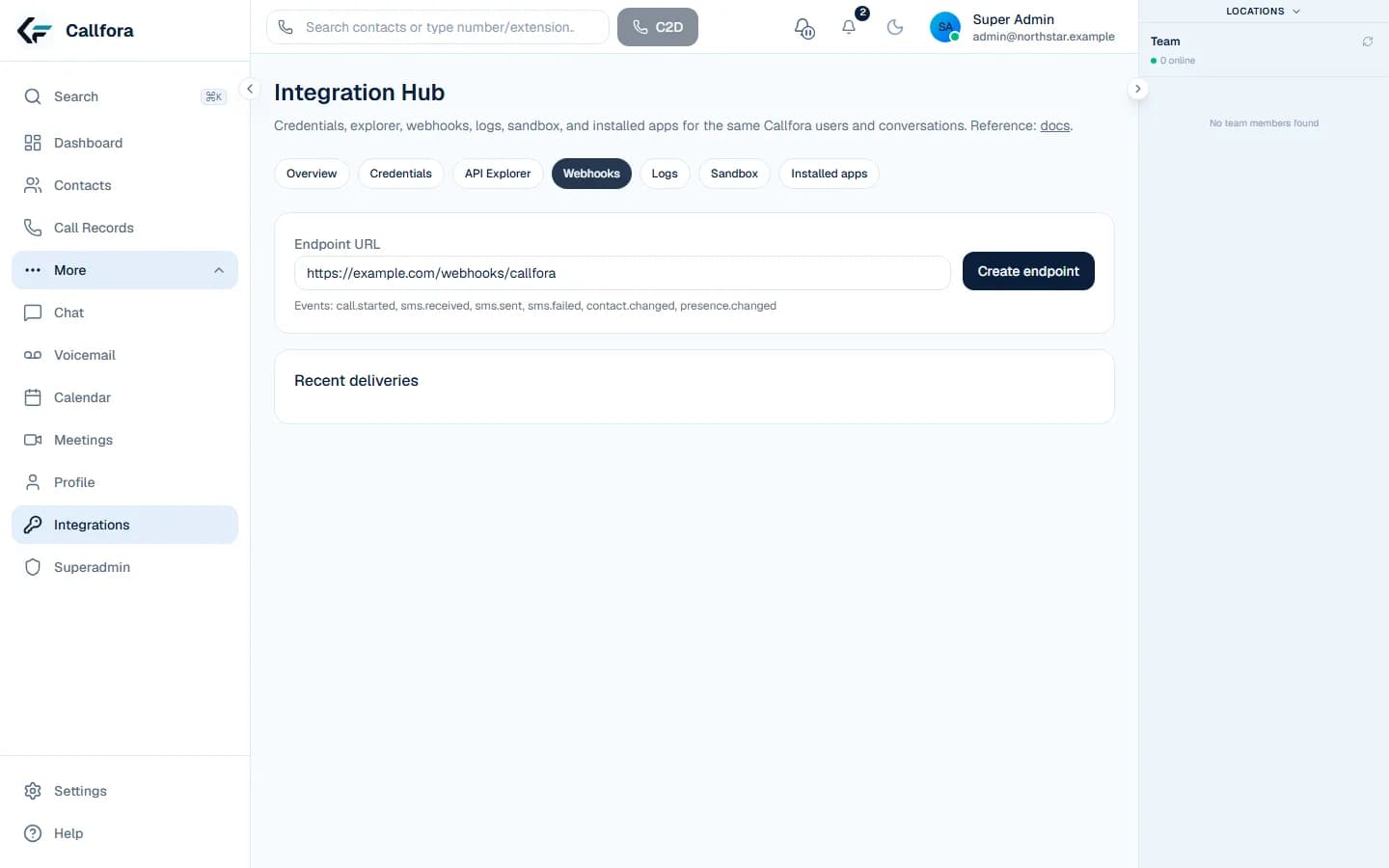
Signed event delivery
Personal texts · 1 of 3
Workflow
A customer texts a provisioned business number
The thread appears in the personal or shared inbox
A licensed seat replies from desktop or mobile, or an API workflow sends a follow-up
Operational boundary: Messaging and number availability vary by region and plan. Shared inboxes require Professional. API send and signed events also require Professional.
On every device
Callfora desktop and mobile apps are the desk. The web application administers the organization, roles, numbers, routing, and enabled product modules.
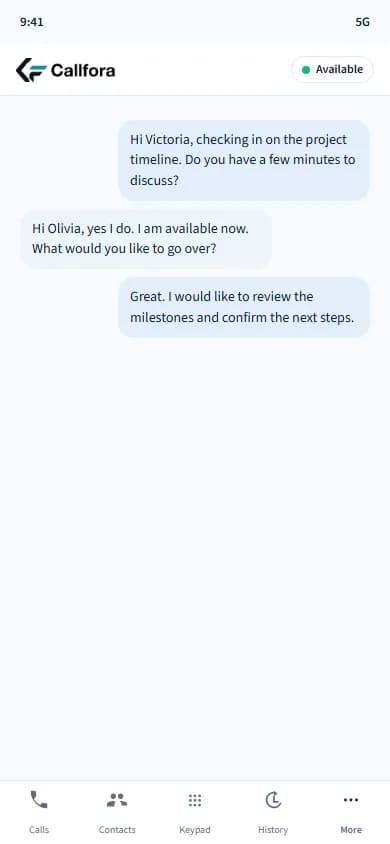
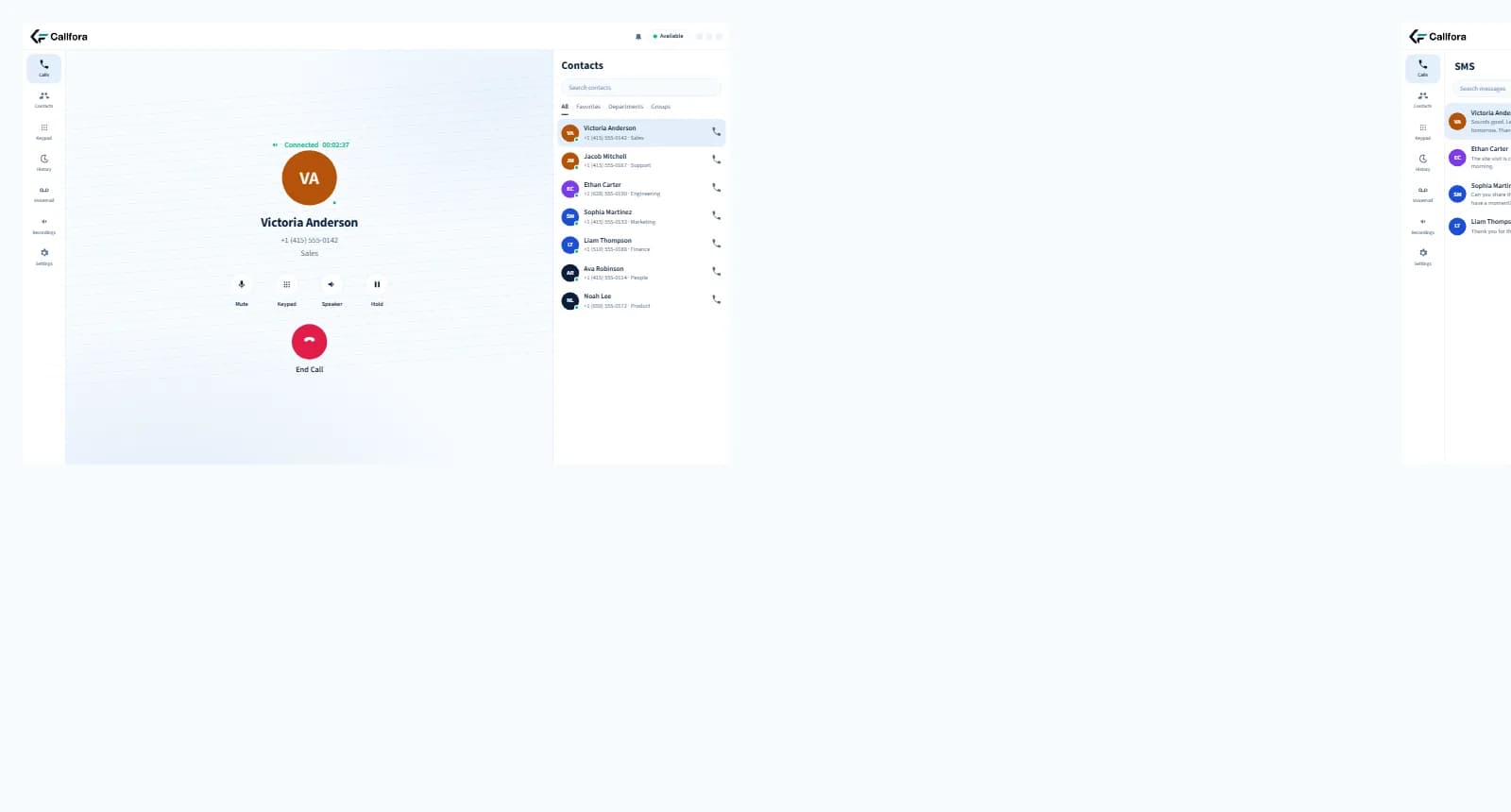
Voice and SMS on the same desktop workspace, with the mobile conversation on the same seat. Shared inboxes are on Professional and above.
Next-phase captures
These frames reserve the next-phase product captures. They are not generated interfaces.
Desktop capture
Desktop · business SMS inbox
Mobile capture
Mobile · same thread
Reserved desktop inbox and mobile thread captures on the business number.
Carrier registration is required before business SMS is accepted. Registration usually takes several business days and can be rejected if the use case is unclear.
Questions
Yes. SMS and MMS use provisioned business numbers in the same workspace as voice. Shared inboxes with assignment are on Professional and above. Essentials keeps personal SMS.
Yes. Carriers require business text messaging to be registered before traffic is accepted, for example 10DLC brand and campaign registration in the United States. Registration usually takes several business days. Calling works while registration is pending.
Professional and above can send from a provisioned number and subscribe to signed sent and received events. Live takeover still happens in the workspace.
Your next great conversation starts here
Let’s find the right way to connect your business.