
Click-to-dial API

Move from a CRM record to a live conversation

Map the signed-in operator, send an idempotent request, and hand control to the same user's workspace.

CRM to workspace

  1. 01

    Resolve an authorized workspace user

  2. 02

    Submit the destination with an idempotency key

  3. 03

    Ring the user's provisioned extension

  4. 04

    Continue the call in desktop or mobile

Operational boundary: The operation requires an acting user with a provisioned extension. Sandbox calls are simulated.

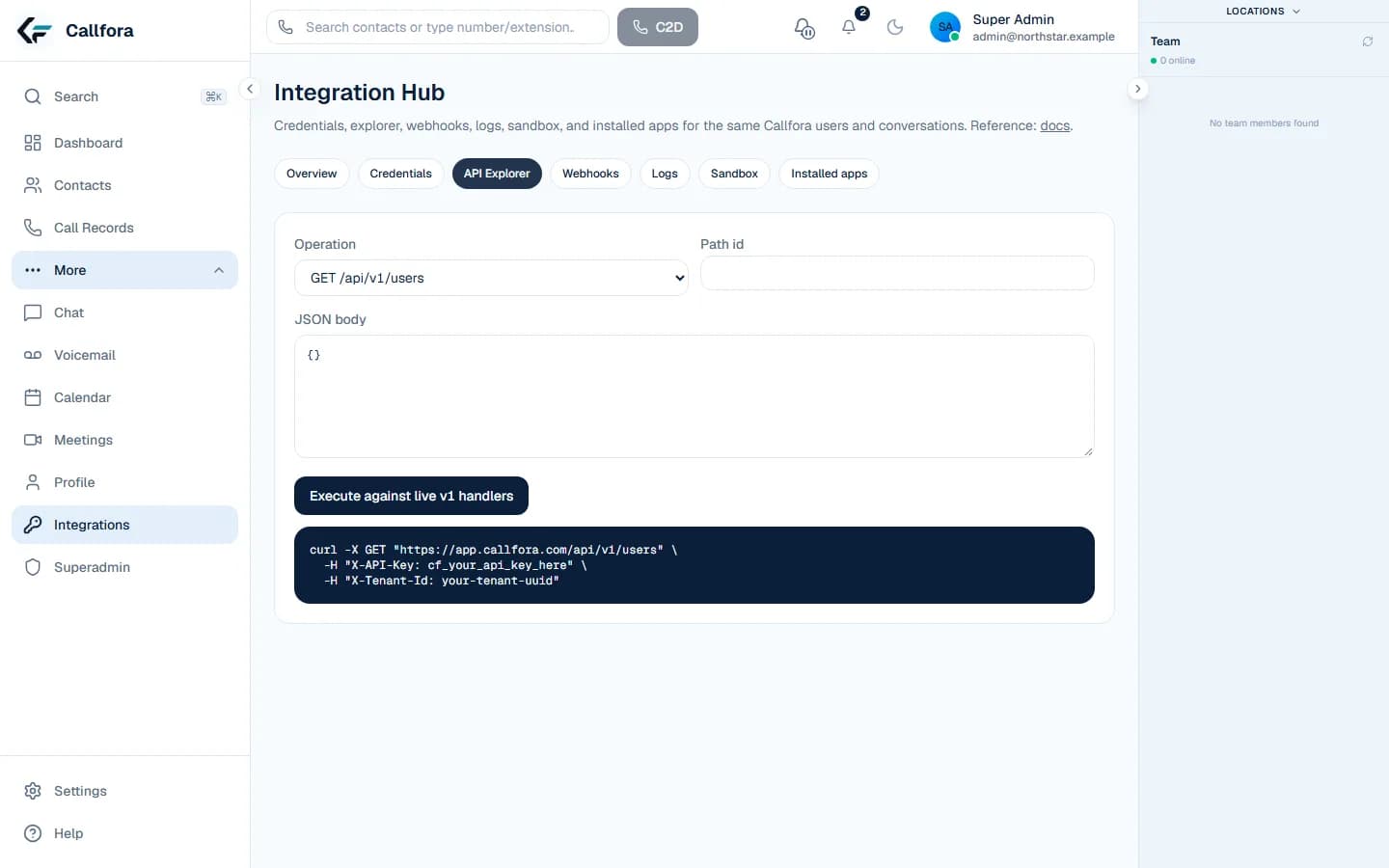
curl -X POST "$CALLFORA_API/api/v1/click2dial" \
  -H "Authorization: Bearer $CALLFORA_API_KEY" \
  -H "X-Organization-Id: $ORGANIZATION_ID" \
  -H "X-User-Email: agent@example.com" \
  -H "Idempotency-Key: call_crm_1042" \
  -H "Content-Type: application/json" \
  -d '{"destination":"+1555010188"}'
Generated from voice.click2dial · success 200

Choose your next step

Set up your workspace, or talk to us about your rollout.