
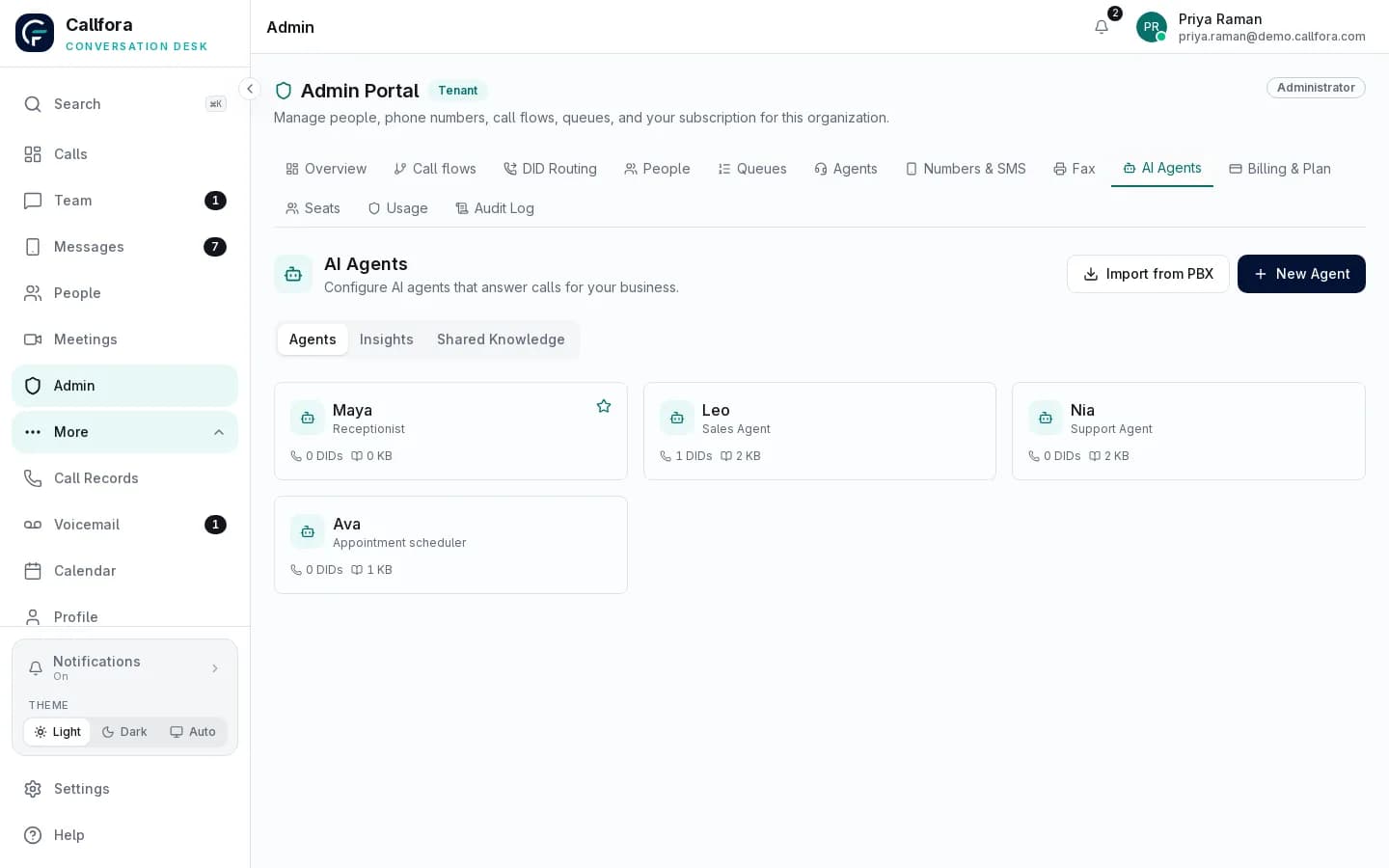
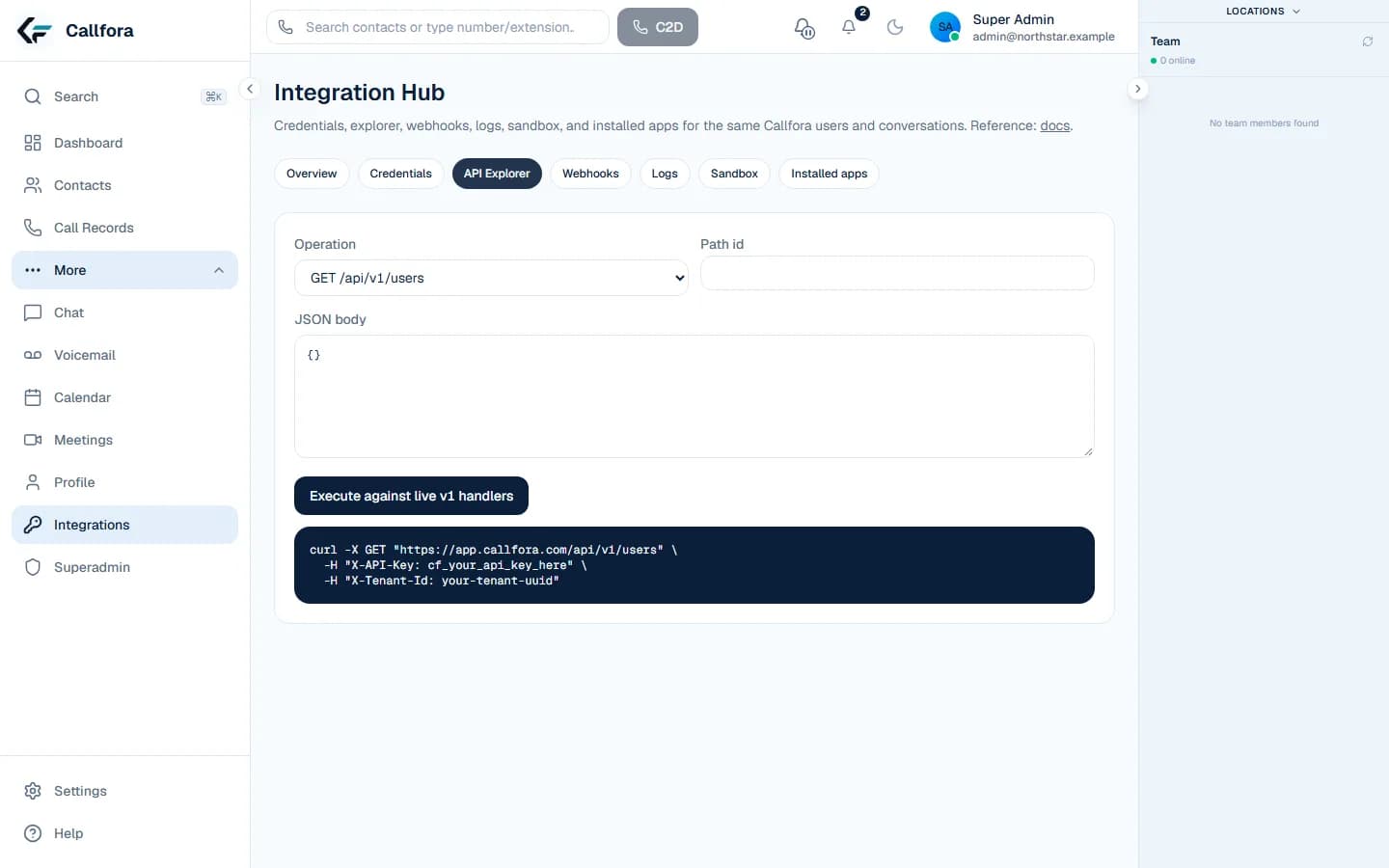
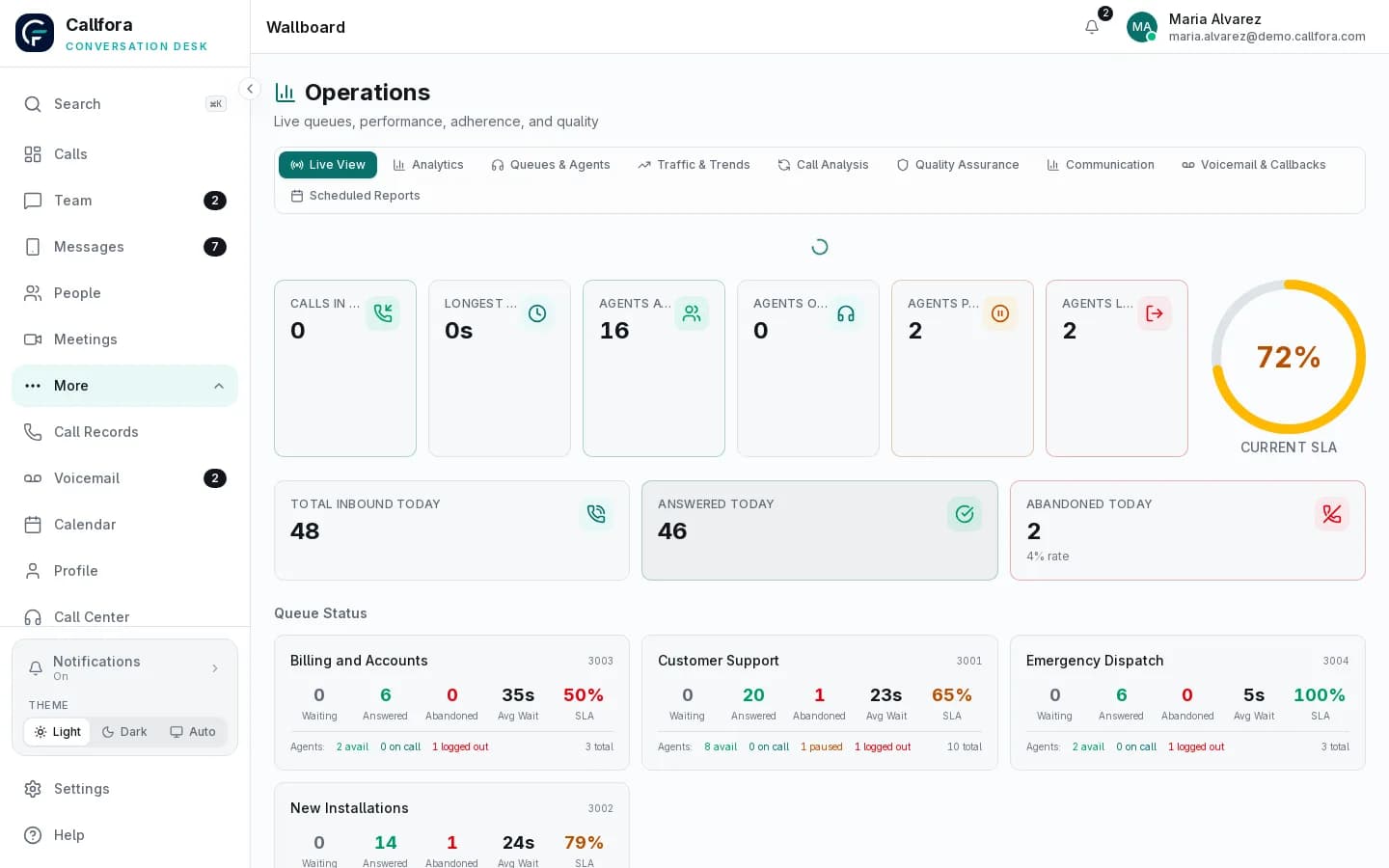
Real Callfora wallboard with sample data. Contact-center modules require the Call Centers plan.
Routing and queues
Can you set up queues by team or skill, set business hours, and decide what happens when nobody is available? Can you change it without a support ticket?
Agent workspace
Agents need their status, assigned queues, the caller's history, and dispositions in one place, on desktop and mobile if they move around.
Live visibility and reporting
Supervisors should see who is waiting and who is available right now, and review answer rates, abandonment, and handle time by queue and agent afterwards.
Quality review
Look for recordings next to the call record, consistent disposition codes, and review workflows. AI-assisted scoring can help, but it should support human review, not replace it.
Integrations
Check that calls and messages can start from your CRM or help desk and that events flow back, so agents are not copying notes between systems.